
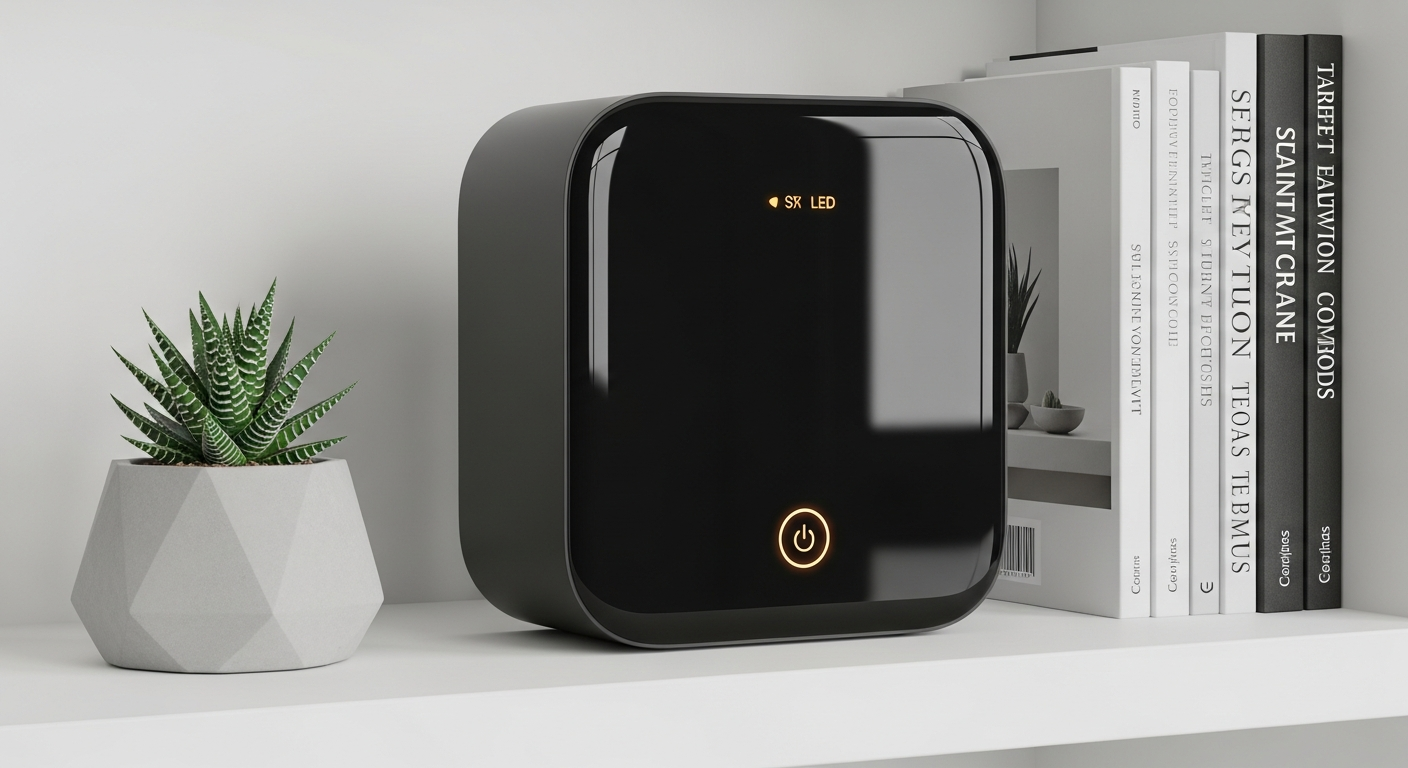
Welcome to the world of smart homes! This guide will help you understand what smart home devices are and how you can easily start making your home smarter, even if you have no tech experience.
1. What exactly is a smart home device?
A smart home device is an everyday item, like a light bulb or a thermostat, that can connect to the internet. This connection allows you to control it remotely using an app on your phone, your voice, or even set it to do things automatically.
Think of it as giving your regular home items a "brain" and the ability to talk to you and each other. They make your home more convenient, efficient, and sometimes, even safer.
2. Why should I make my home smart?
Making your home smart offers many benefits. You can save energy by automatically turning off lights or adjusting heating when you're away. It adds convenience, like turning on lights before you walk through the door.
Smart homes can also improve security with smart cameras and doorbells, and even help with daily routines by automating tasks. It's about making your home work smarter for you.
3. What do I need to start building a smart home?
To start, you mainly need three things: a reliable home Wi-Fi network, a smartphone to control devices, and a smart device itself. Some devices might also need a "hub," which is a central brain that helps different devices talk to each other.
Don't worry, many popular smart devices today connect directly to your Wi-Fi without needing a separate hub, making it very easy to begin.
Wi-Fi Direct Devices
- Connects straight to your home Wi-Fi.
- No extra equipment needed.
- Great for beginners and single devices.
- Examples: Smart light bulbs, smart plugs.
Hub-Required Devices
- Connects to a central "hub" device.
- Hub then connects to your Wi-Fi.
- Better for many devices working together.
- Examples: Advanced security systems, complex lighting.
4. Is it expensive to get started with smart devices?
Not at all! You can start very affordably. Simple smart plugs or light bulbs can cost as little as $10-$20 each. You don't need to buy everything at once.
Many people begin with just one or two devices and gradually add more over time. This allows you to spread out the cost and learn what works best for your home.
5. How do I choose the right devices for my needs?
Start by thinking about a problem you want to solve or something you want to make easier. Do you always forget to turn off lights? A smart bulb or plug is great. Do you want to know who's at your door? A smart doorbell is perfect.
Research devices that work with your existing smartphone and consider if you prefer voice control (like Alexa or Google Assistant) or app control. Read reviews to find reliable brands.
6. Do I need a central hub for all my devices?
Not always, especially when you're just starting. Many popular smart devices, like smart plugs and Wi-Fi light bulbs, connect directly to your home Wi-Fi network and are controlled by their own app or a general smart home app.
However, if you plan to have many devices from different brands working together in complex ways, a hub can make management easier and improve performance. It's a choice for later, not a requirement to begin.
7. What's the easiest first smart device to install?
A smart plug or a smart light bulb is often the easiest first step. A smart plug simply plugs into a regular wall outlet, and then you plug your existing lamp or appliance into it. You then control it with an app.
A smart light bulb screws into any standard light socket. Both are quick to set up, don't require special tools, and immediately show you the convenience of a smart home.
Setting Up a Smart Plug
- Plug smart plug into wall outlet.
- Plug lamp/appliance into smart plug.
- Download the device's app on your phone.
- Follow app instructions to connect to Wi-Fi.
- Control your device from anywhere!
8. How do smart devices connect to each other?
Smart devices connect using various technologies. The most common is your home Wi-Fi network. Other technologies include Bluetooth (for short distances), Zigbee, and Z-Wave (which often need a hub).
Many devices can also connect indirectly through a "smart assistant" like Amazon Alexa or Google Assistant. These assistants act as a bridge, allowing different brands to communicate and respond to your voice commands.
9. Can I control smart devices from my phone?
Absolutely! Your smartphone is your main control center for most smart home devices. Each device usually comes with its own app, but many can also be linked to a single main app like Google Home or Amazon Alexa.
This allows you to turn lights on, lock doors, check cameras, or adjust your thermostat from anywhere in the world, as long as your phone has internet access.
10. What are some common beginner mistakes to avoid?
One common mistake is buying devices from too many different brands that don't work well together. Try to stick to a few compatible brands or choose devices that explicitly state they work with a major smart assistant (like Alexa or Google Home).
Another mistake is trying to automate everything at once. Start small, learn how things work, and expand gradually. Also, ensure your Wi-Fi network is strong enough to support multiple devices.