
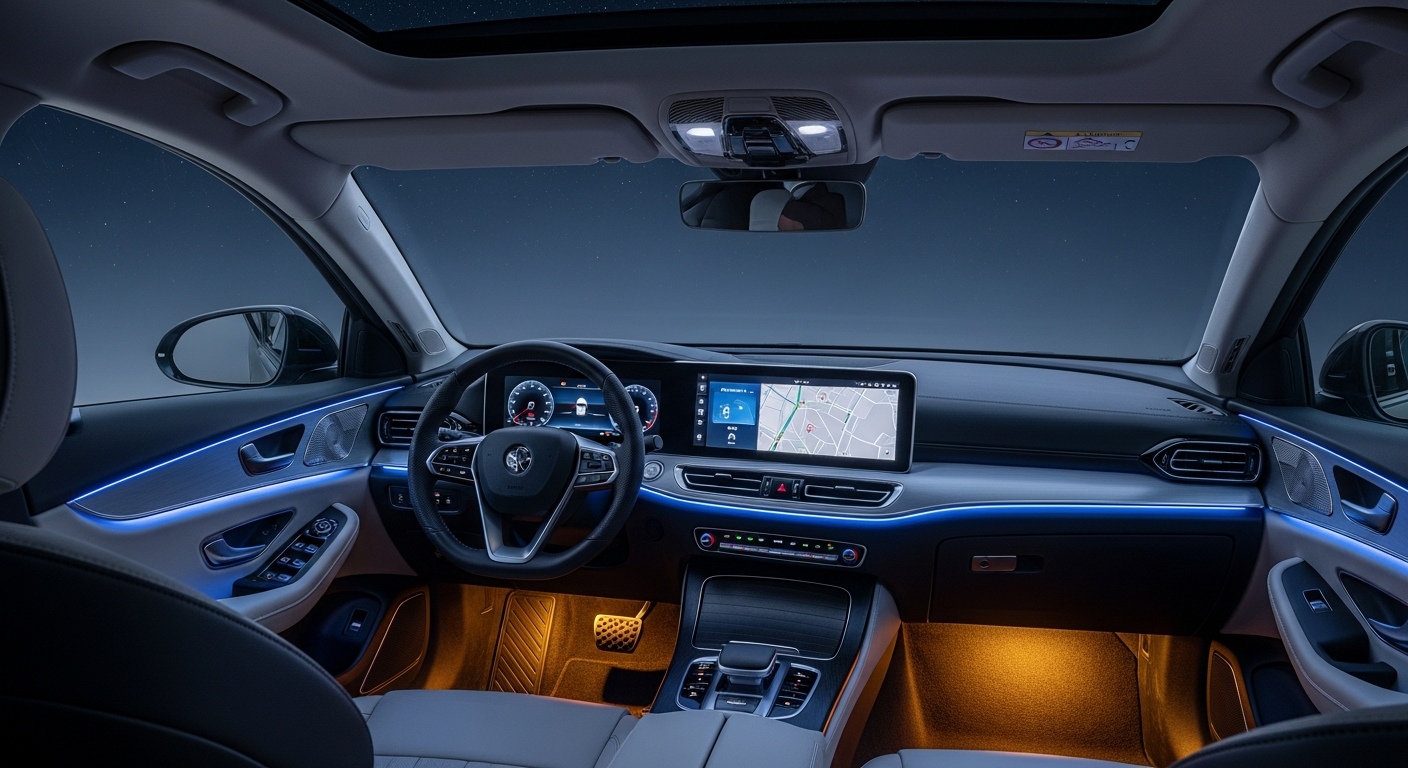
Have you ever wondered what makes today's cars feel so futuristic? It's all thanks to smart car technology, which adds brains and connectivity to your ride.
1. What does "smart car technology" mean?
Smart car technology refers to features that use computers, sensors, and connectivity to make driving safer, easier, and more enjoyable. Think of it as your car having its own mini-computer system that helps it understand the world around it and interact with you.
These technologies range from simple navigation systems to advanced features that can help prevent accidents. They aim to improve everything from entertainment to how your car performs on the road.
2. What are common smart features in modern cars?
Many modern cars come with features like touchscreen displays for navigation and music, keyless entry and start, and parking assist systems that help you squeeze into tight spots. You might also find adaptive cruise control, which keeps a safe distance from the car ahead.
Other common features include blind-spot monitoring, which warns you about cars you can't see, and automatic emergency braking, which can apply the brakes if it detects an imminent collision.
3. How do smart cars connect to the internet?
Smart cars connect to the internet in a few ways, often through a built-in cellular connection, similar to how your smartphone gets online. This allows features like real-time traffic updates, remote services (like starting your car from an app), and Wi-Fi hotspots for passengers.
Some cars can also connect via your smartphone's internet connection, especially for features like Apple CarPlay or Android Auto. This ensures your car always has the latest information and services.
Traditional Car
- Manual controls
- Fixed features
- Limited connectivity
- Driver-only decisions
Smart Car
- Digital interfaces
- Updatable software
- Constant connectivity
- Driver-assist systems
4. What is Apple CarPlay and Android Auto?
Apple CarPlay and Android Auto are systems that project a simplified version of your smartphone's screen onto your car's display. This lets you safely use apps like navigation, music, and messaging directly from your car's touchscreen or voice commands.
They make it much easier to access your favorite phone features without picking up your device, improving focus on the road. You simply connect your phone, often with a USB cable or wirelessly, and your car's screen transforms.
5. How do driver-assistance systems work?
Driver-assistance systems, often called ADAS, use a combination of sensors, cameras, radar, and computers to monitor the road and your surroundings. For example, adaptive cruise control uses radar to detect the car in front and adjust your speed.
Lane-keeping assist uses cameras to see lane markings and can gently steer you back if you drift. These systems are designed to assist the driver, not replace them, by providing warnings or subtle interventions to help prevent accidents.
6. Can smart cars be hacked?
Like any connected computer system, smart cars can potentially be vulnerable to hacking. Car manufacturers invest heavily in cybersecurity to protect vehicles from unauthorized access. They use strong encryption and security protocols to safeguard the car's systems.
While the risk exists, successful hacks are rare and often require advanced technical skills and physical access to the vehicle. Keeping your car's software updated is one of the best ways to protect against potential threats.
7. What is over-the-air (OTA) software updates in cars?
Over-the-air (OTA) updates allow your car's software to be updated wirelessly, just like your smartphone or computer. This means you don't have to visit a dealership for every software improvement or bug fix.
OTA updates can introduce new features, improve existing ones, enhance security, or even boost performance. It ensures your car stays current with the latest technology and safety advancements without any hassle.
How OTA Updates Work
1. Manufacturer releases new software.
2. Car downloads update via cellular connection.
3. Driver approves installation (often while parked).
4. Car software is updated wirelessly.
8. Do smart cars collect my data?
Yes, smart cars often collect various types of data. This can include driving performance (like speed and braking), location data, system diagnostics, and even infotainment usage. This data helps manufacturers improve their products, offer services, and troubleshoot issues.
Manufacturers are usually transparent about what data is collected and how it's used, often outlined in your car's privacy policy. You can often manage certain data-sharing preferences through your car's settings or associated apps.
9. What is vehicle-to-everything (V2X) communication?
V2X communication allows your car to "talk" to other cars (V2V), traffic lights and road signs (V2I), pedestrians (V2P), and even the broader network (V2N). This constant exchange of information creates a highly aware driving environment.
For example, a V2X system could warn you about a car braking hard several vehicles ahead, even before you see it. It's a key technology for future autonomous driving and significantly improves traffic flow and safety.
10. How can smart tech make driving safer?
Smart tech significantly enhances driving safety by providing an extra layer of awareness and assistance. Features like automatic emergency braking, lane-keeping assist, and blind-spot monitoring actively help prevent collisions by warning drivers or even intervening.
V2X communication can provide early warnings about road hazards, traffic, or emergency vehicles. Overall, smart car technology acts as a co-pilot, reducing driver fatigue, improving reaction times, and making our roads safer for everyone.