
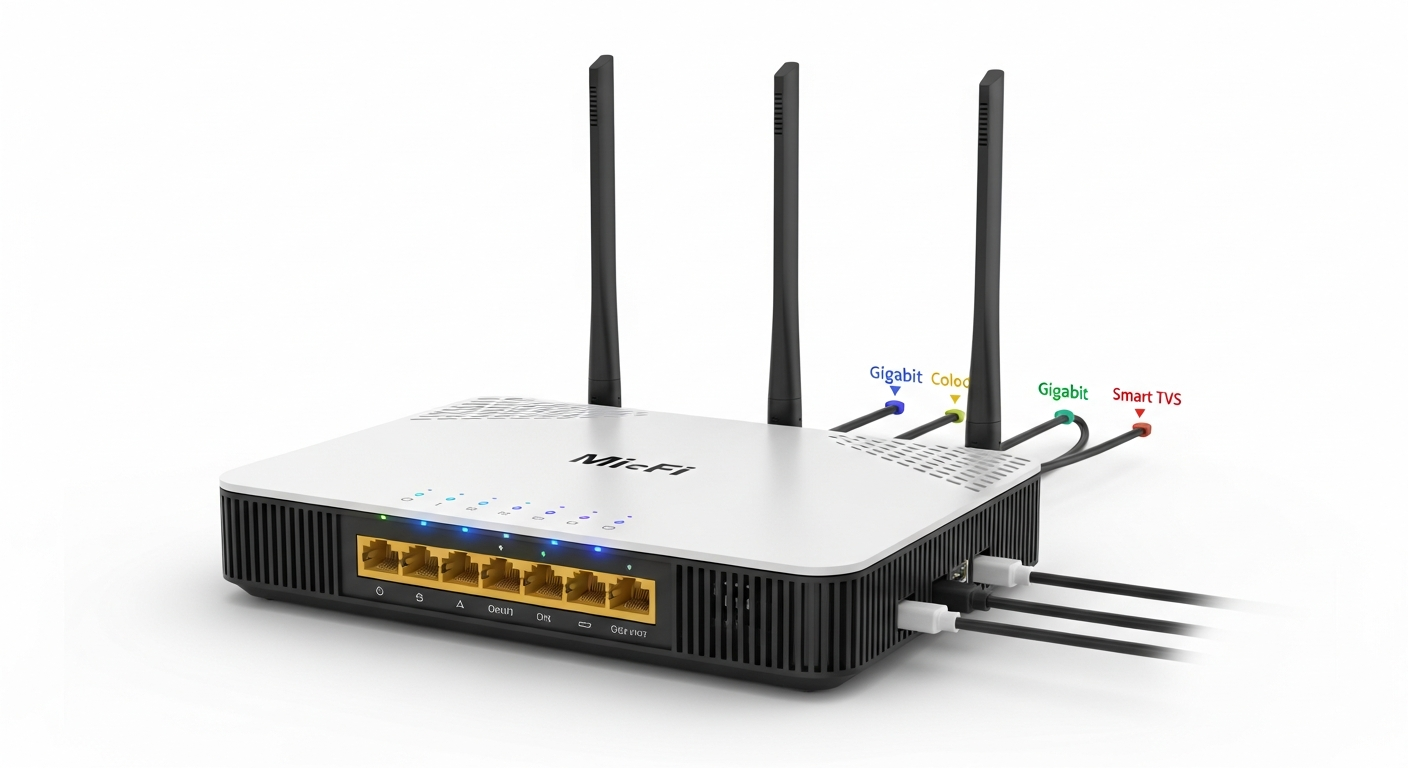
Is your home internet feeling sluggish, making streaming and browsing a chore? You're not alone; slow Wi-Fi can be frustrating, but often it's an easy fix.
Let's explore common reasons for slow speeds and simple steps you can take to get your internet back up to speed in 2026.
1. Why is my internet so slow?
Your internet might be slow for several reasons. Common culprits include too many devices using Wi-Fi at once, an outdated router, poor router placement, or interference from other electronics. Sometimes, the issue is simply that your internet plan isn't fast enough for your household's needs.
2. What affects Wi-Fi speed?
Many factors impact your Wi-Fi speed. These include the distance from your router, physical obstacles like walls, and interference from other devices. The quality and age of your router, as well as the internet speed you pay for from your provider, also play a significant role.
3. How can I test my Wi-Fi speed?
You can easily test your Wi-Fi speed using free online speed test websites. These tests measure your download speed (how fast you receive data) and upload speed (how fast you send data). For the most accurate results, perform tests both near your router and in areas where you experience slowdowns.
Far from Router
- Weak signal strength
- Slower internet speeds
- Frequent disconnections
- Video buffering issues
Close to Router
- Strong signal strength
- Faster internet speeds
- Stable connections
- Smooth streaming & gaming
4. Does router placement matter for Wi-Fi?
Absolutely, router placement is crucial! For the best Wi-Fi signal, place your router in a central location in your home, away from thick walls and large metal objects. Elevating it off the floor can also help the signal spread more effectively throughout your living space.
5. Can other devices interfere with Wi-Fi?
Yes, many household devices can interfere with your Wi-Fi signal. Common culprits include microwaves, cordless phones, Bluetooth devices, and even baby monitors. These devices often operate on similar radio frequencies, causing congestion and slowing down your Wi-Fi connection.
6. What is Wi-Fi channel optimization?
Think of Wi-Fi channels like different lanes on a highway. If too many cars (devices) are on one lane, traffic (data) slows down. Wi-Fi channel optimization involves changing your router's channel to a less crowded one, which can significantly improve speed and stability, especially in busy neighborhoods.
7. Should I upgrade my internet plan?
Consider upgrading your internet plan if your current speed consistently falls short of your household's demands. If you have many users, stream 4K video, or do a lot of online gaming, a faster plan from your internet provider might be necessary. First, ensure your Wi-Fi setup isn't the bottleneck.
8. What is mesh Wi-Fi?
Mesh Wi-Fi is a system that uses multiple devices, called nodes, to create a single, seamless Wi-Fi network throughout your home. Unlike traditional routers with range extenders, mesh systems work together intelligently, providing stronger, more consistent coverage, especially in larger homes or those with many dead zones.
9. How do I check for Wi-Fi signal strength?
You can check Wi-Fi signal strength using the Wi-Fi icon on your devices, which typically shows "bars" indicating signal quality. For more detailed information, many free apps are available for smartphones and computers that can analyze your signal strength and identify weak spots in your home.
10. When should I consider a new router?
It's time for a new router if yours is over five years old, constantly drops connections, or doesn't support newer Wi-Fi standards like Wi-Fi 6 or Wi-Fi 7. A modern router offers improved speed, wider coverage, better security features, and can handle more connected devices simultaneously.