
How Do I Set Up a Simple Home Office for Remote Work?
Setting up a home office doesn't have to be complicated or expensive. This guide will help you create a comfortable and effective workspace, even if you're just starting out with remote work.
1. What are the absolute essentials for a home office?
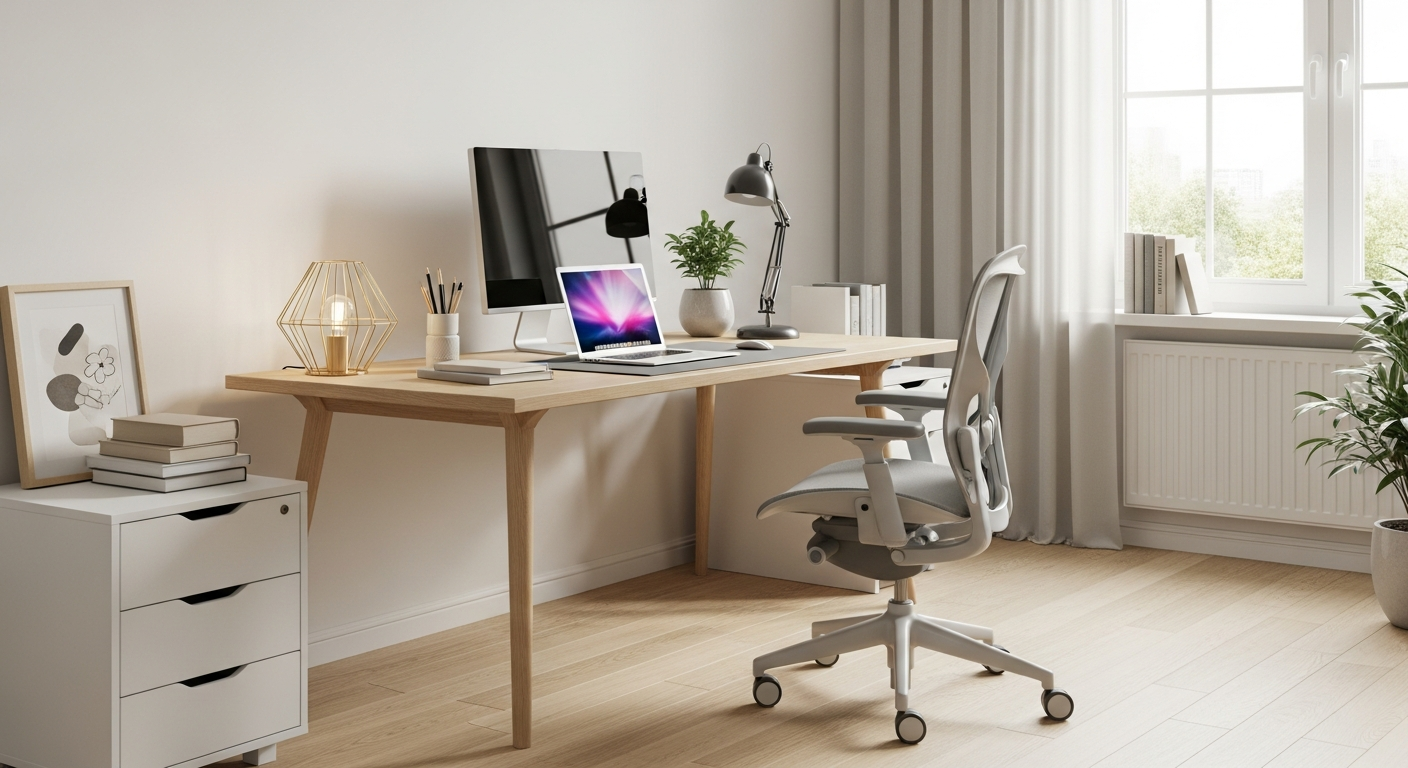
At its core, you need a reliable computer (laptop or desktop), a comfortable chair, and a dedicated workspace like a desk. Good internet access is also crucial for staying connected. These items form the foundation of any productive home office setup.
2. How do I choose a good desk?
Pick a desk that fits your space and allows you to work comfortably. Measure your room first. Look for a desk with enough surface area for your computer and any other items you need. A simple, sturdy table is often perfect to start with.
3. What kind of chair is best for beginners?
For beginners, a basic office chair with good back support is ideal. It doesn't need to be fancy, but make sure it allows your feet to be flat on the floor and supports your lower back. This helps prevent discomfort during longer work sessions.
Basic Office Chair
- Affordable
- Good starting point
- Simple adjustments
- Decent back support
Ergonomic Chair
- More expensive
- Highly adjustable
- Superior comfort
- Better long-term health
4. Do I need a separate monitor?
While not strictly essential, a separate monitor can greatly improve productivity and comfort. It gives you more screen space to work with, reducing eye strain and making it easier to multitask. Many laptops can easily connect to an external monitor.
5. How important is lighting in a home office?
Good lighting is very important! Natural light is best, so try to set up near a window if possible. If not, use a desk lamp to illuminate your workspace and reduce shadows. Proper lighting helps prevent eye strain and keeps you more alert.
6. Where should I place my router?
Place your Wi-Fi router in a central location, ideally in the same room as your office, and off the floor. Avoid placing it behind large objects or in enclosed cabinets. This helps ensure a strong and stable internet connection throughout your home office.
7. How can I manage cables?
Cable management keeps your workspace tidy and safe. Use simple solutions like cable ties, velcro straps, or cable clips to bundle wires together. You can also use a cable management box to hide power strips and excess cords under your desk.
Simple Cable Management Flow
8. What basic software do I need?
You'll need an operating system (like Windows or macOS), a web browser (Chrome, Firefox, Edge), and basic office software for documents and spreadsheets (like Microsoft 365 or Google Workspace). Communication tools like Zoom or Microsoft Teams are also essential for remote meetings.
9. How do I make my space comfortable?
Personalize your space to make it enjoyable. Add a plant, a photo, or a comfortable throw. Ensure the temperature is pleasant and minimize distractions. A comfortable environment helps you focus and makes working from home more pleasant.
10. Can I use a laptop stand?
Yes, a laptop stand is highly recommended! It raises your laptop screen to eye level, which improves your posture and reduces neck and shoulder strain. When using a stand, you'll typically want an external keyboard and mouse for maximum comfort.