
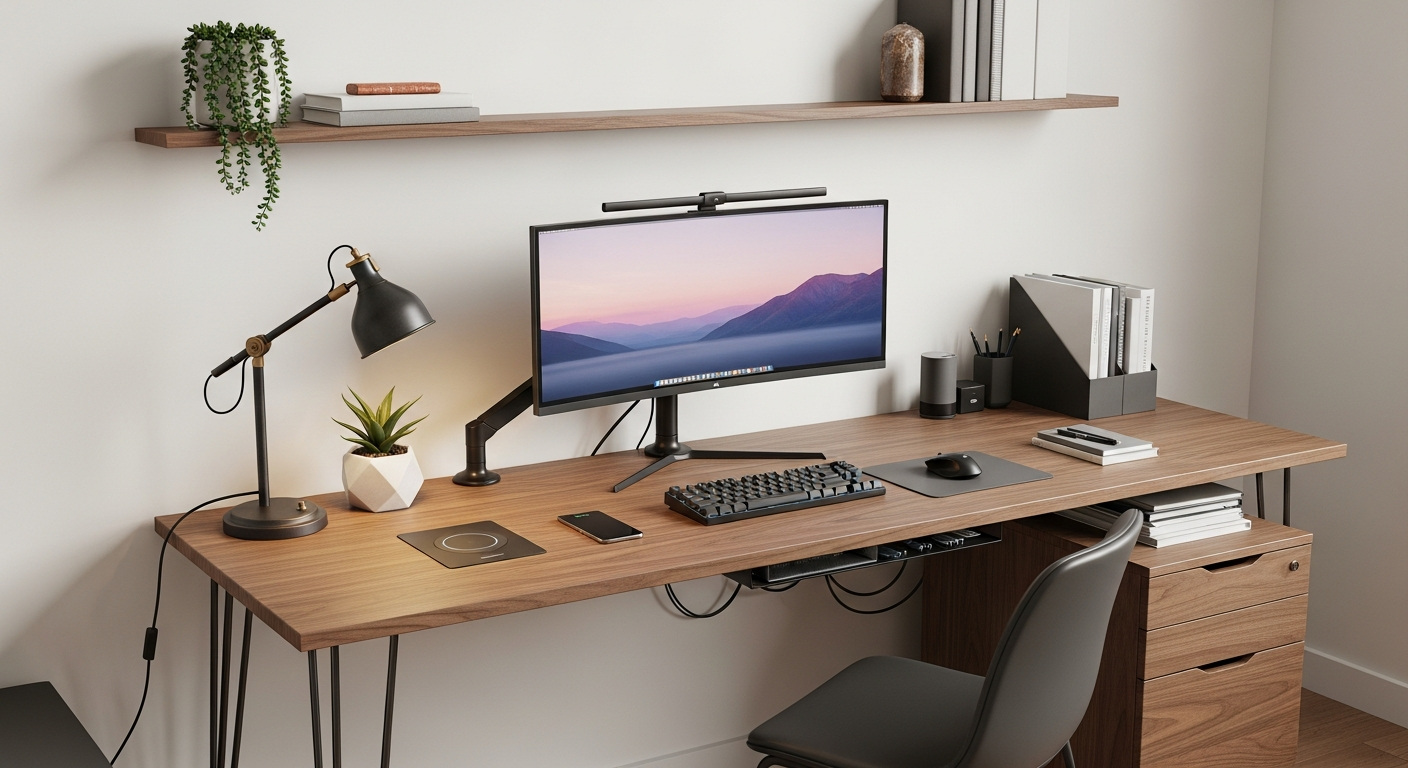
Setting up a home office can feel overwhelming, but it doesn't have to be. This guide will walk you through the basics, helping you create a comfortable and productive workspace for remote work.
1. What are the absolute essentials for a home office?
The absolute essentials are a reliable computer, a comfortable chair, and a suitable desk. These three items form the core of your workspace, allowing you to perform your tasks efficiently. Think of them as your primary tools for getting work done from home.
2. Do I need a dedicated room for my home office?
No, a dedicated room isn't always necessary. Many people successfully work from a corner of a living room, a bedroom, or even a kitchen counter. The key is to create a space that feels separate from your personal life, even if it's just a small area.
3. How do I choose a good desk?
A good desk should be sturdy and offer enough space for your computer, keyboard, mouse, and any documents. Consider its height – your elbows should form a 90-degree angle when typing. Measure your available space before buying to ensure it fits comfortably without overcrowding the room.
Small Desk
- Compact size
- Fits tight spaces
- Minimalist look
- Less surface area
Large Desk
- Ample workspace
- Holds multiple monitors
- More storage options
- Requires more room
4. What kind of chair is best for long hours?
An ergonomic chair is best for long hours. This type of chair supports your body properly, reducing strain on your back and neck. Look for features like adjustable height, lumbar support (for your lower back), and armrests. Investing in a good chair prevents discomfort and potential health issues over time.
5. What basic tech do I need?
Beyond your computer, you'll need a reliable internet connection. A webcam and microphone are essential for video calls, often built into laptops. An external monitor can significantly boost productivity by giving you more screen space. A good keyboard and mouse also make a big difference for comfort.
6. How can I manage cables?
Cable management keeps your workspace tidy and safe. Use cable ties, sleeves, or clips to bundle wires together. You can also use adhesive hooks to route cables along the back of your desk or wall. A neat setup looks better and prevents tripping hazards.
7. What about lighting?
Good lighting is crucial to prevent eye strain. Natural light is ideal, so try to set up near a window if possible. Supplement with a desk lamp that provides adjustable, non-glare light. Position your light source to avoid shadows and reflections on your screen.
Setting Up Your Workspace Flow
Choose Location
Find a quiet spot with good light.
Desk & Chair
Set up ergonomic furniture.
Tech Setup
Connect computer, monitor, internet.
Organize & Light
Manage cables, add proper lighting.
Personalize
Add comfort items, reduce noise.
8. How do I make my space comfortable?
Personalize your space to make it comfortable and inviting. Add a plant, a photo, or a small piece of art. Ensure the room temperature is pleasant. A comfortable environment helps you focus and enjoy your work more, boosting your overall productivity and well-being.
9. Should I consider noise reduction?
Yes, especially if you live in a busy household or noisy area. Noise-canceling headphones are an excellent solution for immediate relief. For a more permanent fix, consider acoustic panels or even just strategically placed bookshelves to absorb sound. A quieter environment helps maintain focus.
10. What's a good budget for a beginner setup?
A beginner setup can range widely, but you can start effectively without breaking the bank. Aim for around $500-$1000 for a decent desk, ergonomic chair, and essential tech if you're buying new. You can save money by reusing existing equipment or looking for quality second-hand items. Prioritize the chair and computer first.