
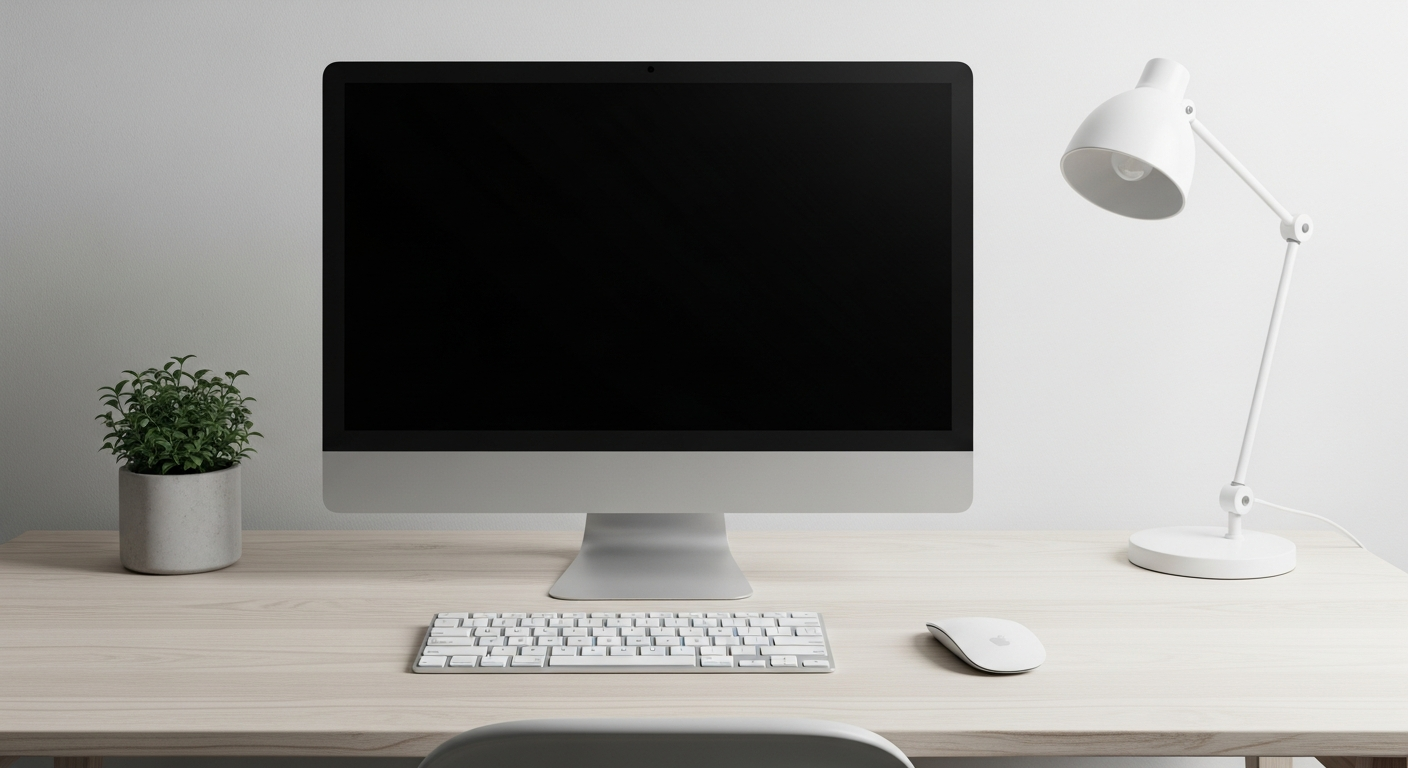
Setting up a home office can feel overwhelming, but it doesn't have to be complicated. This guide will walk you through the basics to create a comfortable and productive workspace right at home.
1. What are the absolute essentials for a home office?
You'll need a reliable computer, a comfortable desk, and an ergonomic chair. Good internet access is crucial for remote work. Don't forget basic stationery like pens and paper, and a power strip to plug everything in safely.
A webcam and microphone are also essential for video calls, often built into laptops. Consider a headset for better audio quality and privacy during meetings.
2. How much space do I need for a home office?
You don't need a huge area. A small corner in a room, a section of a dining table, or even a closet can work. The key is to have enough space for your computer, a monitor if you use one, and room to move comfortably in your chair.
Think about what you need within arm's reach. Even a 3x3 foot area can be enough for a basic setup. The goal is a dedicated spot, not necessarily a whole room.
3. Can I set up a home office on a budget?
Absolutely! Start with what you already own. An existing table can serve as a desk, and a dining chair might work temporarily. Look for used furniture online or at thrift stores for affordable options.
Many essential items like power strips or basic stationery are inexpensive. Prioritize a good internet connection and a functional computer, as these are critical for work performance.
Budget Home Office
- Use existing furniture
- DIY cable management
- Natural light
- Free video call backgrounds
Premium Home Office
- Ergonomic standing desk
- Professional cable organizer
- Smart lighting system
- Custom backdrop for calls
4. What kind of desk and chair should I get?
For a desk, choose one that's sturdy and large enough for your computer and any other items you need. A height-adjustable desk can be great but isn't essential. The desk height should allow your arms to be at a 90-degree angle when typing.
An ergonomic chair is a wise investment. It supports your back and helps prevent discomfort. Look for adjustable height, back support, and armrests. If a new one is too costly, add a back cushion to an existing chair.
5. Do I need a separate room for my home office?
No, a separate room is ideal but not required. Many people successfully work from a dedicated corner, a spare bedroom, or even a well-organized closet. The main goal is to create a space that feels distinct from your personal living areas.
This separation helps you focus during work hours and "switch off" when your workday ends. Even a simple room divider can help create this mental boundary.
6. How do I organize my home office supplies?
Keep your workspace tidy to reduce clutter and improve focus. Use desk organizers, drawers, or small shelves for pens, notebooks, and other supplies. Labeling helps you find things quickly.
Cable management is also key. Use cable ties or sleeves to keep cords neat and out of the way. A clean workspace helps you feel more organized and productive.
7. What lighting is best for a home office?
Natural light is best, so try to position your desk near a window. Avoid having the window directly behind you (for video calls) or directly facing you (to prevent glare on your screen). If natural light is limited, a good desk lamp is essential.
Choose a lamp that provides soft, even light without harsh shadows or glare. Dimmable options are great for adjusting to different times of day. Avoid overhead lights that cause shadows on your screen.
Ideal Home Office Lighting Flow
- Start with Natural Light: Position desk near a window, avoiding direct glare.
- Add Task Lighting: Use a desk lamp for focused work, reducing eye strain.
- Balance with Ambient Light: Overhead room light or floor lamp for overall brightness.
- Adjust for Video Calls: Ensure light faces you, not behind, for clear appearance.
8. How can I minimize distractions in my home office?
Set clear boundaries with family members about your work hours. Use noise-canceling headphones if your home is noisy. Turn off non-essential notifications on your computer and phone.
Create a routine and stick to it. Taking short, scheduled breaks can also help you stay focused during work periods. A tidy workspace itself can reduce visual distractions.
9. Should I use a laptop or a desktop computer?
A laptop offers flexibility, allowing you to work from different spots or travel easily. It's often a good starting point. A desktop computer typically offers more power and larger screens for the same price, which can be great for intensive tasks or multiple monitors.
If you use a laptop, consider an external monitor, keyboard, and mouse for better ergonomics. This setup combines the portability of a laptop with the comfort of a desktop.
10. How do I make my home office look professional for video calls?
Choose a clean, uncluttered background. A plain wall, a bookshelf, or a simple plant can look great. Ensure your lighting comes from in front of you, not behind, so you're well-lit and not a silhouette.
Dress professionally from the waist up, even if you're wearing pajamas below! Test your camera and microphone before calls. A tidy background and good lighting make a big difference.