
How Can I Ensure My Internet is Reliable for Working From Home?
Working from home depends heavily on a strong and steady internet connection. This guide will help you understand how to make your home internet as reliable as possible for your work.
1. What internet speed do I need for remote work?
For most remote work, like video calls, emails, and cloud documents, a download speed of at least 25-50 Megabits per second (Mbps) and an upload speed of 3-10 Mbps is usually sufficient. If multiple people are working or streaming, aim for higher speeds, like 100 Mbps download.
2. How do I check my current internet speed?
You can easily check your internet speed using free online tools. Simply search for "internet speed test" on Google, and click on one of the top results (like Speedtest.net or Google's own test). These tools will measure your download and upload speeds in Mbps.
3. What's the difference between Wi-Fi and Ethernet?
Wi-Fi connects devices wirelessly, letting you move freely. Ethernet uses a physical cable to connect your device directly to your router. Ethernet is generally faster and more stable than Wi-Fi because it avoids wireless interference.
Wi-Fi
- Wireless connection
- Convenient for mobility
- Can be affected by interference
- Good for general use
Ethernet
- Wired connection (cable)
- Most stable and fastest
- No wireless interference
- Best for critical work tasks
4. How can I improve my Wi-Fi signal at home?
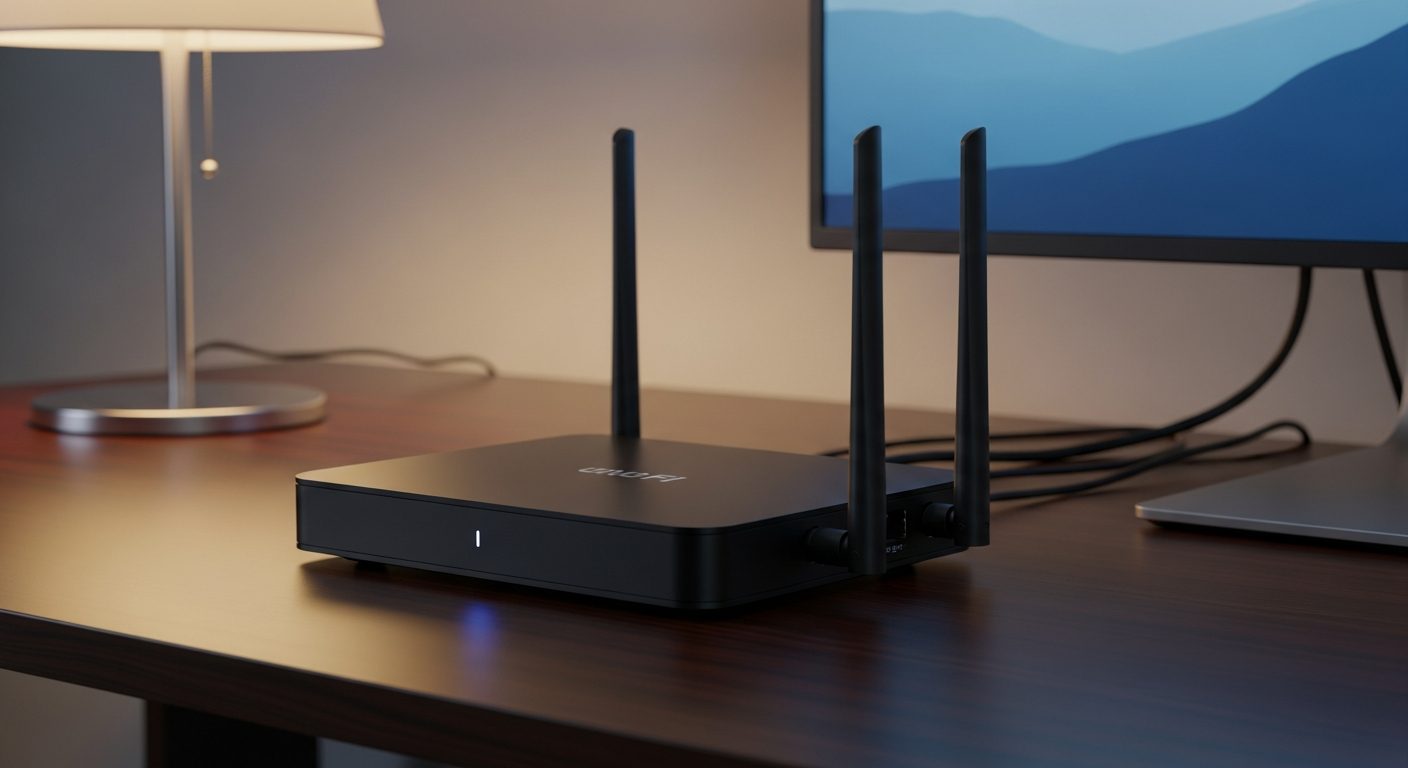
Place your Wi-Fi router in a central, open location, away from walls and other electronics. Keep it off the floor. Consider using a Wi-Fi extender or a mesh Wi-Fi system if you have dead zones. Make sure your router is not too old, as older models might not support modern speeds.
5. Should I upgrade my internet plan?
If your speed tests consistently show speeds lower than what you need, or if your internet often struggles when multiple people are online, an upgrade might be beneficial. Compare your current plan's speed with your actual usage and the recommended speeds for remote work.
6. What if my internet goes out during work?
Have a backup plan. This could be a mobile hotspot from your smartphone, a dedicated portable hotspot device, or knowing a nearby Wi-Fi spot you can use in an emergency. Inform your employer immediately if you experience an outage that affects your work.
7. Are mobile hotspots a good backup option?
Yes, mobile hotspots are excellent for temporary internet outages. They use your smartphone's cellular data to create a Wi-Fi network. However, they might not be as fast or stable as your home internet and can quickly use up your phone's data plan, so they are best for short-term use.
Troubleshooting Internet Issues
8. How do I choose a good internet service provider?
Research providers in your area. Look at their available speeds, pricing, customer reviews, and reliability ratings. Ask neighbors or local community groups for recommendations. A provider with good customer support and a strong local network is often a good choice.
9. Can too many devices slow down my internet?
Yes, every device connected to your Wi-Fi uses a portion of your internet bandwidth. If you have many devices streaming, downloading, or on video calls simultaneously, it can slow down the internet for everyone. Prioritize work devices with an Ethernet connection when possible.
10. What is a mesh Wi-Fi system and do I need it?
A mesh Wi-Fi system uses multiple devices placed around your home to create a single, strong Wi-Fi network. Unlike a single router or extender, mesh systems offer seamless coverage without dead zones. If you have a large home or multiple floors with poor Wi-Fi in certain areas, a mesh system can significantly improve your connection.