
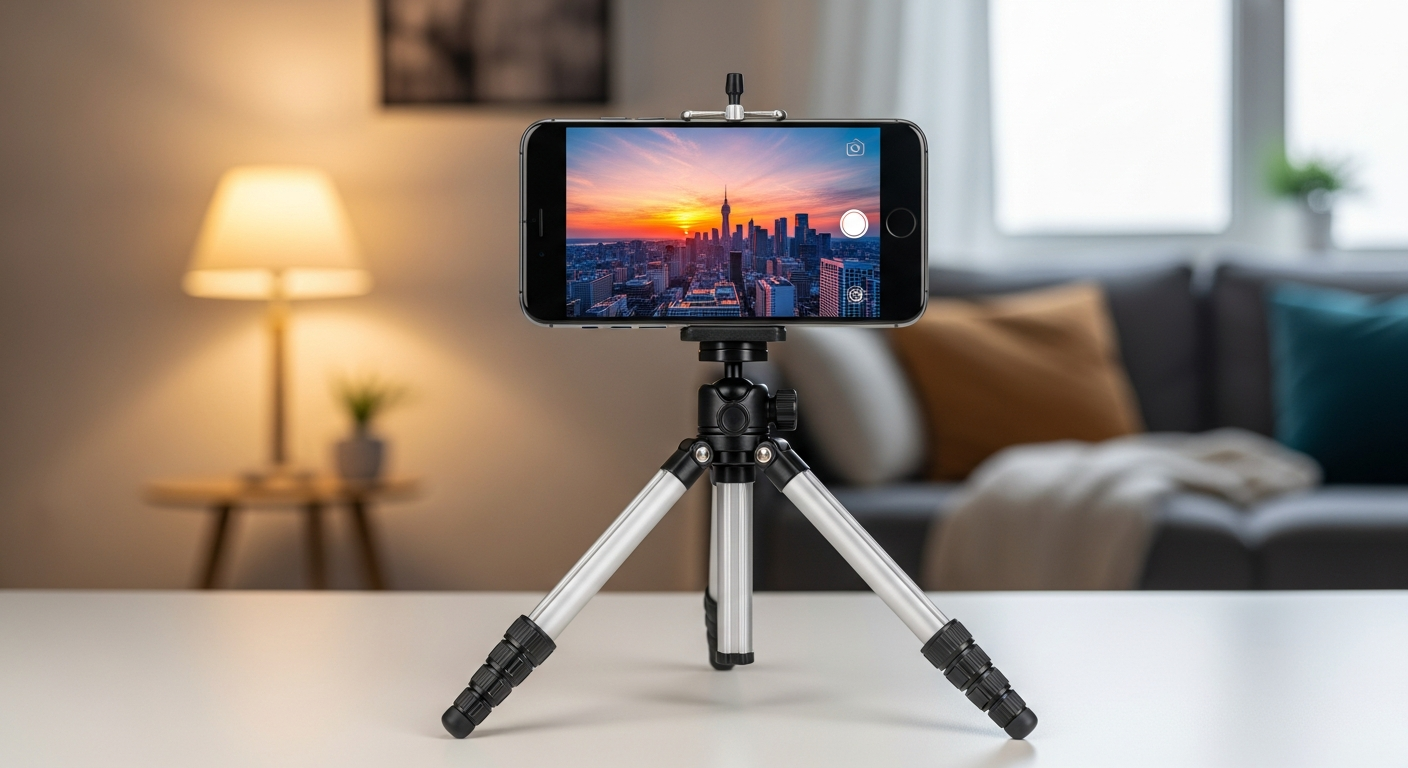
Want to start making videos but worried they'll look shaky or unclear? This guide will help you record stable and clear videos, even if you're just starting out.
1. How do I hold my camera steady?
The simplest way to keep your camera steady is to use both hands. Hold the camera close to your body, tucking your elbows in. You can also lean against a wall or sit down to create a more stable base, reducing unwanted movement.
2. Should I use a tripod?
Yes, a tripod is your best friend for stable video. It's a three-legged stand that holds your camera perfectly still, eliminating shakiness. Even an inexpensive, lightweight tripod can make a huge difference, especially for longer shots or when you can't hold the camera yourself.
3. What is resolution?
Resolution refers to the detail and clarity of your video. Think of it as how many tiny dots (pixels) make up your picture. Higher resolution, like 1080p (Full HD) or 4K, means more dots, resulting in a sharper, clearer image. For beginners, 1080p is usually excellent quality and easier to manage.
1080p (Full HD)
- Good quality for most viewers
- Smaller file sizes
- Easier for older devices to play
- Standard for online sharing
4K (Ultra HD)
- Very sharp, detailed picture
- Larger file sizes
- Requires powerful devices to play
- Great for future-proofing content
4. What is frame rate?
Frame rate is how many still pictures (frames) your camera captures per second to create a moving video. It's measured in "frames per second" (fps). A common frame rate is 30fps, which looks natural. For smoother motion or slow-motion effects, you might use 60fps or higher.
5. How do I focus my camera?
Focus ensures your subject looks sharp and clear, not blurry. Most modern cameras and phones have "autofocus," which automatically adjusts. You can often tap on your screen to tell the camera exactly what you want it to focus on. Make sure your main subject is always in sharp focus.
6. How do I avoid shaky footage?
Beyond using a tripod, try to move slowly and smoothly if you must move the camera. Many cameras and phones have "image stabilization" built-in, which helps reduce minor shakes electronically. Practice holding your breath briefly during short shots to keep extra steady.
7. What is composition in video?
Composition is how you arrange elements within your video frame. It's like framing a photograph. A simple rule is the "Rule of Thirds": imagine your screen divided into nine equal boxes. Place important subjects along these lines or at their intersections for a more pleasing and balanced look.
8. How do I record good audio?
Clear audio is just as important as clear video. Get your microphone as close to your subject as possible. Avoid noisy environments like busy streets or windy areas. If your camera has an external microphone input, consider getting a small external mic for much better sound quality.
9. What are basic camera movements?
Two common movements are "pan" and "tilt." Panning means moving your camera horizontally from left to right or right to left, like scanning a landscape. Tilting means moving it vertically up or down. Always perform these movements slowly and smoothly, ideally with a tripod, to avoid jerkiness.
10. How do I plan my shots?
Before you hit record, think about what you want to show. What's the main point of your video? Consider different angles and distances. A quick mental plan or even a simple list of shots can help you capture everything you need and make your video more coherent and engaging.