
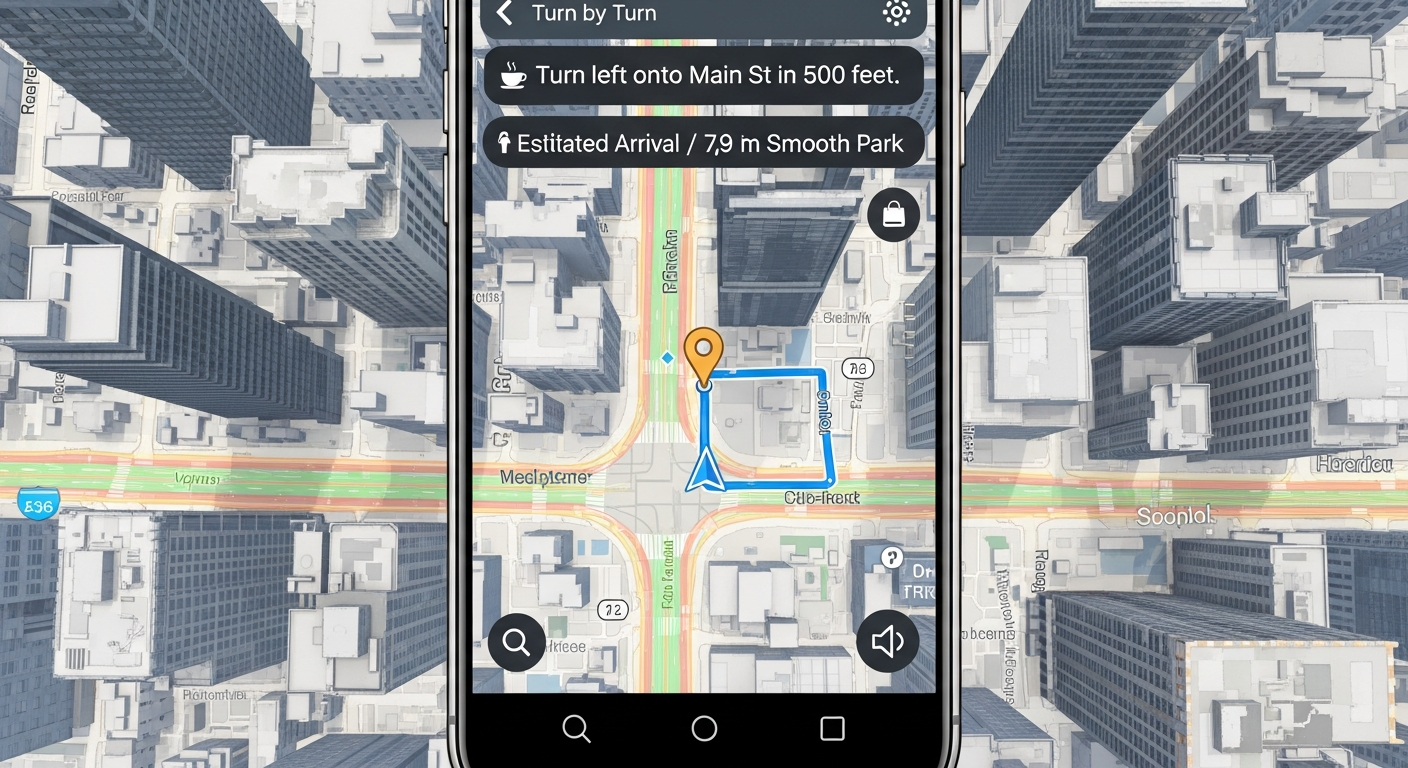
Ever wondered how your phone magically knows where you are and how to get you where you're going? It's all thanks to a clever system called GPS!
This guide will break down how your phone's GPS works for travel, using simple words for everyone.
1. What is GPS and how does it help me when I travel?
GPS stands for Global Positioning System. It's a network of satellites orbiting Earth that send signals to your phone. Your phone listens to these signals from multiple satellites to figure out its exact location on the planet.
For travel, GPS is like having a personal guide. It helps you find your way, discover nearby places, and even tells you how long it will take to reach your destination, whether you're driving, walking, or cycling.
2. Do I need an internet connection for my phone's GPS to work?
No, the core GPS signal itself doesn't need an internet connection. Your phone receives these signals directly from satellites.
However, many navigation apps need internet to download maps, find points of interest, or get real-time traffic updates. You can often download maps beforehand to use GPS offline for basic navigation.
3. How accurate is my smartphone's GPS for finding locations?
Modern smartphone GPS is quite accurate, usually pinpointing your location within a few meters (about 10-30 feet). This is precise enough for most travel needs, like finding a specific address or navigating city streets.
Factors like tall buildings, dense forests, or being indoors can sometimes reduce accuracy because they block the satellite signals.
GPS (Global Positioning System)
- Uses satellites to find your exact location.
- Works almost anywhere on Earth.
- Doesn't always need internet.
- Great for knowing "where am I?"
Internet (for Maps/Traffic)
- Downloads detailed maps.
- Provides live traffic updates.
- Finds businesses and points of interest.
- Needs Wi-Fi or mobile data.
4. What's the difference between GPS and general location services?
GPS is a specific technology using satellites. "Location services" is a broader term that includes GPS but also uses other methods to find your location.
These other methods can include Wi-Fi signals (from nearby routers), cellular tower signals, and even Bluetooth beacons. Your phone often combines all these to give you the best and fastest location fix.
5. How do I turn on the GPS feature on my phone or tablet?
You usually don't "turn on" GPS specifically. Instead, you enable "Location Services" or "Location" in your phone's settings. This allows apps to use GPS and other methods to find your position.
On Android, swipe down from the top of your screen and tap the "Location" icon. On iPhone/iPad, go to Settings > Privacy & Security > Location Services and toggle it on.
6. Can using GPS drain my phone battery quickly during a trip?
Yes, actively using GPS and navigation apps can drain your battery faster. Your phone constantly works to receive satellite signals and process map data.
To save battery, dim your screen, close other apps, and consider carrying a portable power bank, especially on long trips or when walking for extended periods.
7. Are there privacy concerns I should know about when using GPS?
Yes, GPS can track your movements. Apps that use your location might store this data. It's important to be aware of which apps have permission to access your location.
You can review and adjust location permissions for individual apps in your phone's privacy settings. Turn off location services when you don't need them to enhance your privacy.
How Your Phone Finds You
8. What should I do if my GPS isn't finding my current location?
First, make sure Location Services are enabled on your phone. Try moving to an open area away from tall buildings or dense trees, as these can block signals. Restarting your phone can also often fix minor glitches.
If you're using an app, check if it has the necessary location permissions. Sometimes, updating the app or your phone's software can resolve issues.
9. Can GPS guide me accurately while walking, cycling, or driving?
Absolutely! GPS is designed to work for various modes of transport. Navigation apps use different algorithms and map data depending on whether you select walking, cycling, or driving.
For example, driving navigation avoids pedestrian-only paths, while walking navigation might suggest shortcuts through parks. Always select the correct mode in your app for the best guidance.
10. What are some common GPS navigation apps that beginners use?
For beginners, Google Maps and Apple Maps are excellent choices. They are often pre-installed on phones and are very user-friendly, offering clear directions, search functions, and public transport options.
Waze is another popular option, known for its real-time traffic and hazard alerts from other drivers. For offline use, apps like HERE WeGo allow you to download entire regions for navigation without internet.