
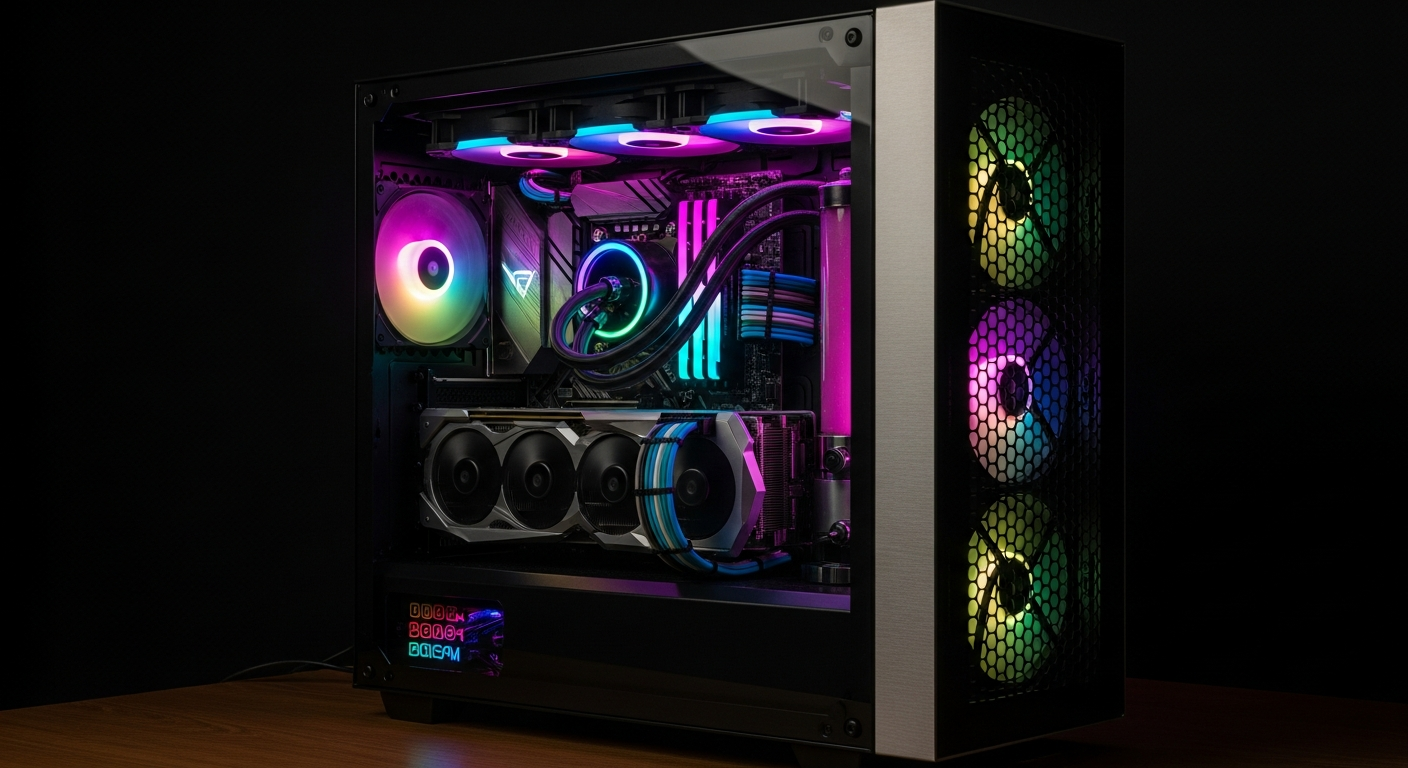
Deciding between PC gaming and console gaming can feel overwhelming for newcomers. This guide breaks down the most common questions to help you understand the differences and make an informed choice in 2026.
1. Is PC gaming really better than console?
Neither is strictly "better"; it depends on what you value most. PC gaming often offers more power, better graphics, and greater flexibility. You can customize your experience and upgrade parts over time.
Consoles, like PlayStation or Xbox, are simpler to use. They are designed to just "plug and play," meaning you set them up and start gaming right away without much fuss. They are also generally less expensive upfront.
2. How much does a gaming PC cost?
The cost of a gaming PC varies widely. A basic setup can start around $700-$1000, offering good performance for many games. Mid-range PCs typically cost $1200-$2000 and provide excellent graphics and speed.
High-end gaming PCs, built for the best possible performance and visuals, can easily exceed $2500, sometimes reaching $4000 or more. Remember, you also need a monitor, keyboard, and mouse, which add to the total cost.
3. Are the same games available on PC and console?
Many popular games are released on both PC and consoles, often called "multiplatform" titles. However, some games are "exclusive," meaning they are only available on one platform. For example, certain games might only be on PlayStation, while others are only on Xbox or PC.
PC gaming also has a vast library of older games and independent (indie) titles that might not be available on consoles. Consoles often have their own exclusive franchises that are a big draw for players.
PC vs. Console: Quick Look
4. Is PC gaming harder to set up?
Setting up a gaming PC is a bit more involved than a console, but it's not overly difficult. You'll need to connect several components like the monitor, keyboard, and mouse, and install some software drivers. Drivers are small programs that help your computer parts talk to each other.
Modern operating systems, like Windows, make this process quite user-friendly. There are many online guides and videos to walk you through each step. Once set up, using a PC for gaming is straightforward.
5. Can I use a controller on PC?
Yes, absolutely! Most modern game controllers, like those for Xbox or PlayStation, can be easily connected to a PC. You can plug them in with a USB cable, or often connect them wirelessly using Bluetooth.
Many PC games are designed to work perfectly with controllers, especially action, racing, and fighting games. For other games, like strategy titles, a keyboard and mouse are usually preferred.
6. Do I need to upgrade a PC often?
You don't need to upgrade your PC "often," but it's an option. A well-built gaming PC can last for many years without needing major upgrades. As new games come out, you might choose to upgrade parts like the graphics card (which handles visuals) to keep up with the latest demands.
Consoles, on the other hand, have fixed hardware. You can't upgrade their internal parts. Instead, you'd buy a new console generation every few years to get better performance and graphics.
7. Is online gaming free on PC?
For most PC games, playing online with friends is completely free. You don't need a separate subscription service to access multiplayer features, unlike with PlayStation Plus or Xbox Game Pass Core on consoles.
Some PC games, especially older ones or specific online-only titles, might have their own optional subscriptions. However, the vast majority of PC multiplayer experiences are free once you own the game.
Online Gaming: Cost Comparison
8. Which has better graphics?
High-end gaming PCs generally offer the best graphics. They can run games at higher resolutions (meaning sharper images), faster frame rates (smoother motion), and with more detailed visual effects than consoles. This is because PC components can be more powerful and expensive.
However, modern consoles like the PlayStation 5 and Xbox Series X offer fantastic graphics that are optimized for their hardware. They provide a great visual experience for most players, often at a lower price point than a PC with similar graphical power.
9. Can I use a gaming PC for work and school too?
Absolutely! A gaming PC is essentially a powerful computer, making it excellent for work, school, and everyday tasks. Its strong processor and ample memory mean it can handle demanding software, video editing, graphic design, and multitasking with ease.
You can use it for writing papers, browsing the internet, video calls, and running any productivity software. This versatility is a major advantage of choosing a gaming PC over a dedicated console.
10. Should a beginner start with PC or console?
For beginners, consoles are often recommended if simplicity and a lower upfront cost are your top priorities. They are easy to set up, require minimal technical knowledge, and offer a great gaming experience right out of the box.
Choose a gaming PC if you value flexibility, the best possible graphics, the ability to upgrade, and the versatility of having a powerful computer for all your needs. While the initial investment is higher, it offers a broader range of experiences.