
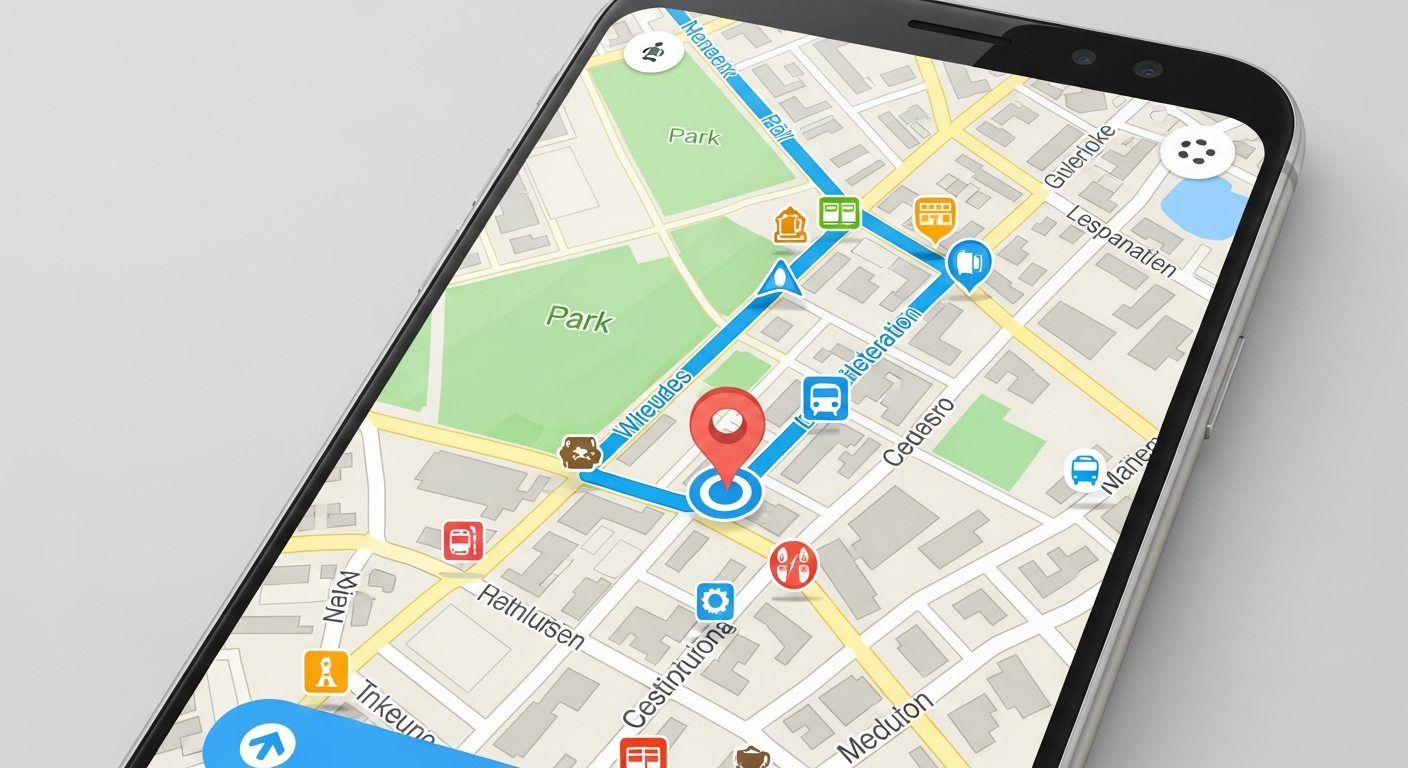
Planning your first trip can feel overwhelming, but modern technology makes it much easier! Travel apps are like having a personal assistant in your pocket, helping with everything from finding your way to booking your stay.
This guide will introduce you to the must-have travel apps for beginners, ensuring your journey is smooth and stress-free.
1. Which travel apps are absolutely essential?
For beginners, the absolute essentials include a reliable map app, a flight tracker, an accommodation booking app, and a communication tool. These cover the fundamental needs of getting around, staying informed about your travel, finding a place to sleep, and staying in touch with others.
Think of them as your digital passport, compass, and hotel key all rolled into one. They are the core tools that will make your trip manageable and enjoyable.
2. What's the best map app for beginners?
Google Maps is by far the best choice for beginners. It's incredibly user-friendly and offers detailed directions for walking, driving, public transport, and even cycling. You can download maps for offline use, which is super helpful when you don't have internet access.
It also shows nearby restaurants, attractions, and shops, complete with reviews and opening hours. Its simplicity and comprehensive features make it an indispensable tool for navigating new places.
3. Which app should I use for flights?
For flights, beginner travelers should consider apps like Google Flights or Skyscanner. These apps allow you to search, compare, and track flight prices from many different airlines and booking sites.
They offer features like price alerts, so you know when a flight you're watching gets cheaper. Many airlines also have their own apps, which are great for checking in, getting boarding passes, and tracking your specific flight's status.
Google Maps
- Pros: Excellent for navigation, offline maps, local search, public transport info.
- Cons: Can use a lot of battery, requires data for real-time updates.
- Best for: Daily navigation, finding local spots, general travel.
Airline Apps
- Pros: Mobile boarding passes, real-time flight updates, easy check-in, baggage tracking.
- Cons: Only for specific airlines, not for general flight search.
- Best for: Managing your specific flight, airport experience.
4. What about accommodation booking?
Booking.com and Airbnb are excellent choices for beginners. Booking.com offers a wide range of hotels, hostels, and apartments, often with free cancellation options. Airbnb specializes in unique stays, letting you rent rooms or entire homes from local hosts.
Both apps have user-friendly interfaces, detailed photos, and reviews from past guests. Always read reviews carefully and check the cancellation policy before booking.
5. Do I need a specific weather app?
While your phone's built-in weather app is usually sufficient, a dedicated app like AccuWeather or The Weather Channel can offer more detailed forecasts. These apps provide hourly updates, precipitation chances, and even air quality information, which can be crucial for planning outdoor activities.
Knowing the weather helps you pack appropriately and plan your daily outings, avoiding unexpected rain or extreme temperatures.
6. Is there an app for currency conversion?
Yes, a currency converter app is incredibly useful when traveling internationally. Apps like XE Currency or Currency Converter Plus allow you to quickly convert prices from one currency to another. This helps you understand how much things truly cost in your home currency.
They often work offline too, which is perfect for shopping in markets or areas without internet access. It helps prevent overspending and confusion.
7. What about a communication app?
WhatsApp is the most widely used communication app globally. It allows you to send free messages, make voice and video calls over Wi-Fi, and share photos and videos. This is essential for staying in touch with family and friends back home, or even communicating with local tour guides or hosts.
Make sure to set it up before you leave. It's also great for group chats with travel companions.
Essential Travel App Setup Flow
8. Should I get a travel insurance app?
While you don't necessarily need a dedicated app for travel insurance, having quick access to your policy details is crucial. Many insurance providers offer apps or mobile-friendly websites where you can view your policy, find emergency contact numbers, and even file claims.
Make sure to save your policy information, including emergency contacts, on your phone or in a cloud storage app. This way, it’s always available, even without an internet connection.
9. What's a good app for local recommendations?
TripAdvisor and Yelp are fantastic for finding local recommendations. TripAdvisor offers reviews and ratings for attractions, restaurants, and hotels worldwide. Yelp is particularly strong for finding local eateries and services, often with detailed reviews and photos from other users.
These apps help you discover hidden gems and avoid tourist traps, ensuring you experience the best of your destination.
10. How do I organize all my travel apps?
To keep your phone tidy and efficient, create a dedicated folder on your home screen specifically for travel apps. You can name it "Travel" or "My Trip." Grouping them together makes it easy to find what you need quickly, especially when you're on the go.
Place your most frequently used apps, like maps and communication, on the first screen of that folder. This simple organization trick saves time and reduces stress during your travels.