
Is your home Wi-Fi feeling sluggish or dropping out when you need it most? You're not alone! This guide will help you understand common Wi-Fi problems and give you simple steps to make your internet faster and more reliable.
1. Why is my Wi-Fi so slow sometimes?
Your Wi-Fi can slow down for many reasons. Think of it like a road: too many cars (devices), bad weather (interference), or a narrow road (old equipment) can all cause traffic jams. It might be your internet provider, your router's location, or even other devices in your home.
2. What can block my Wi-Fi signal?
Wi-Fi signals are radio waves, and they don't like obstacles. Thick walls, especially concrete or brick, can significantly weaken the signal. Large metal objects like refrigerators, filing cabinets, or even mirrors can also act as signal blockers, creating "dead zones" in your home.
3. Where is the best place to put my router?
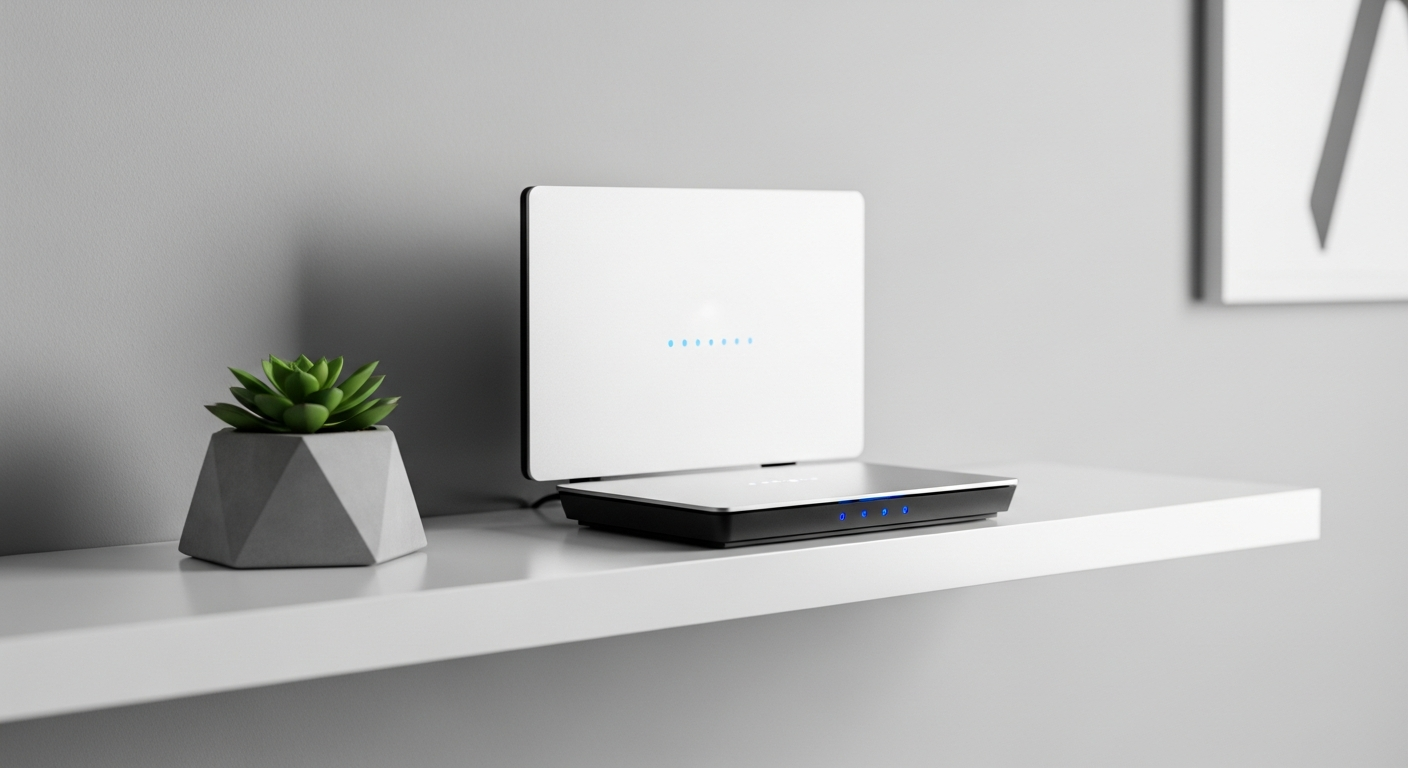
Place your router in a central location in your home, ideally in an open space. Keep it off the floor and away from walls or large metal objects. A higher spot, like on a shelf, often works best to spread the signal evenly throughout your house.
Router Placement: Good
- Central location
- High up (on a shelf)
- Open space
- Away from walls
Router Placement: Bad
- Hidden in a cabinet
- Behind a TV
- In a corner
- Near metal objects
4. Should I upgrade my router for better speed?
If your router is several years old (5+ years), upgrading can make a big difference. Newer routers support faster Wi-Fi standards (like Wi-Fi 6 or Wi-Fi 6E) and can handle more devices at once. This means better speed and reliability, especially if you have a fast internet plan.
5. What are Wi-Fi extenders and do they help?
Wi-Fi extenders (also called repeaters) boost your existing Wi-Fi signal to cover larger areas. They can help eliminate dead zones, but they often cut your speed in half because they have to receive and then re-send the signal. They are a good option for small areas that need a little boost.
6. How do I check my current internet speed?
You can easily check your internet speed using online speed test websites. Simply search "internet speed test" on Google and click one of the top results. Run the test from a device connected to your Wi-Fi, and then again from a device connected directly to your router with an Ethernet cable for comparison.
7. Can too many devices slow down Wi-Fi?
Yes, absolutely. Every device connected to your Wi-Fi uses a portion of its available speed. If you have many devices streaming video, gaming, or downloading at the same time, it can overwhelm your router and slow down everyone's experience. Think of it as too many people trying to drink from one straw.
Wi-Fi Signal Flow
8. What is Wi-Fi interference and how do I avoid it?
Wi-Fi interference happens when other electronic devices use similar radio frequencies, disrupting your Wi-Fi signal. Common culprits include microwaves, cordless phones, baby monitors, and even your neighbor's Wi-Fi. To avoid it, try to keep your router away from these devices and consider changing your router's Wi-Fi channel settings.
9. Does using an Ethernet cable help?
Yes, connecting a device directly to your router with an Ethernet cable provides the fastest and most reliable internet connection. It bypasses Wi-Fi entirely, eliminating signal issues and interference. For devices like smart TVs, gaming consoles, or desktop computers, an Ethernet connection is always recommended for the best performance.
10. When should I consider a mesh Wi-Fi system?
A mesh Wi-Fi system is ideal for larger homes or homes with many dead zones. Instead of one router, a mesh system uses multiple "nodes" that work together to create a single, strong Wi-Fi network throughout your entire house. It provides better coverage and often faster speeds than traditional extenders, especially in multi-story homes.