
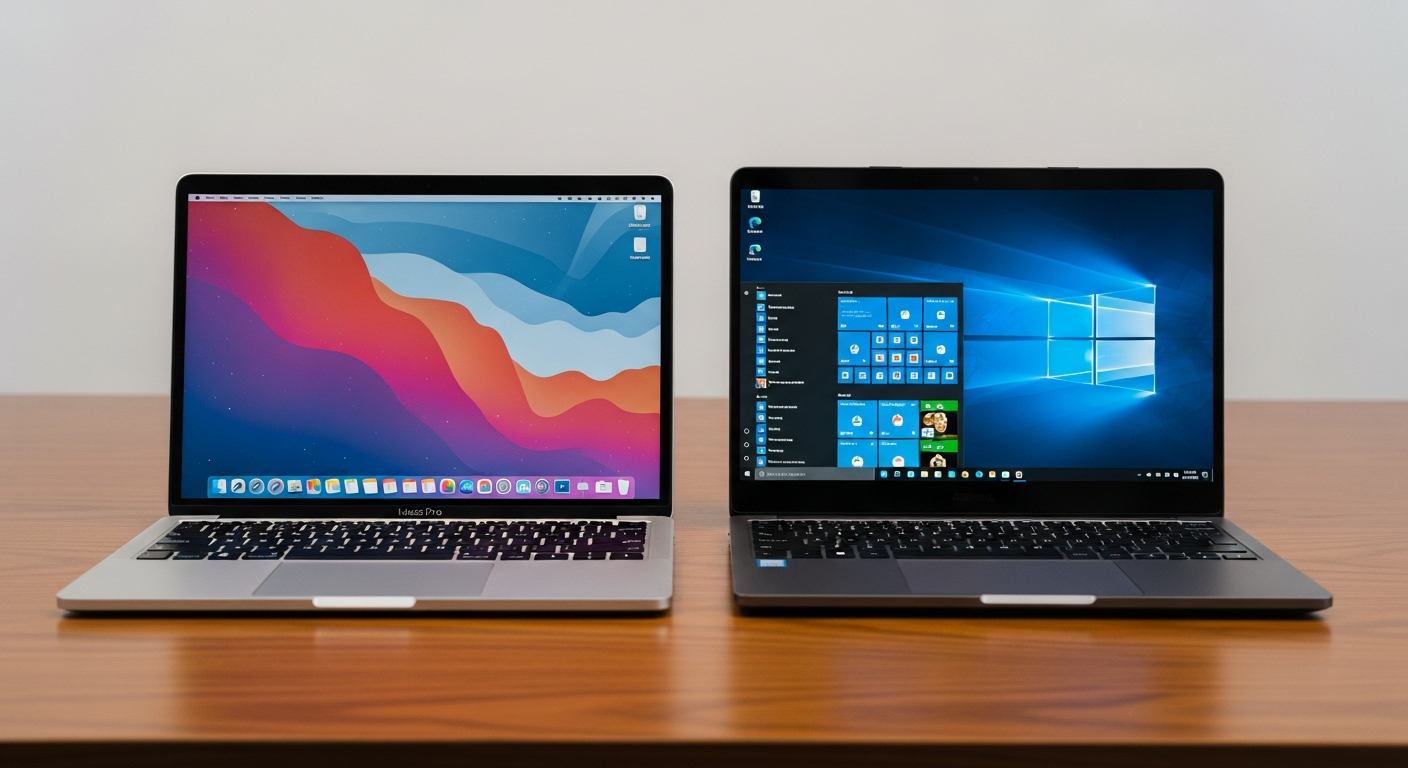
Thinking about buying your very first laptop? The choice between a Mac and a Windows PC can feel overwhelming. Both are powerful, but they offer very different experiences for complete beginners.
Here's the honest answer to help you decide which is truly easier to get started with in 2026.
Mac vs. Windows for Beginners
Initial Setup & First Steps
Getting a new laptop out of the box should be exciting, not confusing. Mac excels here. The setup process is incredibly streamlined. You're guided step-by-step with clear instructions. It feels very welcoming.
Windows setup can be simple too, but it often involves more decisions. You might be asked about privacy settings, Microsoft accounts, and sometimes deal with pre-installed software (bloatware) from the manufacturer. It's not always as clean an experience.
Finding & Installing Apps
This is where Mac really shines for beginners. The App Store is a curated marketplace. You search, click "Get," and it installs. It's secure and straightforward. For apps outside the App Store, it's usually a simple drag-and-drop into your Applications folder.
Windows has a Microsoft Store, but it's less comprehensive. Most popular apps are downloaded directly from websites. For a beginner, knowing which download button is safe, or how to properly install a program, can be a minefield. You need to be more careful to avoid unwanted software.
Security & Virus Risk
No system is 100% immune, but Macs generally face fewer direct virus threats. This is partly due to their smaller market share compared to Windows. macOS has strong built-in security features that work quietly in the background. It feels very secure out of the box.
Windows, being the most popular operating system, is a bigger target for malware. While Windows Defender is a robust built-in antivirus, users need to be more vigilant. Clicking the wrong link or downloading from an untrustworthy site can quickly lead to problems. There's more responsibility on the user.
Updates & Maintenance
Mac updates are typically smooth and less disruptive. They often happen in the background or prompt you for a convenient time. Restarts are usually quick and infrequent. It feels like the system takes care of itself.
Windows updates can be more frequent. They sometimes require restarts at inconvenient times, like in the middle of a task. While Microsoft has improved this, updates can still occasionally cause temporary issues or take longer. You might feel more involved in the update process.
Getting Help & Learning Curve
Macs have a consistent, intuitive interface. If you get stuck, Apple's support is highly regarded, and there are many online resources. The learning curve for basic tasks is generally very shallow. Everything tends to work together seamlessly.
Windows has a massive user base, meaning a huge amount of online tutorials and community support. However, the interface can vary more between different PC manufacturers. While basic tasks are easy, troubleshooting specific issues can sometimes feel more complex. There's more to learn if you want to customize or fix things yourself.
Cost & Hardware Choices
This is a big factor. Macs are almost always more expensive upfront. You're buying a premium device with a premium price tag. There are also fewer hardware choices – you pick an Apple laptop, and that's it. Repair costs can also be higher.
Windows PCs come in every shape, size, and price point imaginable. You can find very affordable laptops that are great for beginners. This variety means you can often get more performance for your money, or simply find a machine that perfectly fits your budget. However, this huge choice can also be overwhelming for a first-time buyer.
Which Laptop is Right for You?
The Verdict
For a complete beginner prioritizing absolute ease of use, minimal hassle, and strong out-of-the-box security, a Mac is generally the simpler choice. It offers a more guided, consistent, and less intimidating experience.
However, if budget is your primary concern, or you want the widest range of hardware options, a Windows PC is still a fantastic choice. Just be prepared for a slightly steeper learning curve and a bit more vigilance required for security and app installation.