
Deciding between a laptop and a desktop computer can feel tricky, especially with so many options available today. This guide will help you understand the key differences so you can choose the perfect computer for your life.
1. What are the main advantages of a laptop?
Laptops are fantastic for portability. You can easily carry them from room to room, to a coffee shop, or when traveling. They come with everything built-in: screen, keyboard, touchpad, and battery, making them ready to use anywhere.
2. What are the main advantages of a desktop computer?
Desktops offer more power and flexibility. They usually have larger screens, more comfortable keyboards, and better cooling, which means they can handle demanding tasks for longer. You can also customize them more easily by picking individual parts.
3. Which is more portable, a laptop or a desktop?
Laptops are designed for portability. They are compact and lightweight, allowing you to work or play almost anywhere. Desktops, on the other hand, are stationary; they require a dedicated space and are not meant to be moved often.
Laptop
- Built-in screen, keyboard, battery
- Easy to carry anywhere
- Great for travel and flexible workspaces
Desktop
- Separate monitor, keyboard, mouse
- Stays in one place
- Needs a dedicated desk setup
4. Which is easier to upgrade, a laptop or a desktop?
Desktops are much easier to upgrade. You can swap out components like the graphics card, memory (RAM), or storage drives (SSDs/HDDs) to boost performance. Laptops are generally harder to upgrade, with only memory and storage often being replaceable.
5. Which typically offers better performance for the price?
For the same amount of money, a desktop computer usually offers better performance than a laptop. This is because desktop components are larger, have better cooling, and are not constrained by battery life, allowing for more powerful parts.
6. What are the cost differences between laptops and desktops?
Entry-level laptops can be cheaper than a full desktop setup (which includes monitor, keyboard, and mouse). However, when comparing similar performance levels, desktops often provide more power for your money. High-end laptops can be quite expensive due to their compact, powerful design.
7. Which is better for gaming, a laptop or a desktop?
Desktops generally offer a superior gaming experience. They can house more powerful graphics cards, have better cooling systems to prevent overheating during long gaming sessions, and allow for larger, higher-refresh-rate monitors. Gaming laptops are powerful but often come with a higher price tag and can run hotter.
Gaming Computer Comparison
8. Which is better for working from home?
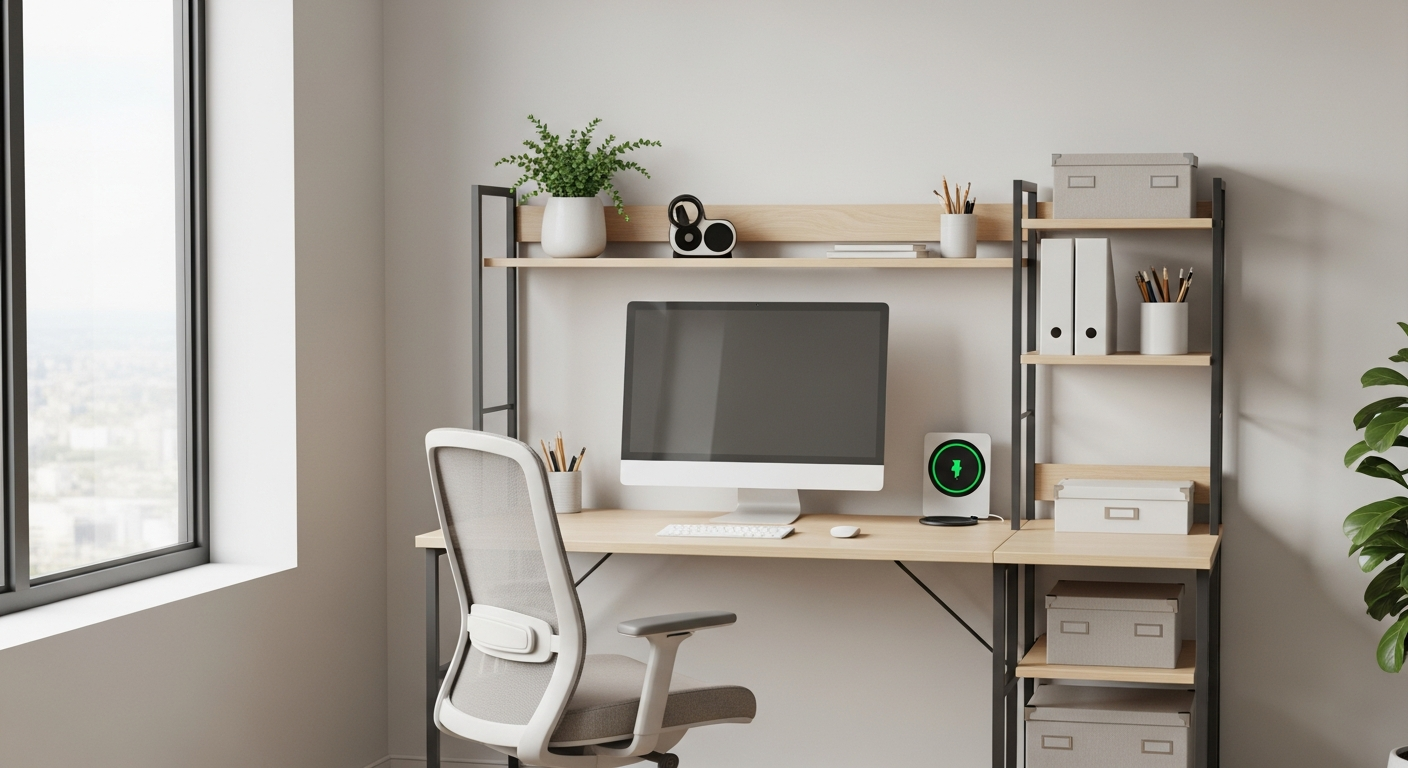
Both can be great for working from home. A desktop offers a more ergonomic setup with a large monitor and full-size keyboard, which can be better for long hours. A laptop provides flexibility if you need to move your workspace around your home or office.
9. What about all-in-one computers?
All-in-one (AIO) computers are a type of desktop where the computer components are built directly into the monitor. They offer a clean, space-saving design with fewer cables. However, they are usually harder to upgrade than traditional desktops and can be less powerful for the price.
10. How do I decide which one is right for my needs?
Consider your main use. If you need to work on the go, travel often, or have limited space, a laptop is ideal. If you primarily work from a fixed location, need maximum power for tasks like gaming or video editing, or want the option to upgrade, a desktop is likely a better choice. Think about portability, performance, and future needs.