
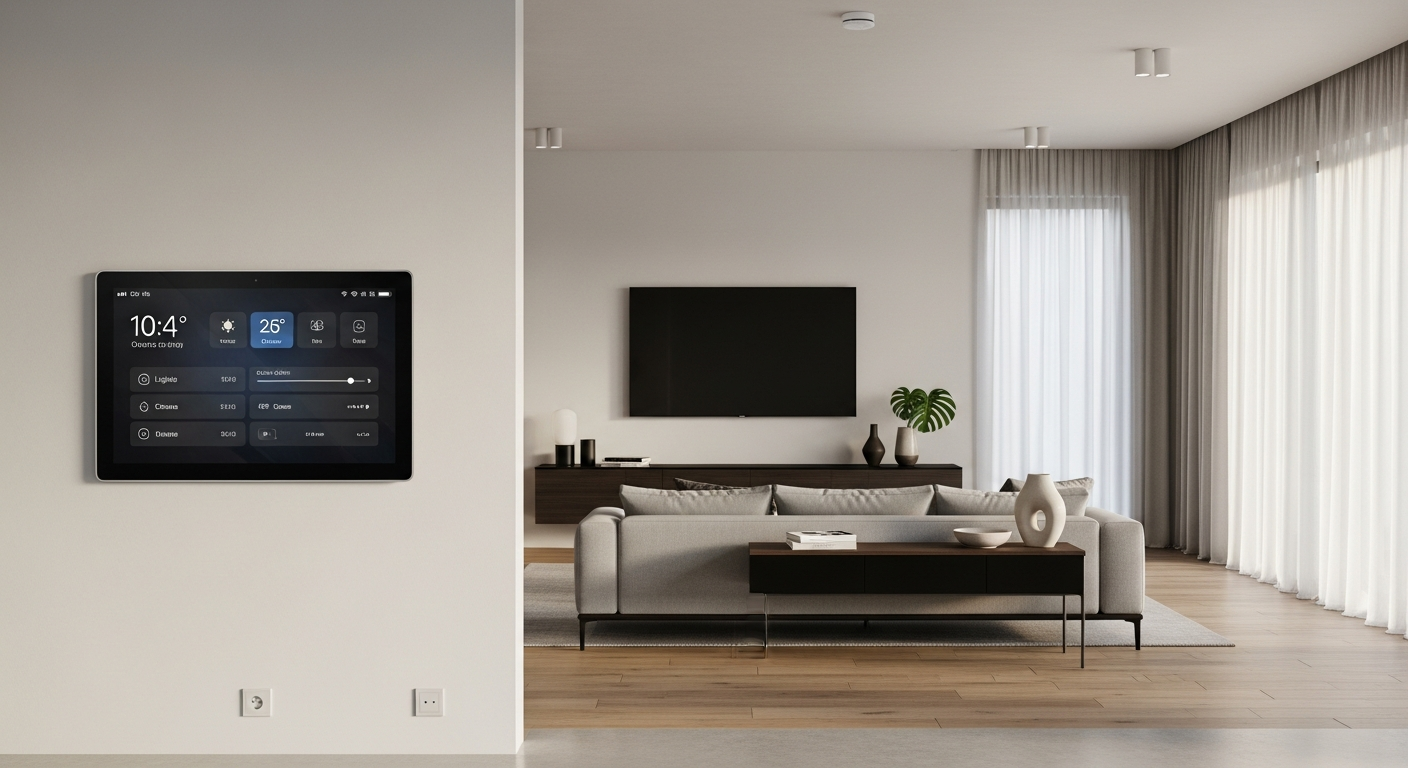
Welcome to the world of smart homes! It's exciting to have devices that make life easier, but it's also smart to understand how to keep them safe and private. This guide will help you protect your smart home, even if you're new to technology.
1. Are smart home devices safe from hackers?
Smart home devices, like smart speakers or cameras, can be targets for hackers, just like computers or phones. While many companies work hard to make their devices secure, no device is 100% hacker-proof. Taking simple steps can greatly reduce your risk.
The good news is that most basic hacking attempts can be stopped with good security habits. Think of it like locking your front door – it won't stop a determined professional, but it will deter most casual threats. Your actions play a big role in your smart home's safety.
2. What are the biggest privacy risks with smart devices?
Smart devices often collect information about you and your home. This could include your daily routines, voice commands, or even video footage. The biggest risk is that this personal data could be accessed by unauthorized people or used in ways you didn't expect.
Another risk is that your devices could be used to spy on you or your family. For example, a hacked smart camera could allow someone to see inside your home. Understanding what data your devices collect is the first step to managing these risks.
3. How can I secure my smart home network?
Your smart home network is essentially your home's internet connection, usually provided by your Wi-Fi router. To secure it, start by changing the default password on your Wi-Fi router to a strong, unique one. This is like changing the locks on a new house.
Also, make sure your Wi-Fi network uses WPA3 or WPA2 encryption, which scrambles your data to keep it private. You can usually check and change this in your router's settings. Keeping your router's software updated is also crucial for security.
Weak Password
- Easy to guess (e.g., "123456", "password")
- Short length
- Uses common words
- No mix of characters
- High risk of hacking
Strong Password
- Hard to guess (random)
- Long length (12+ characters)
- Mix of uppercase/lowercase letters
- Includes numbers and symbols
- Low risk of hacking
4. Should I use strong passwords for my smart devices?
Absolutely, yes! A strong, unique password for each smart device and its associated app is one of the most important security steps. Think of each password as a unique key for a different lock in your home.
Never use the default password that came with a device. Change it immediately. A strong password is long, includes a mix of uppercase and lowercase letters, numbers, and symbols. Using a password manager can help you keep track of them all.
5. What is two-factor authentication and how does it help?
Two-factor authentication (often called 2FA) adds an extra layer of security beyond just a password. Even if someone steals your password, they can't get in without this second piece of information.
Typically, after entering your password, you'll be asked for a code sent to your phone, or to approve a login attempt on another trusted device. This makes it much harder for unauthorized people to access your accounts, even if they have your password.
6. How can I manage data collected by my smart devices?
Many smart devices allow you to review and manage the data they collect. Check the settings within each device's app or on the manufacturer's website. You might find options to delete old data, limit what's collected, or opt out of certain data sharing.
Regularly reviewing these privacy settings is a good habit. Understand what data is being collected, why, and how it's used. If you're uncomfortable with the data collection, consider if that device is right for your home.
7. What are the risks of sharing smart device access?
Sharing access to your smart devices, even with trusted family or friends, comes with risks. Anyone with access might be able to view sensitive data, change settings, or even accidentally expose your home to security vulnerabilities.
Only share access when absolutely necessary and always use the device's built-in sharing features, rather than sharing your own login details. When someone no longer needs access, revoke it immediately. This helps maintain control over your smart home.
Smart Device Update Flow
New software (firmware) is created to fix bugs or improve security.
Your device app or the device itself notifies you an update is available.
You initiate the update process, often with a tap in the app.
The new software is downloaded and installed on your smart device.
Your device is now more secure, private, and performs better.
8. Should I regularly update my smart device firmware?
Yes, absolutely! Firmware is the basic software that makes your smart device work. Manufacturers regularly release updates to fix security flaws, improve performance, and add new features. These updates are vital for your device's safety.
Think of it like getting a software update for your phone or computer. Always install updates as soon as they are available. Many devices offer automatic updates, which is a convenient way to stay protected without constant manual checks.
9. How can I identify a suspicious smart home app?
Only download smart home apps from official app stores (like Apple App Store or Google Play Store) and ensure the app is published by the actual device manufacturer. Check reviews, ratings, and the number of downloads – very low numbers or many negative reviews can be red flags.
Be wary of apps asking for excessive permissions that don't seem related to the device's function (e.g., a smart light app asking for access to your contacts). If an app looks fake or asks for too much personal information, it's best to avoid it.
10. What are general best practices for smart home security?
Always prioritize strong, unique passwords and enable two-factor authentication whenever possible. Regularly update all your devices and your Wi-Fi router. Review privacy settings for each device to control data collection.
Only buy smart devices from reputable brands that have a good track record for security and privacy. If you're not using a device, consider unplugging it. By following these simple steps, you can enjoy the convenience of your smart home with greater peace of mind.