
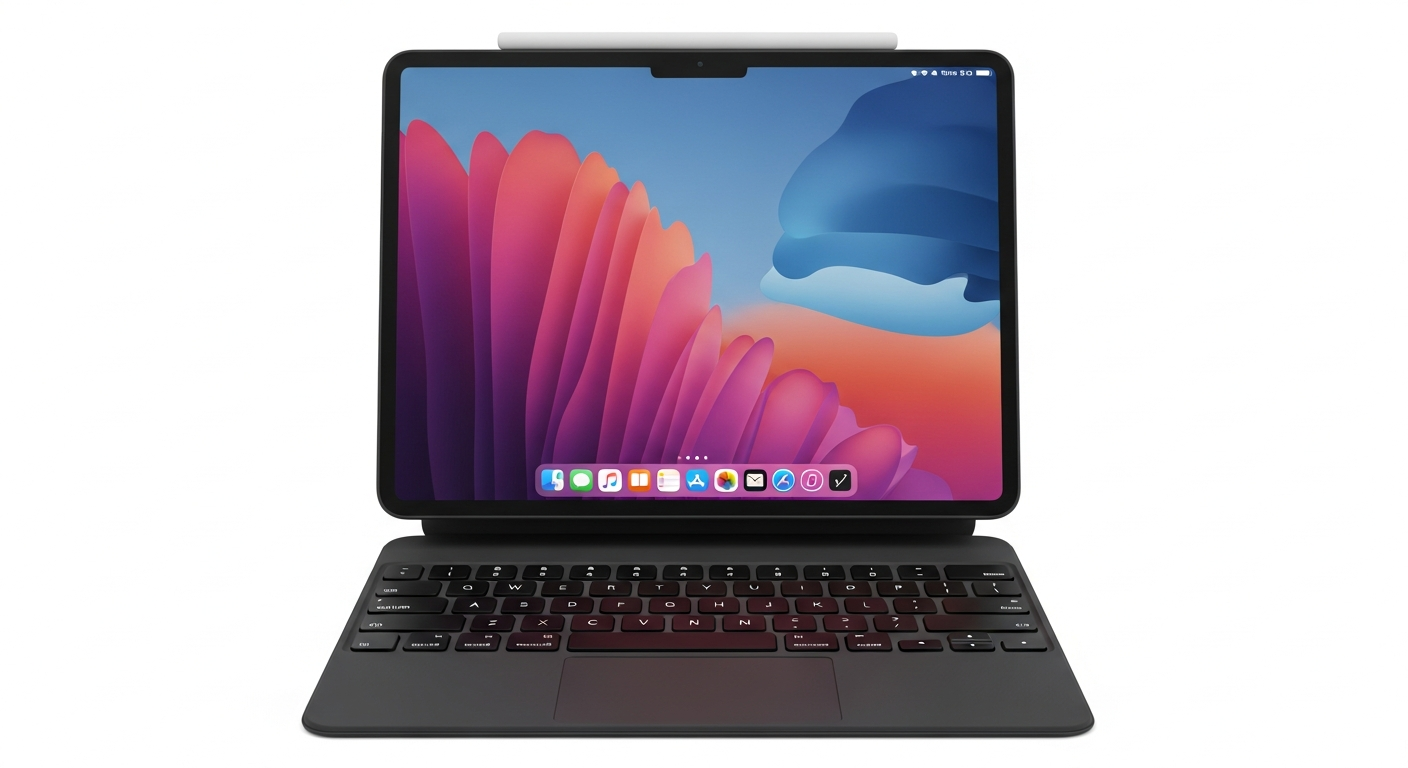
iPad (with Keyboard) vs. MacBook: Which One for You in 2026?
Thinking about an iPad with a keyboard versus a traditional MacBook for your everyday tasks? It's a common dilemma. Both are powerful Apple devices, but they offer very different experiences. Let's break down the honest truth to help you choose.
iPad (with Keyboard) vs. MacBook - Quick Look
Price Tag: More Similar Than You Think
At first glance, an iPad seems cheaper. But add a decent keyboard case, like Apple's Magic Keyboard, and the price jumps significantly. A mid-range iPad Air with a Magic Keyboard can easily cost as much as a base model MacBook Air. Higher-end iPad Pro models with accessories can even exceed some MacBook Pro prices. Don't forget the Apple Pencil if you need it. Factor in all accessories when comparing costs.
Portability & Form Factor
This is where the iPad shines for some. Without the keyboard, it's a lightweight tablet, perfect for reading, drawing, or watching movies on the go. Slip it into any bag. Add the keyboard, and it becomes a compact laptop-like device. However, a MacBook Air is incredibly light and thin itself. It offers a more stable lap-typing experience. The iPad with a keyboard can feel top-heavy on your lap sometimes.
Software & App Experience: The Core Difference
This is the biggest decider. iPadOS has come a long way. It's fantastic for touch-first apps, note-taking, and many creative tasks. Apps like Procreate or LumaFusion are incredible. However, it's still not macOS. File management is simpler but less robust. Multi-tasking, while improved, isn't as fluid or powerful as on a MacBook. If you need full desktop applications (complex spreadsheets, coding environments, specific professional software), iPadOS will hit a wall. You often rely on mobile versions of apps, which can be limited.
Best for Students?
For many students, an iPad is appealing for its note-taking capabilities with the Apple Pencil. It's great for reading textbooks and light research. But when it comes to writing long papers, complex research, coding projects, or using specific software required for a major, a MacBook is usually the better choice. Its full keyboard, trackpad, and macOS give you a traditional, powerful computing experience essential for serious academic work.
Best for Work?
Again, it depends on your job. For basic email, web browsing, presentations, and light document editing, an iPad with a keyboard can absolutely work. Salespeople, field workers, or those needing a highly portable device for quick tasks might love it. But for professionals who need robust multi-tasking, access to legacy software, complex data analysis, extensive coding, or precise graphic design, a MacBook is almost always superior. macOS simply offers a more complete, desktop-grade environment.
The "Laptop Replacement" Myth
An iPad with a keyboard can *do* many things a laptop does. But it rarely *replaces* a laptop for someone who needs a full desktop operating system. It's a different kind of computing experience. Think of it as a highly capable tablet that can sometimes pretend to be a laptop, rather than a laptop that can be a tablet. The limitations of iPadOS, especially around file management and full-featured apps, mean it's not a true one-to-one replacement for everyone.
iPad with Keyboard vs. MacBook: Your Decision Flow
The Verdict
If your daily tasks are mostly content consumption, note-taking, light creative work, and you prioritize tablet versatility, an iPad with a keyboard is a fantastic, highly portable choice. However, if you need a true workhorse for productivity, complex software, extensive multi-tasking, or traditional computing, the MacBook remains the undisputed champion. Don't let the keyboard fool you; the operating system makes all the difference.