
My Internet Is Not Working: Simple Fixes for Common Problems
Having trouble with your internet? Don't worry, most problems have simple solutions you can try yourself. This guide will help you get back online quickly.
1. How do I know if my internet is down?
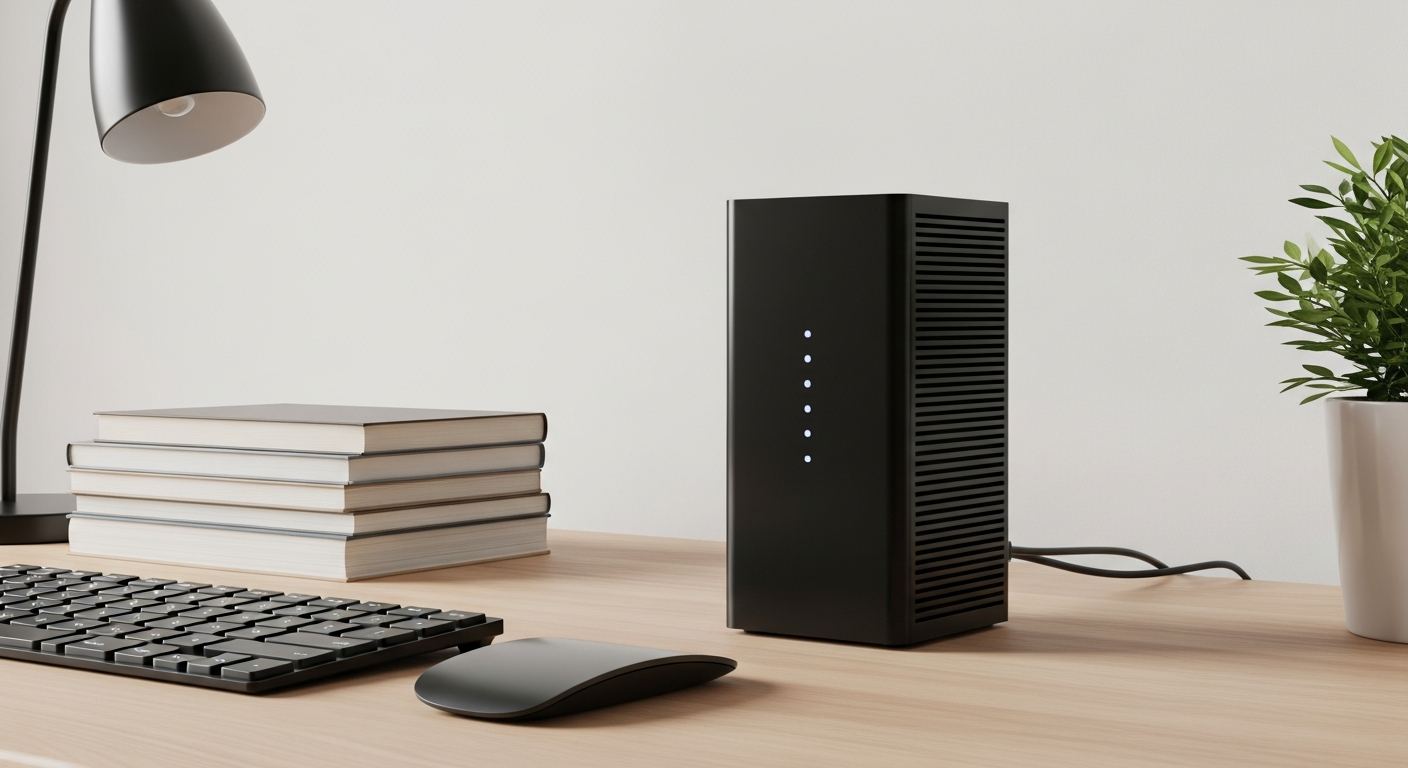
First, check if multiple devices (like your phone, tablet, or smart TV) can't connect. If only one device is having trouble, the problem might be with that device, not your internet. Also, look at the lights on your modem and router; they often show if there's an issue.
2. What is power cycling my router and modem?
Power cycling means turning your internet equipment completely off and then back on. Think of it like restarting a computer when it's acting up. This simple trick can fix many common internet glitches by clearing temporary errors.
3. How do I power cycle my equipment?
To power cycle, first unplug the power cord from your modem, then unplug the power cord from your router. Wait about 30 seconds. Plug the modem back in first and wait for its lights to stabilize (usually 1-2 minutes). Then, plug your router back in and wait for its lights to stabilize before testing your internet.
Power Cycle Your Internet Gear
Unplug Modem
Unplug Router
Wait 30 Seconds
Plug in Modem
Plug in Router
4. What if only one device can't connect?
If only one device (like your phone) isn't connecting, try restarting that specific device first. Make sure its Wi-Fi is turned on. You can also try "forgetting" the Wi-Fi network on that device and then reconnecting by entering the password again.
5. Should I check my cables?
Absolutely! Loose or damaged cables are a common cause of internet problems. Make sure all cables are securely plugged into your modem, router, and the wall outlet. Check for any visible damage like kinks or frayed wires. If a cable looks bad, it might need replacing.
6. What is an internet outage in my area?
An internet outage means your internet service provider (ISP) is experiencing a problem that affects many customers in your neighborhood or city. This could be due to maintenance, equipment failure, or even severe weather. During an outage, your internet won't work, and you'll have to wait for your ISP to fix it.
7. How do I contact my internet service provider (ISP)?
If you've tried the basic fixes and your internet is still down, it's time to contact your ISP. You can usually find their customer service number on your monthly bill or their official website. Be prepared to describe the problem and mention the steps you've already taken.
Self-Fix vs. ISP Contact
Self-Fix
- Only one device affected
- Router lights are unusual
- Just restarted your computer
- Recently moved equipment
Contact ISP
- All devices are offline
- No internet for hours
- Tried power cycling
- Router lights are off
8. What does "No Internet Access" mean on my computer?
This message usually means your computer is connected to your router (or Wi-Fi), but the router itself isn't getting internet from your modem or ISP. It's like your house has power, but the main street power line is down. This often points to a problem with your modem or ISP.
9. Is my Wi-Fi password correct?
A common mistake is typing the wrong Wi-Fi password. Passwords are case-sensitive, meaning "Password" is different from "password." Double-check your password, especially if you recently changed it or are connecting a new device. The password is often on a sticker on your router.
10. What if my Wi-Fi light is red?
A red light on your modem or router usually signals a serious problem. It often means there's no connection to your internet service provider, or the device itself has a critical error. After trying a power cycle, if the light remains red, you'll definitely need to contact your ISP for assistance.