
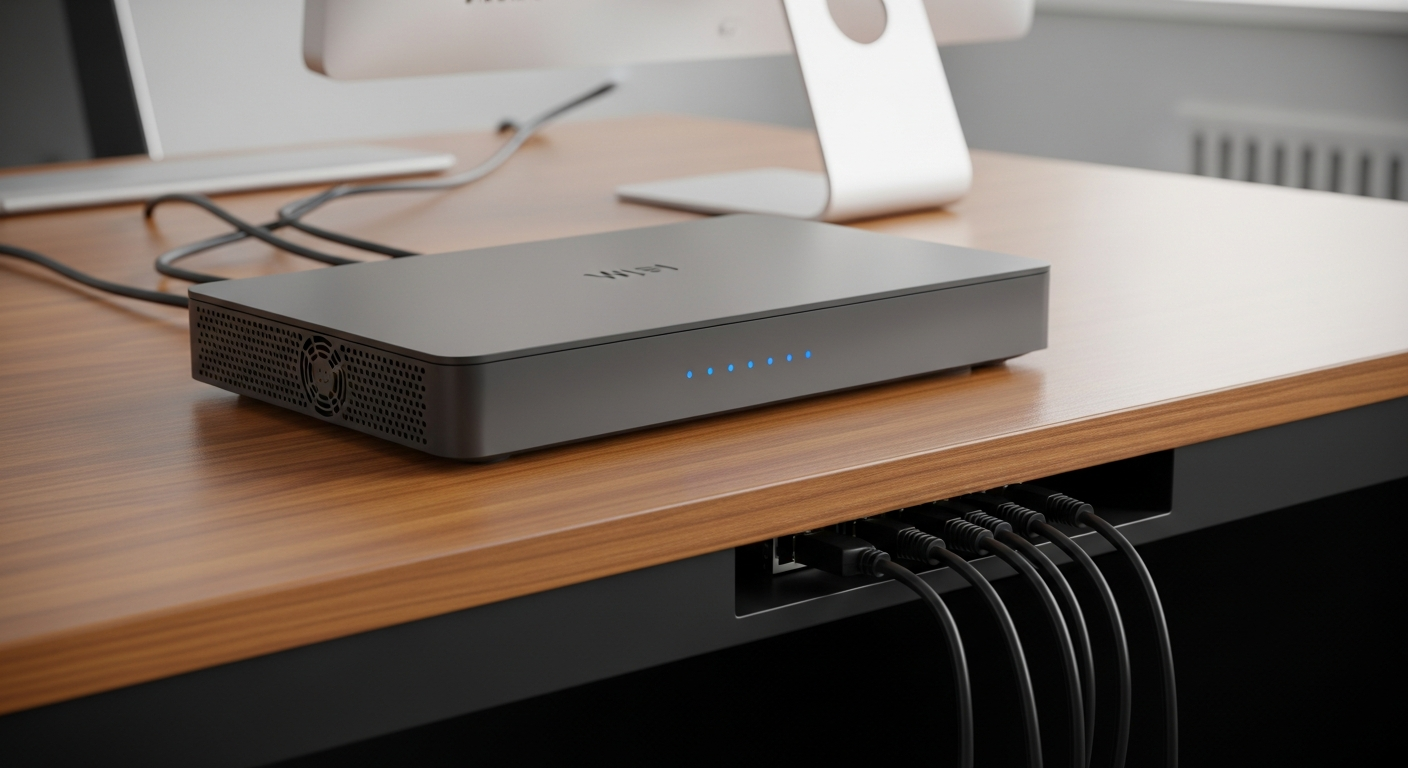
Is your internet dragging its feet? It's frustrating when videos buffer and websites load slowly. Let's explore common reasons for slow Wi-Fi and how you can easily make it faster.
1. Why is my internet speed slow?
Many things can slow down your internet. It could be too many devices using Wi-Fi at once, your router being in a bad spot, or even an old internet plan. Sometimes, other electronics or your neighbor's Wi-Fi can also cause issues.
2. How do I test my internet speed?
You can easily check your internet speed using a free online tool. Just search "internet speed test" on your computer or phone. These tests measure how fast data travels to and from your device, showing you your download and upload speeds.
3. What devices might be slowing down my Wi-Fi?
Every device connected to your Wi-Fi uses a bit of its speed. Things like streaming 4K movies on a smart TV, playing online games on a console, or even having many smart home gadgets (like cameras or smart speakers) active can hog bandwidth and slow things down for everyone else.
Old Wi-Fi Router
- Slower speeds, especially for newer devices.
- Limited range and weaker signal.
- Struggles with many connected devices.
- Less secure against modern threats.
New Wi-Fi Router
- Faster speeds (Wi-Fi 6E, Wi-Fi 7).
- Better coverage throughout your home.
- Handles many devices smoothly.
- Improved security features.
4. Can furniture block my Wi-Fi signal?
Yes, physical objects can definitely weaken your Wi-Fi signal. Thick walls (especially concrete), large metal objects like refrigerators, and even big pieces of furniture can act as barriers. Try to place your router in an open, central location away from obstructions.
5. What are Wi-Fi extenders or mesh systems?
Wi-Fi extenders boost your existing signal to cover dead zones, but they can sometimes slow down speeds. Mesh Wi-Fi systems use multiple devices (nodes) to create a single, strong network across your entire home, offering better coverage and more consistent speeds for larger spaces.
6. Should I use an Ethernet cable?
Absolutely! Connecting devices directly to your router with an Ethernet cable provides the fastest and most stable internet connection. It bypasses Wi-Fi interference and is ideal for devices like gaming consoles, desktop computers, or smart TVs that need top performance.
7. How do I change my Wi-Fi channel?
Wi-Fi channels are like different lanes on a highway. If too many neighbors are using the same channel, it gets congested. You can access your router's settings (usually by typing an IP address into a web browser) to find and switch to a less crowded channel, often 1, 6, or 11 for 2.4GHz Wi-Fi.
Router Placement Flow
-
Central Location
Place router in the middle of your home, not in a corner or closet.
-
Elevate It
Put the router on a shelf or desk, not on the floor.
-
Avoid Obstacles
Keep it away from thick walls, metal objects, and large appliances.
-
Minimize Interference
Distance from microwaves, cordless phones, and baby monitors.
8. Is my internet plan fast enough?
Your internet service provider (ISP) offers different speed plans. If you have many people or devices using the internet for demanding tasks like 4K streaming or online gaming, a basic plan might not be enough. Check your plan's advertised speed and compare it to your actual usage needs.
9. What is router interference?
Router interference happens when signals from other devices or networks disrupt your Wi-Fi. This can come from your neighbor's Wi-Fi, microwaves, cordless phones, or even Bluetooth devices. Using a dual-band router (2.4GHz and 5GHz) or changing your Wi-Fi channel can help reduce this.
10. When should I upgrade my router?
Consider upgrading your router if it's more than 3-5 years old, if you're consistently experiencing slow speeds despite troubleshooting, or if your internet plan has significantly increased in speed. Newer routers support faster Wi-Fi standards (like Wi-Fi 6E or Wi-Fi 7) and offer better performance and security.