
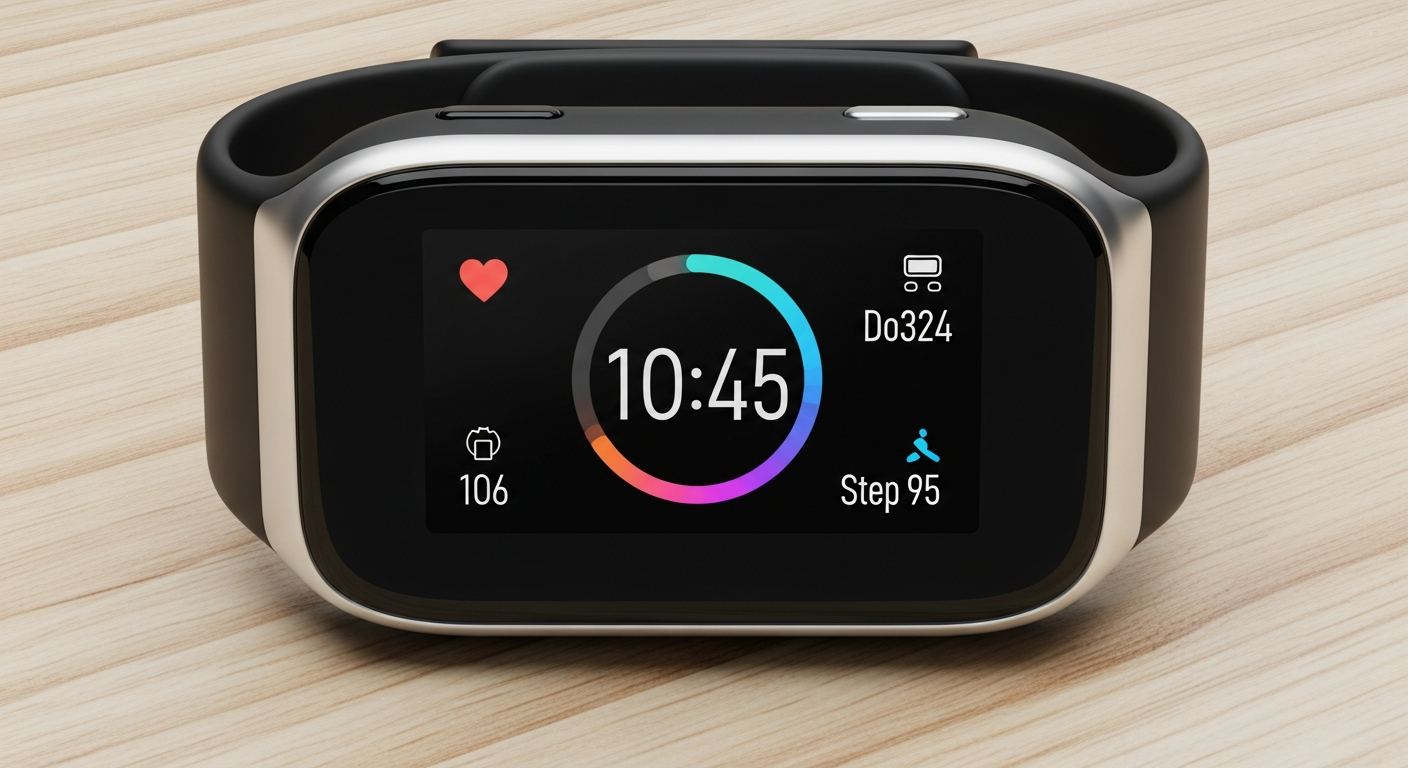
Just got a new fitness tracker or smartwatch? That's exciting! This guide will walk you through setting up your new device, even if you've never used one before.
1. What's the first thing I should do after unboxing?
First, carefully remove everything from the box. Look for the tracker or watch itself, the charging cable, and any small booklets. It's a good idea to keep the box for a few days in case you need to return or exchange the device.
2. How do I charge my new device for the first time?
Most new devices need a full charge before you start using them. Connect the charging cable to your device and plug the other end into a USB power source, like a wall adapter or computer port. Let it charge until the screen shows it's 100% full, which might take an hour or two.
3. Which app do I need to download to connect it?
Your fitness tracker or smartwatch needs a special app on your smartphone to work properly. The brand name of your device (like "Fitbit," "Garmin," or "Apple Watch") will usually tell you which app to search for in your phone's app store. Look for the official app from the manufacturer.
Fitness Tracker
- Focus: Steps, heart rate, sleep
- Simpler display, longer battery
- Great for basic health tracking
Smartwatch
- Focus: Notifications, apps, calls
- Larger screen, more features
- Good for staying connected & active
4. How do I pair my wearable with my smartphone via Bluetooth?
After downloading the app, open it and follow the on-screen instructions to "add a new device" or "pair device." Make sure your phone's Bluetooth is turned on. The app will usually find your tracker or watch automatically. You might need to confirm a code on both devices.
5. What information do I need to enter during setup (e.g., age, weight)?
The app will ask for some personal details like your age, height, weight, and gender. This information helps your device calculate things like calories burned, step distance, and heart rate zones more accurately. Be honest for the best results!
6. How do I adjust the strap for a comfortable fit?
The strap should be snug but not too tight. It should sit about one finger's width above your wrist bone. If it's too loose, the sensors might not read your heart rate accurately. If it's too tight, it can be uncomfortable and leave marks.
7. Where can I find the user manual or quick start guide?
Most devices come with a small quick start guide in the box. For the full user manual, it's usually available within the companion app or on the manufacturer's website. Just search for your device model number online.
First Time Setup Flow
8. How do I customize watch faces or display settings?
Most customization happens through the app on your smartphone. Open the app, look for a "Watch Faces," "Display," or "Settings" section. From there, you can choose different clock styles, what information appears on the screen, and adjust brightness.
9. How do I sync my data to the app?
Your device usually syncs automatically when it's near your phone with Bluetooth on and the app open in the background. If not, open the app and look for a "Sync" button or pull down on the main screen to refresh. This sends your activity data to your phone.
10. What are some basic gestures or button functions?
Most trackers have a touch screen, a button, or both. A single button press might wake the screen or go back. Swiping up, down, left, or right on the screen usually navigates through menus like steps, heart rate, or notifications. Experiment gently to see what yours does!