
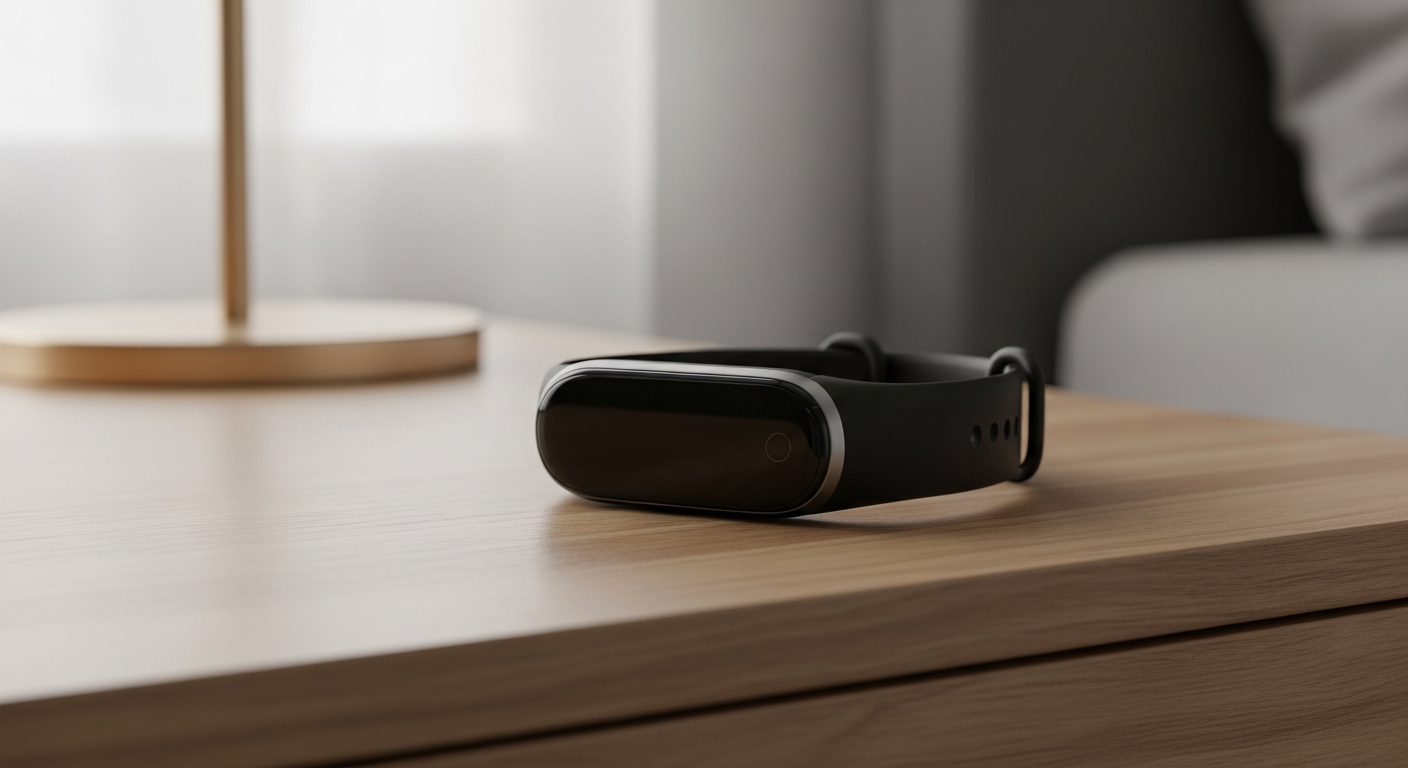
Just unboxed your new fitness tracker? This guide will walk you through setting it up, even if you've never used one before, ensuring you're ready to track your health in 2026.
1. What's the very first thing I should do when I get a new tracker?
The first step is always to check the quick start guide or manual that came with your device. This small booklet has important details specific to your model. After that, put your new tracker on charge immediately to ensure it has enough power for the setup process.
2. How do I charge my fitness tracker for the first time?
Most fitness trackers come with a special charging cable. Connect this cable to your tracker, then plug the other end into a USB power source, like a computer's USB port or a wall adapter. It's best to let it charge fully before you start using it, which usually takes 1-2 hours.
3. What app do I need to download for my tracker?
Every fitness tracker brand has its own specific app. For example, a "FitTrack" brand tracker will likely use the "FitTrack App." Look at the tracker's packaging or manual for the exact app name. You'll find it in your smartphone's app store (Apple App Store for iPhones, Google Play Store for Android phones).
Finding Your Tracker App
Identify App Name: Check your tracker's box or manual for the exact app name.
Open App Store: Go to your phone's Apple App Store (iPhone) or Google Play Store (Android).
Search & Download: Type the app name into the search bar and tap "Install" or "Get."
4. How do I pair my tracker with my smartphone?
"Pairing" means connecting your tracker to your phone. First, open the tracker's app on your smartphone. Make sure your phone's Bluetooth is turned on — this is the wireless technology that allows devices to talk to each other. The app will then guide you through finding and connecting to your tracker.
5. What personal information do I need to enter during setup?
During setup, the app will ask for basic details like your age, height, weight, and gender. This information is crucial for your tracker to accurately calculate things like calories burned, steps taken, and sleep patterns. It helps personalize your fitness data.
6. How do I customize my tracker's display?
Most fitness trackers allow you to change what you see on the screen, like the watch face or which stats are shown. This customization is almost always done through the tracker's app on your smartphone. Look for a "Display" or "Watch Face" section within the app's settings.
7. What if my tracker isn't connecting to my phone?
Don't worry, this is a common issue. First, ensure your phone's Bluetooth is on and the tracker app is open. Try restarting both your fitness tracker and your smartphone. Sometimes, simply turning them off and on again can resolve connection glitches.
Troubleshooting Connection Issues
Tracker Side Checks
- Ensure tracker is fully charged.
- Restart the fitness tracker.
- Check for any physical damage.
Smartphone Side Checks
- Verify Bluetooth is turned ON.
- Close and reopen the tracker app.
- Restart your smartphone.
8. How do I update the firmware on my tracker?
"Firmware" is like the operating system or internal software of your tracker. Updates improve performance and add new features. These updates are usually managed through the tracker's app. The app will notify you when an update is available and guide you through the process.
9. Can I use my tracker without a smartphone?
Yes, you can use most fitness trackers for basic functions like step counting or heart rate monitoring without a smartphone. However, to see your detailed daily trends, access advanced features, or update your device, you'll need to connect it to the app on your smartphone.
10. How do I ensure my tracker is worn correctly?
For accurate readings, wear your tracker snugly but comfortably — not too tight that it leaves a mark. Most trackers are designed to be worn on your non-dominant wrist, about one finger's width above your wrist bone. Check your manual for specific placement recommendations.