
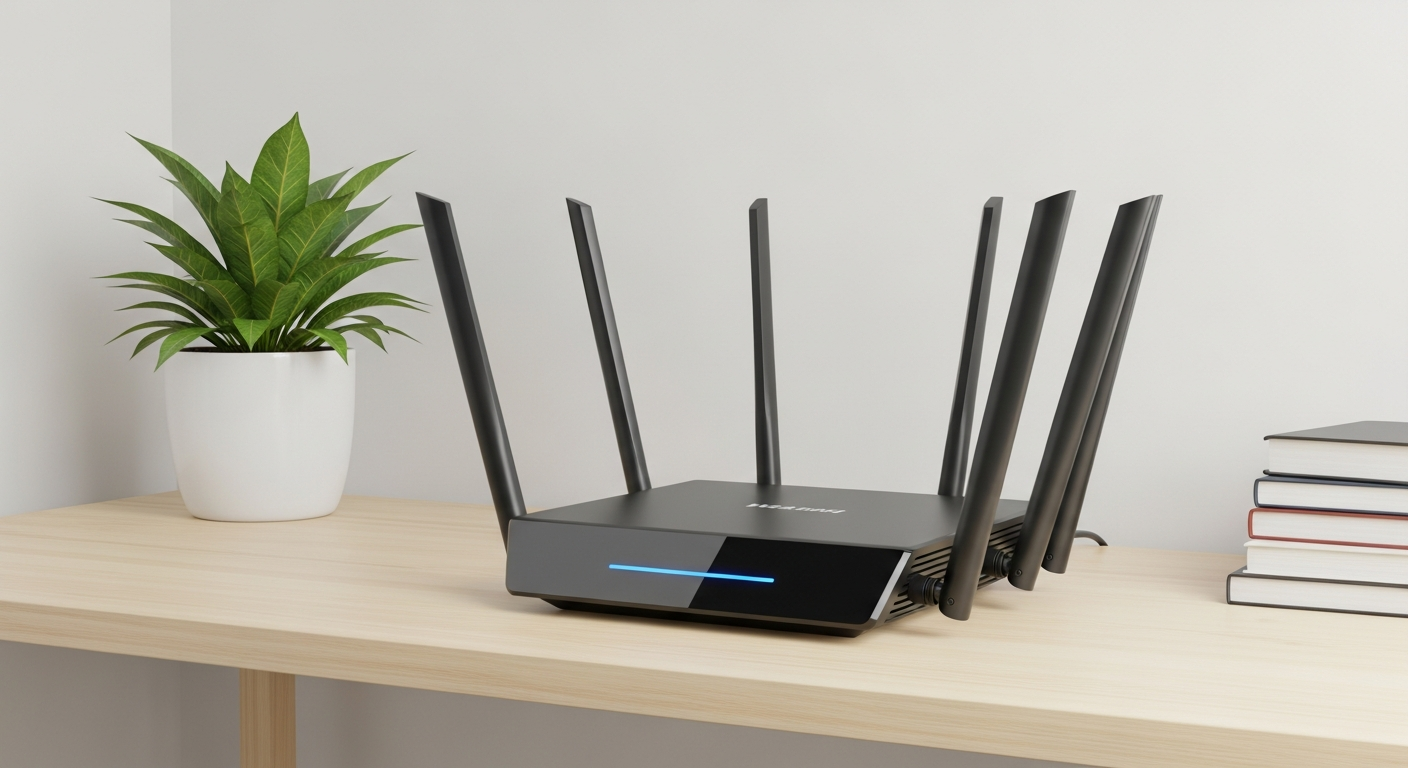
Is your home Wi-Fi feeling sluggish or unreliable? You're not alone! This guide will help you understand why your internet might be slow and how to boost your Wi-Fi signal for a smoother online experience.
1. Why is my Wi-Fi so slow?
Many things can slow down your Wi-Fi. It could be that too many devices are using the internet at once, like streaming movies on multiple TVs. Your Wi-Fi box, called a router, might be old or placed in a bad spot, making it hard for the signal to reach you. Also, other electronics can interfere with your Wi-Fi.
2. How can I improve my Wi-Fi signal strength?
Start by moving your router to a better location, ideally central and open. Make sure your router's software is up-to-date, as updates can improve performance. You can also try reducing obstacles like thick walls or large metal objects between your device and the router.
3. Where is the best place to put my router?
Place your router in a central spot in your home, away from walls and obstructions. Elevate it on a shelf or table, not on the floor. Keep it away from other electronics like microwaves, cordless phones, or baby monitors, as these can cause interference and weaken your signal.
Good Router Placement
- Central Location: Spreads Wi-Fi evenly.
- Open Space: No walls or furniture blocking signal.
- High Up: Signal travels downwards better.
- Away from Electronics: Reduces interference.
Bad Router Placement
- In a Corner: Signal struggles to reach other rooms.
- Behind Furniture: Signal gets absorbed or blocked.
- On the Floor: Signal can be weaker, especially upstairs.
- Near Microwave: Strong interference can occur.
4. What are Wi-Fi dead zones?
Wi-Fi dead zones are areas in your home where the internet signal is very weak or doesn't reach at all. These usually happen in rooms far from your router, or in areas with thick walls, metal objects, or other things that block the Wi-Fi signal from getting through.
5. Do Wi-Fi extenders really work?
Yes, Wi-Fi extenders (also called repeaters) do work by picking up your existing Wi-Fi signal and rebroadcasting it. They can help expand coverage to dead zones. However, they often cut your internet speed in half, so they are best for less demanding tasks like checking email, not for streaming 4K video.
6. What is a mesh Wi-Fi system?
A mesh Wi-Fi system uses multiple devices, called nodes, that work together to create one large, seamless Wi-Fi network. Unlike extenders, mesh systems don't usually slow down your internet as much. They are ideal for larger homes or homes with multiple floors, providing strong Wi-Fi everywhere.
7. How do I reduce interference with my Wi-Fi?
Interference happens when other devices mess with your Wi-Fi signal. Keep your router away from common culprits like microwaves, cordless phones, Bluetooth speakers, and even some smart home gadgets. Moving these items or your router just a few feet can often make a big difference.
2.4 GHz Wi-Fi
- Range: Longer (better for distant rooms)
- Obstacles: Better at passing through walls/objects
- Speed: Slower speeds (good for browsing)
- Traffic: More crowded (many devices use it)
5 GHz Wi-Fi
- Range: Shorter (better for close-by devices)
- Obstacles: Struggles with walls/objects
- Speed: Faster speeds (great for streaming/gaming)
- Traffic: Less crowded (less interference)
8. Should I change my Wi-Fi channel?
Yes, sometimes. Wi-Fi signals travel on different "channels," like lanes on a highway. If your neighbors are using the same channel, it can cause a "traffic jam" and slow down your Wi-Fi. Changing your router to a less crowded channel can improve speed and reliability, especially in apartment buildings.
9. What's the difference between 2.4 GHz and 5 GHz Wi-Fi?
These are two different Wi-Fi "bands." The 2.4 GHz band offers a wider range and can pass through walls better, but it's generally slower. The 5 GHz band provides faster speeds but has a shorter range and struggles more with obstacles. Most modern routers offer both, letting you choose based on your needs.
10. When should I upgrade my router?
Consider upgrading your router if it's more than 5 years old, as newer models offer much better performance and security. You should also upgrade if your internet speed from your provider is faster than what your current router can handle, or if you've added many new devices to your home network.