
Is your home WiFi acting up, leaving you frustrated with slow speeds or no connection in certain rooms? Don't worry, you're not alone, and there are simple ways to make your internet reach every corner of your house.
1. Why doesn't my WiFi reach every room?
Your WiFi signal travels through the air, but it's not always strong enough to cover large distances or pass through everything in its path. Think of it like a speaker playing music; the further away you are, or if there are walls in between, the harder it is to hear clearly.
2. What causes WiFi dead zones?
WiFi dead zones are spots in your home where the internet signal is very weak or doesn't exist at all. These are usually caused by distance from your router, thick walls, large metal objects, or even other electronic devices interfering with the signal.
3. Where is the best central location for my router?
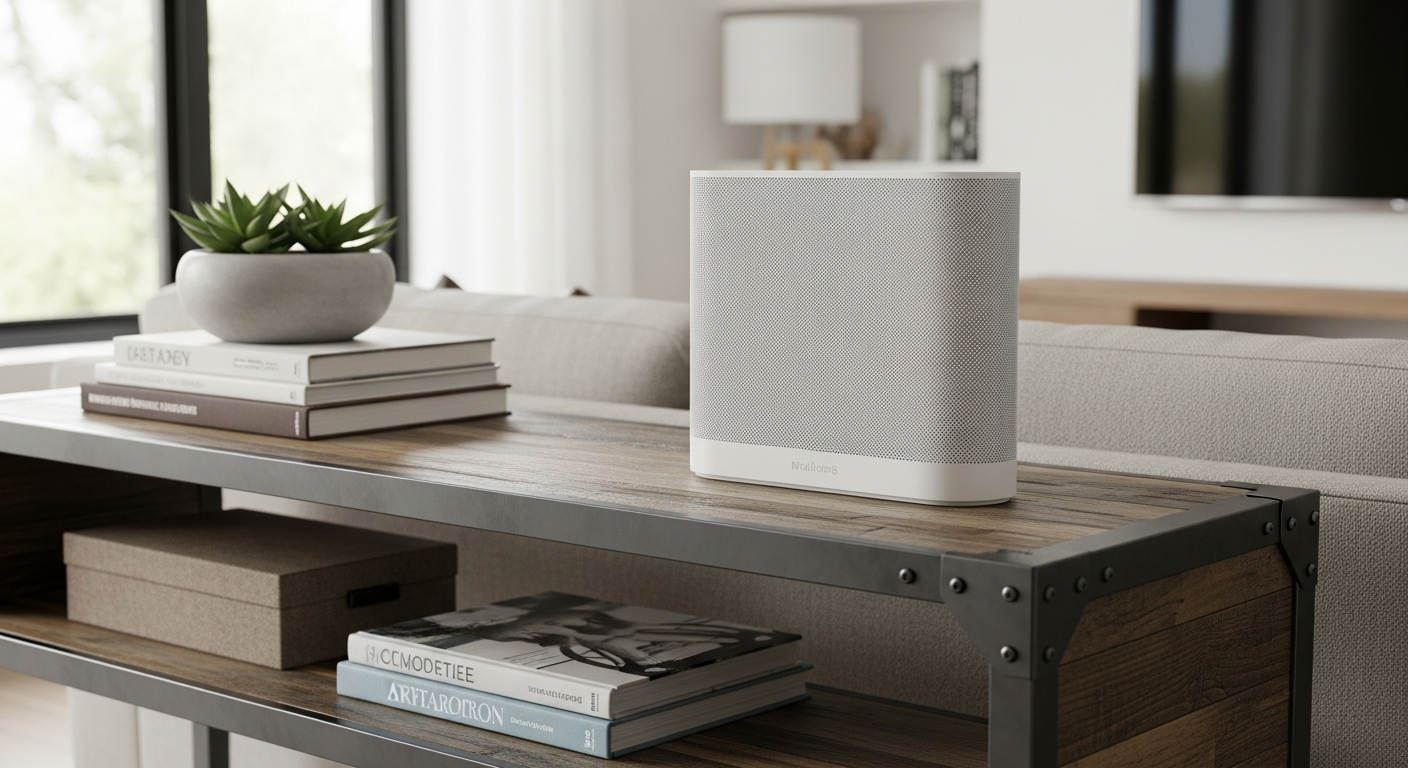
The best spot for your WiFi router is usually in the most central part of your home, out in the open, and off the floor. Placing it high up, like on a shelf, helps the signal spread more evenly in all directions, reducing obstacles.
WiFi Extender
- Plugs into an outlet
- Boosts existing signal
- Creates a new network name (sometimes)
- Good for small dead zones
Mesh WiFi System
- Multiple units (nodes)
- Creates one seamless network
- Better coverage for large homes
- Smartly switches devices between units
4. Do walls and furniture block WiFi signals?
Yes, absolutely. Thick walls, especially those made of brick, concrete, or with metal studs, can significantly weaken your WiFi signal. Large pieces of furniture, particularly metal filing cabinets or bookshelves packed with books, can also act as barriers.
5. What is a WiFi extender or repeater?
A WiFi extender (also called a repeater) is a device that grabs your existing WiFi signal and re-broadcasts it, making it reach further. It's like a megaphone for your WiFi, helping it cover areas your main router can't reach on its own.
6. What is a Mesh WiFi system and how does it work?
A Mesh WiFi system uses multiple devices, called "nodes," that work together to create one large, strong WiFi network throughout your home. Instead of just extending a signal, they communicate with each other to provide seamless coverage, so your devices automatically connect to the strongest signal as you move around.
7. Can I use powerline adapters to extend my network?
Yes, powerline adapters use your home's electrical wiring to send internet signals. You plug one adapter into an outlet near your router and connect it with a cable, then plug another adapter into an outlet in a different room. The second adapter then provides an internet connection, either through a cable or by creating a new WiFi hotspot.
Improving Your WiFi Flow
1. Router Placement
Move router to a central, open, elevated spot.
2. Identify Dead Zones
Walk around with your phone to find weak signal areas.
3. Add Extender/Mesh
Install a WiFi extender or Mesh system in weak areas.
4. Check Interference
Move electronics away from router; avoid metal objects.
8. How do I check my WiFi signal strength?
You can check your WiFi signal strength using apps on your smartphone or computer. These apps show you how strong the signal is in different parts of your home, often using a number (higher is better) or a visual indicator, helping you pinpoint dead zones.
9. Are there objects I should avoid placing near my router?
Yes, avoid placing your router near large metal objects, aquariums, microwaves, cordless phones, baby monitors, and even refrigerators. These items can absorb or interfere with your WiFi signal, weakening its reach and performance.
10. When should I consider upgrading my router for better range?
You should consider upgrading your router if it's several years old (5+ years), if you have a large home, or if you've tried other solutions like extenders and still have poor coverage. Newer routers offer stronger signals, better technology, and can handle more devices at once, significantly improving range and speed.