
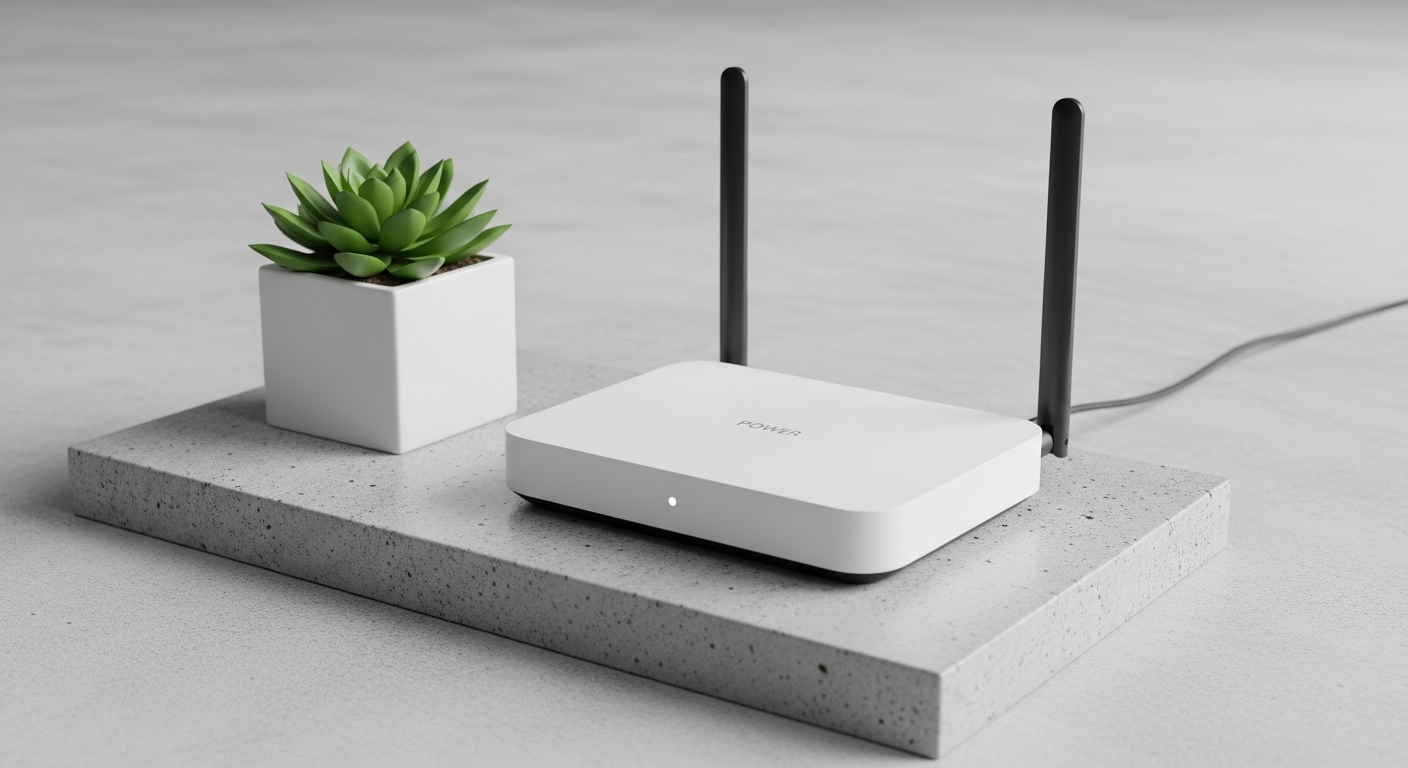
Having strong Wi-Fi everywhere in your home is super important these days. This guide will help you understand why your Wi-Fi might be weak in some spots and show you easy ways to fix it.
1. Why doesn't my Wi-Fi reach certain parts of my home?
Your Wi-Fi signal, like a radio wave, gets weaker the further it travels from your main Wi-Fi box (router). Things like thick walls, floors, large metal objects, and even other electronics can block or absorb this signal, creating "dead zones" where your Wi-Fi barely works or doesn't work at all.
2. What is a Wi-Fi extender (or repeater) and how does it work?
A Wi-Fi extender, also called a repeater, is a small device you plug into a wall outlet. It picks up your existing Wi-Fi signal, boosts it, and then broadcasts it again. Think of it as a middleman that catches the signal and sends it further, helping your Wi-Fi reach those tricky dead zones.
3. What is a mesh Wi-Fi system and is it better than an extender?
A mesh Wi-Fi system uses several devices, called "nodes," that work together to create one large, strong Wi-Fi network across your entire home. Unlike extenders, mesh nodes communicate with each other, creating a seamless network. It's generally better than an extender for larger homes or homes with many dead zones because it provides more consistent speed and coverage.
Wi-Fi Extender
- One main Wi-Fi box, one extender.
- Extender repeats existing signal.
- Can create a separate Wi-Fi name.
- Good for small dead zones.
- More affordable.
Mesh Wi-Fi System
- Multiple "nodes" work together.
- Creates one seamless network.
- Devices automatically switch to best signal.
- Excellent for large homes.
- Higher upfront cost.
4. Where should I place a Wi-Fi extender for best results?
Place your Wi-Fi extender roughly halfway between your main Wi-Fi box and the dead zone. It needs to be close enough to your main Wi-Fi box to get a good signal itself, but also close enough to the dead zone to effectively extend that signal. Avoid placing it behind large furniture or in enclosed spaces.
5. Can thick walls or appliances block Wi-Fi signals?
Yes, absolutely! Materials like concrete, brick, and even dense wood in walls can significantly weaken Wi-Fi signals. Large metal objects, such as refrigerators, washing machines, and even mirrors, can also block or reflect signals, creating interference and reducing your Wi-Fi's reach.
6. What are powerline adapters and how can they help?
Powerline adapters use your home's electrical wiring to send internet signals. You plug one adapter into a wall socket near your main Wi-Fi box and connect it with a cable. Then, you plug another adapter into a wall socket in the room where you need Wi-Fi. This second adapter can then create a new Wi-Fi hotspot or provide a wired internet connection.
7. How do I know if I need to extend my Wi-Fi?
You likely need to extend your Wi-Fi if you experience slow internet speeds, dropped connections, or can't connect at all in certain rooms. Streaming videos might buffer constantly, video calls might freeze, or smart devices might struggle to stay online. These are all signs your Wi-Fi signal isn't strong enough.
Check Your Wi-Fi Coverage
Start Near Router
Test Wi-Fi speed and signal strength close to your main Wi-Fi box.
Move Away
Walk to different rooms, especially "dead zones," testing speed and signal.
Identify Weak Spots
If speeds drop significantly or connections are unstable, you have weak spots.
Consider a Solution
An extender, mesh system, or powerline adapter can help fill these gaps.
8. Can I use an old router as a Wi-Fi extender?
Sometimes, yes! Many older Wi-Fi boxes (routers) can be reconfigured to work as an access point or a repeater. This usually involves changing some settings in its software. However, it can be a bit technical and might not work as well as a dedicated extender or mesh system, especially if the old router is very outdated.
9. What's the difference between a Wi-Fi extender and an access point?
A Wi-Fi extender wirelessly repeats an existing Wi-Fi signal. An access point (AP) creates a new Wi-Fi network, but it needs a wired connection back to your main Wi-Fi box. Think of an AP as adding another Wi-Fi source that's directly plugged into your internet, offering a more stable and often faster connection than an extender.
10. Are there any free ways to improve Wi-Fi range without buying new devices?
Yes! Try moving your main Wi-Fi box to a central location in your home, away from walls and large appliances. Make sure its antennas are pointing upwards. Keep it elevated, not on the floor. Also, regularly restart your Wi-Fi box, as this can often clear up minor issues and improve performance.