
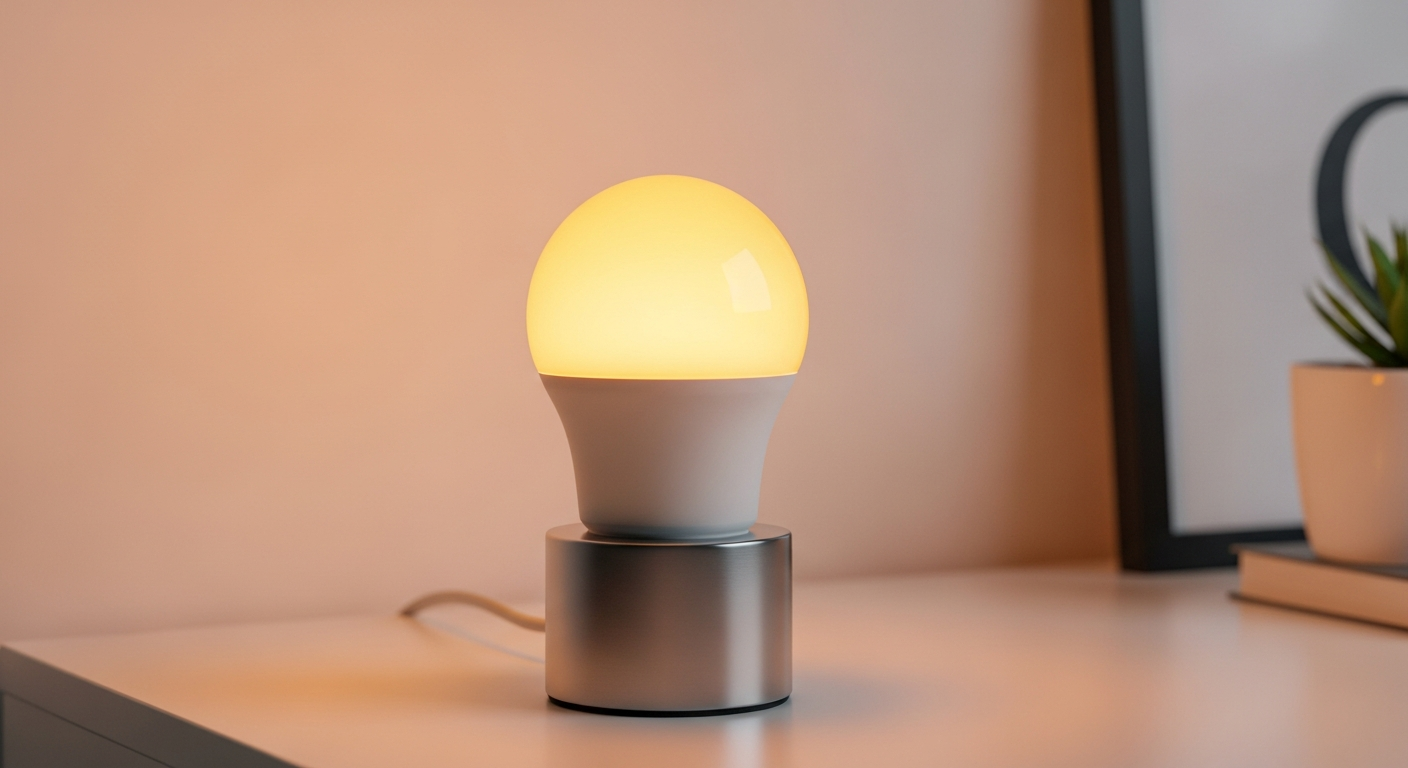
Smart light bulbs are more than just lights; they bring convenience and fun to your home. This guide will explain how they work and help you decide if they're right for you.
1. What makes a light bulb 'smart'?
A smart light bulb is special because it can connect to your home's internet (Wi-Fi) or other wireless signals. This connection allows you to control the bulb using a smartphone app, voice commands, or even special switches, instead of just a regular light switch.
Inside a smart bulb, there's a small computer chip that lets it talk to other devices. This chip understands commands like "turn on" or "change color," making your lighting much more flexible and interactive than traditional bulbs.
2. How do I control smart light bulbs?
You primarily control smart light bulbs using an app on your smartphone or tablet. This app lets you turn lights on or off, dim them, or change colors from anywhere, even when you're not home.
Many smart bulbs also work with voice assistants like Amazon Alexa or Google Assistant. This means you can simply speak commands, like "Alexa, turn on the living room lights," for hands-free control. You can also use smart switches or motion sensors.
3. Can I change the color and brightness of smart lights?
Yes, absolutely! One of the most popular features of smart lights is the ability to change their color and brightness. Many smart bulbs offer millions of colors, letting you set the perfect mood for any occasion, from a vibrant party to a relaxing evening.
You can also easily adjust the brightness, or "dim" the lights, directly from your app or with voice commands. This flexibility allows you to customize your lighting precisely, creating different atmospheres in your home throughout the day.
Regular Light Bulb
- On/Off with a wall switch
- Fixed brightness
- Single color (usually white/yellow)
- No remote control
Smart Light Bulb
- Control with app, voice, or switch
- Adjustable brightness (dimming)
- Millions of colors available
- Remote control from anywhere
4. Do smart lights save energy?
Yes, smart lights are generally very energy-efficient. Most smart bulbs use LED technology, which consumes much less electricity than old-fashioned incandescent bulbs. This means they can help lower your energy bills over time.
Additionally, smart features like scheduling and remote control prevent lights from being left on unnecessarily. You can program them to turn off when you leave or dim them automatically, further reducing energy waste and saving you money.
5. Are smart light bulbs difficult to install?
No, installing smart light bulbs is usually very easy, much like screwing in a regular light bulb. You simply replace your old bulb with the new smart bulb in the existing socket. There's no special wiring or electrical work needed.
The main "installation" step after screwing in the bulb is setting it up with its app. This usually involves opening the app, finding the new bulb, and connecting it to your home's Wi-Fi. The app guides you through these simple steps.
6. What brands of smart lights are good for beginners?
For beginners, brands like Philips Hue, Sengled, and TP-Link Kasa are excellent choices. Philips Hue is very popular and offers a wide range of products, though some require a hub. Sengled and TP-Link Kasa often have "Wi-Fi direct" bulbs that don't need a separate hub, making them super simple to start with.
These brands are known for their user-friendly apps and reliable performance. They also work well with popular voice assistants, making it easy to integrate them into your smart home setup without much hassle.
7. Do I need a hub for smart light bulbs?
It depends on the brand and type of smart bulb. Some smart bulbs, often called "Wi-Fi direct" bulbs, connect directly to your home's Wi-Fi network and don't need a separate hub. These are usually simpler for beginners.
Other systems, like Philips Hue, use a central device called a "hub" (sometimes called a "bridge"). The hub connects to your router and then communicates with all your smart bulbs. A hub can offer more advanced features, better reliability, and connect more devices.
How Smart Lights Connect
Your phone talks to the internet, which sends commands to your router (or hub), which then tells your smart bulb what to do.
8. Can smart lights be scheduled to turn on/off?
Yes, absolutely! One of the most convenient features of smart lights is the ability to create schedules. You can set them to turn on automatically at sunset, wake you up gently with a slow brightening in the morning, or turn off when you usually leave for work.
This scheduling feature is great for security, making it look like someone is home even when you're away. It also adds a layer of convenience to your daily routine, automating your lighting without you having to lift a finger.
9. What are the benefits of using smart lighting?
Smart lighting offers many benefits, including convenience, energy savings, and enhanced ambiance. You get full control over your lights from anywhere, can customize colors and brightness for any mood, and save energy with efficient LED technology and smart scheduling.
They also improve home security by simulating occupancy when you're away. Plus, they can integrate with other smart home devices, creating a more connected and automated living space that adapts to your needs.
10. Are smart light bulbs expensive compared to regular ones?
Initially, yes, smart light bulbs are more expensive than traditional incandescent or even basic LED bulbs. A single smart bulb can cost anywhere from $10 to $50, while a regular LED might be $2-$5.
However, consider the long-term value. Smart LED bulbs last much longer (often 15-25 years) and use significantly less energy, which saves you money on electricity bills. The added convenience, customization, and security features also contribute to their overall worth, making them a worthwhile investment for many homes.