
Ever watched a video with amazing visuals but terrible sound? It's frustrating, right? Good audio is just as important as good video for making your content enjoyable and professional.
1. Why is good audio important?
Good audio makes your videos clear and easy to understand. If viewers can't hear you properly, they'll likely click away, even if your video looks great. Clear sound keeps people engaged and makes your message shine through.
2. What is background noise?
Background noise is any unwanted sound that gets picked up during recording. This could be anything from a buzzing refrigerator, traffic outside, or even distant conversations. It distracts viewers and makes your main audio harder to hear.
3. How do I reduce echo?
Echo happens when sound bounces off hard surfaces like bare walls. To reduce it, try recording in a room with soft furnishings like carpets, curtains, and upholstered furniture. You can also add blankets or pillows around your recording area to absorb sound.
Built-in Mic
- Always available
- Convenient
- Picks up room noise
- Lower quality sound
External Mic
- Better sound quality
- Reduces background noise
- More focused sound
- Requires setup
4. Should I use an external microphone?
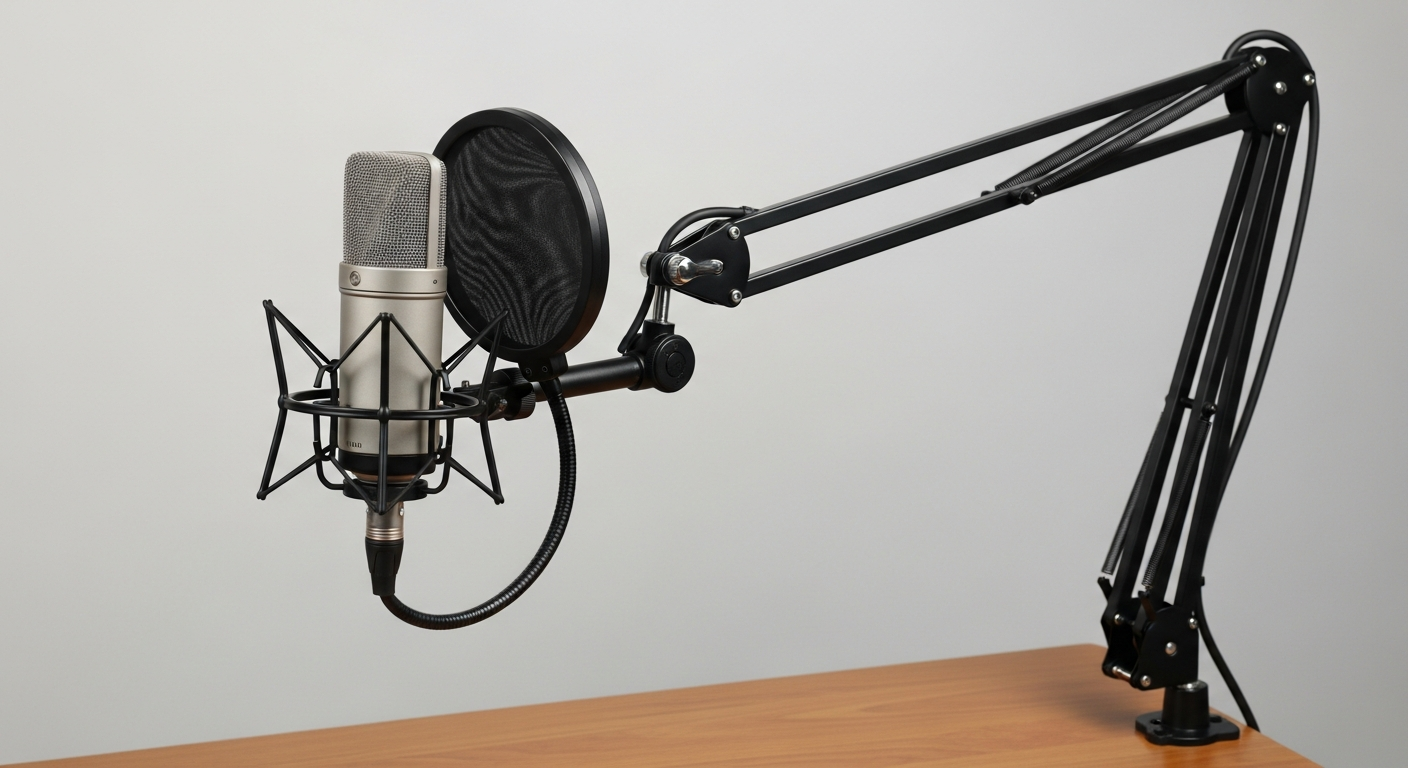
Yes, absolutely! The microphone built into your phone or camera is okay for quick, casual videos, but an external microphone makes a huge difference. It captures much clearer sound and significantly reduces unwanted background noise, making your voice sound professional.
5. What types of microphones are there?
Common types include lavalier (lapel) mics, which clip onto your clothing for clear speech, and shotgun mics, which are good for picking up sound from a distance. USB microphones are popular for desktop use, offering great quality and easy setup for podcasts or voiceovers.
6. How do I record clear speech?
Position your microphone correctly – usually close to the speaker's mouth. Speak clearly and at a consistent volume. Try to record in a quiet environment and do a quick sound check before you start filming to catch any issues early.
7. How do I monitor audio levels?
Monitoring means checking how loud your audio is while recording. Most cameras and recording devices have a visual meter. Aim for your audio levels to be in the "green" zone, occasionally touching "yellow," but never consistently hitting "red," as this means your sound is too loud and will distort.
Audio Recording Workflow
8. How do I sync audio and video?
If you record audio separately from your video, you'll need to sync them. A common trick is to clap loudly at the beginning of your recording. This creates a sharp spike in the audio waveform and a visual cue in the video, making it easy to line them up in editing software.
9. How do I edit audio in my video?
Video editing software like DaVinci Resolve (free), Adobe Premiere Pro, or even simpler tools like CapCut allow you to adjust volume, remove background noise, and cut out mistakes. You can also add music or sound effects to enhance your video's impact.
10. What common audio mistakes should I avoid?
Don't rely solely on your camera's built-in mic. Avoid recording in noisy or echoey rooms. Always monitor your audio levels to prevent distortion or sound that's too quiet. Finally, don't forget to do a quick test recording before your main shoot to catch any issues.