
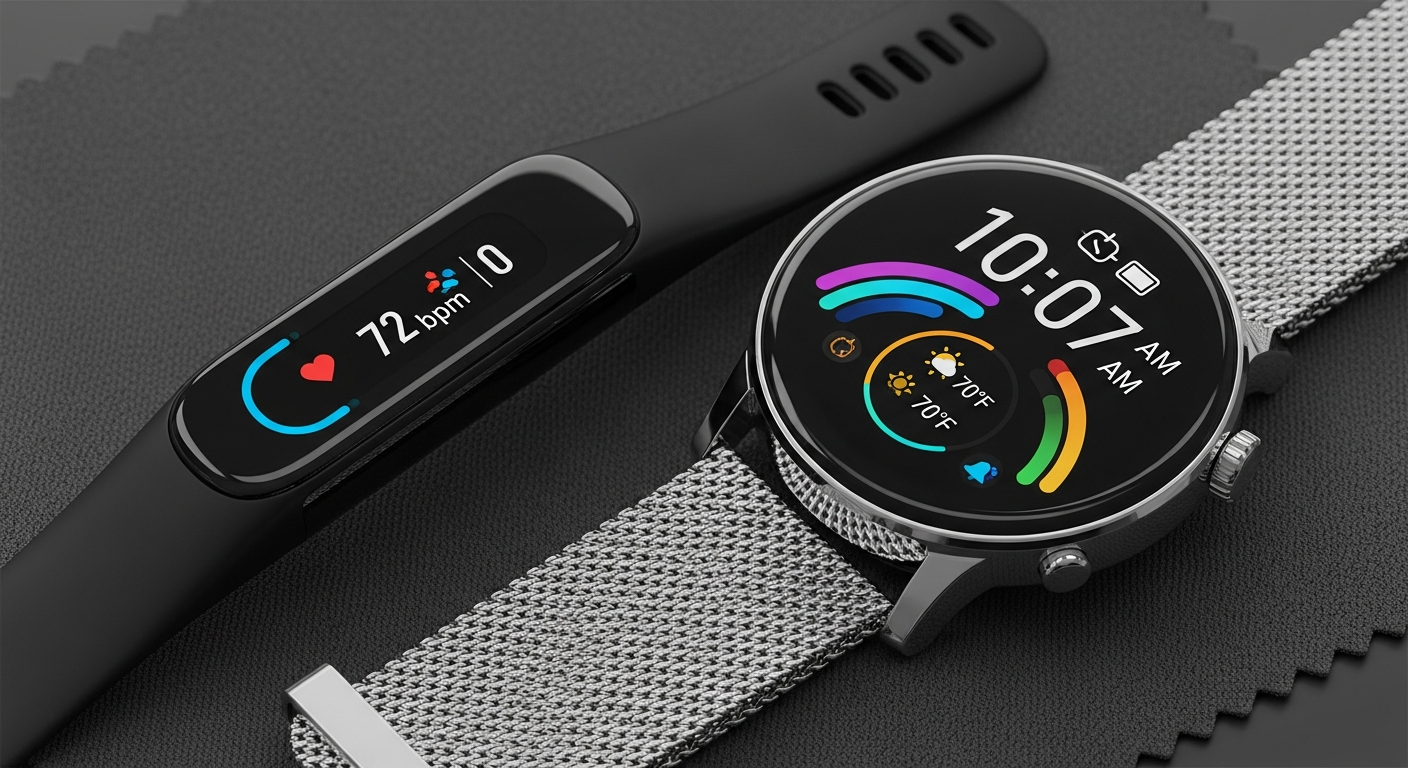
Congratulations on your new fitness tracker or smartwatch! This guide will help you get started with your new device, even if you're not tech-savvy.
Let's dive into making your new gadget work for you.
1. How do I turn on my new device?
Most fitness trackers and smartwatches turn on by pressing and holding a button on the side or back for a few seconds. If there's no button, it might turn on automatically when you plug it into its charger. Look for a screen light-up to confirm it's on.
2. What app do I need to download?
Your device needs a special app from its manufacturer to work with your phone. Check the box or the small instruction card for the app's name, like "Fitbit," "Garmin Connect," or "Apple Watch." You can find these apps in your phone's app store (App Store for iPhones, Google Play Store for Androids).
3. How do I pair it with my smartphone?
Open the app you just downloaded on your phone. The app will guide you through connecting, or "pairing," your device using Bluetooth. Bluetooth is a wireless way for devices to talk to each other. Make sure your phone's Bluetooth is turned on in its settings.
Pairing Your Device: Step-by-Step
4. What personal information do I need to enter?
The app will ask for basic details like your age, height, weight, and gender. This information helps your device accurately track things like steps, calories burned, and sleep patterns. It uses these details to make its measurements more precise for you.
5. How do I set my daily goals?
Once paired, you can set goals like daily steps, active minutes, or sleep duration within the app. Start with achievable goals, like 5,000 steps, and gradually increase them as you get more active. The app usually has a "Goals" or "Activity" section for this.
6. What's the best way to wear it?
Wear your device snugly but comfortably on your non-dominant wrist (the one you don't write with), about one finger's width above your wrist bone. This position helps sensors get accurate readings for heart rate and other metrics. It shouldn't feel too tight or too loose.
7. How do I charge it for the first time?
Use the charging cable that came with your device. Plug the small end into your tracker/watch and the USB end into a wall adapter or computer USB port. It's best to fully charge it before your first use, which can take 1-2 hours. Some devices have a magnetic charger that snaps into place.
Fitness Tracker
- Focus: Steps, Heart Rate, Sleep
- Battery Life: Days to Weeks
- Simpler Features
- Often Lighter & Smaller
Smartwatch
- Focus: Notifications, Apps, Calls
- Battery Life: 1-3 Days
- Advanced Features
- Often Larger & More Robust
8. Can I customize the watch face?
Yes, most fitness trackers and smartwatches let you change the "watch face" – what appears on the screen. You can usually do this through the companion app on your phone, or sometimes directly on the device itself. You might choose a face that shows steps, time, or heart rate.
9. How do I start tracking an activity?
For many activities like walking or running, your device might automatically detect and track them. For specific workouts, you'll usually select the activity (e.g., "Run," "Cycle," "Swim") from a menu on your device's screen or within the app, then press "Start."
10. Where can I find the user manual?
While a small guide might be in the box, the full user manual is almost always available online. Go to the manufacturer's website (e.g., Fitbit.com, Garmin.com, Apple.com) and search for your specific model. You can usually download it as a PDF file to read on your phone or computer.