
Welcome to the exciting world of gaming consoles! If you're new to this hobby, it can seem a bit overwhelming, but don't worry, we're here to help you get started.
This guide will answer your basic questions and make your first gaming experience smooth and fun.
1. What is a gaming console?
A gaming console is a special computer designed just for playing video games. Unlike a regular computer or smartphone, it connects to your TV and uses a handheld controller to play games. Popular brands include PlayStation, Xbox, and Nintendo Switch.
2. Which console is best for beginners?
For beginners, the Nintendo Switch is often recommended. It's very user-friendly, has many family-friendly games, and can be played both on your TV and as a handheld device. PlayStation and Xbox are also great, offering powerful graphics and a vast library of games, but might feel a bit more complex initially.
3. How do I set up a new console?
Setting up is usually straightforward. First, plug the console into a power outlet. Next, connect it to your TV using the included HDMI cable. Finally, turn on your TV and console, then follow the on-screen instructions to connect to Wi-Fi and create an account. It typically takes about 15-30 minutes.
Nintendo Switch
- Ease of Use: Very High
- Game Types: Family-friendly, portable, unique experiences
- Graphics Power: Good, but less than others
- Cost: Mid-range
PlayStation / Xbox
- Ease of Use: High
- Game Types: All genres, high-fidelity graphics
- Graphics Power: Excellent, cutting-edge
- Cost: Higher-range
4. Do I need internet for gaming?
You don't always need internet. Many games can be played offline without any connection. However, an internet connection is essential for downloading games, installing updates, playing with friends online, and accessing digital stores. It's highly recommended to have one for the best experience.
5. What are console exclusives?
Console exclusives are games that can only be played on a specific console. For example, some games are only available on PlayStation, while others are only on Xbox or Nintendo Switch. These unique games are often a big reason why people choose one console over another.
6. How do I buy games?
You can buy games in two main ways. First, physical games come on discs or cartridges that you insert into your console. Second, digital games are downloaded directly to your console from its online store (like PlayStation Store, Xbox Store, or Nintendo eShop). Digital games are convenient as you don't need to swap discs.
7. What accessories do I need?
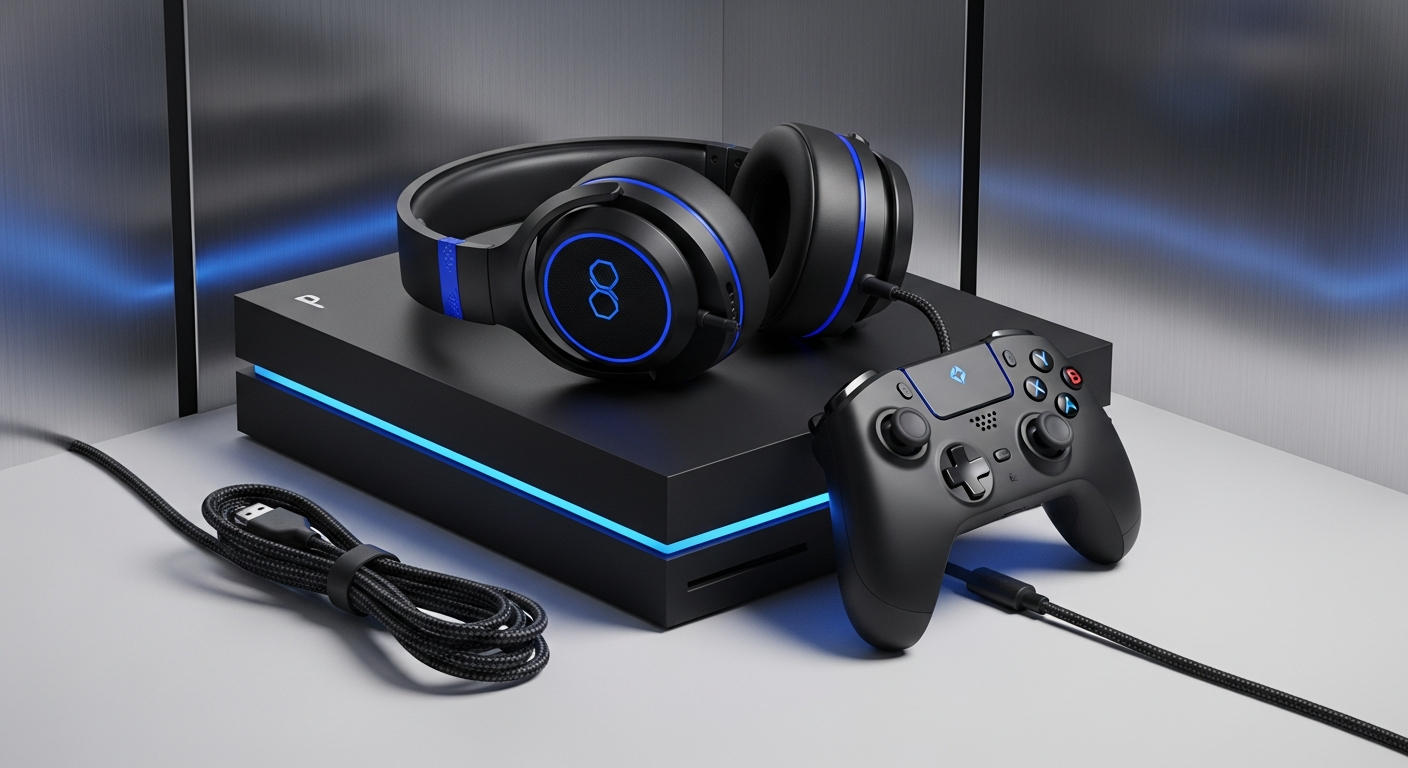
Your console usually comes with everything essential: the console itself, one controller, and necessary cables. You might want an extra controller for playing with friends, a headset for online chat, or more storage space if you plan to download many digital games. These are optional but enhance the experience.
Setting Up Your Console
8. Can I play old games?
It depends on the console. Some consoles offer "backward compatibility," meaning they can play games from older versions of the same console family. For example, a PlayStation 5 can play many PlayStation 4 games. Nintendo and Xbox also offer various ways to play classic titles, sometimes through subscriptions or digital re-releases.
9. How do I keep my console updated?
Consoles regularly receive system updates that improve performance, add features, and fix issues. Your console will usually prompt you to download and install these updates automatically when connected to the internet. It's important to keep your console updated for the best security and gaming experience.
10. What about online multiplayer?
Online multiplayer lets you play games with or against other people over the internet. Most consoles require a paid subscription service (like PlayStation Plus, Xbox Game Pass Core, or Nintendo Switch Online) to access this feature. This subscription often includes free monthly games and other benefits too.