
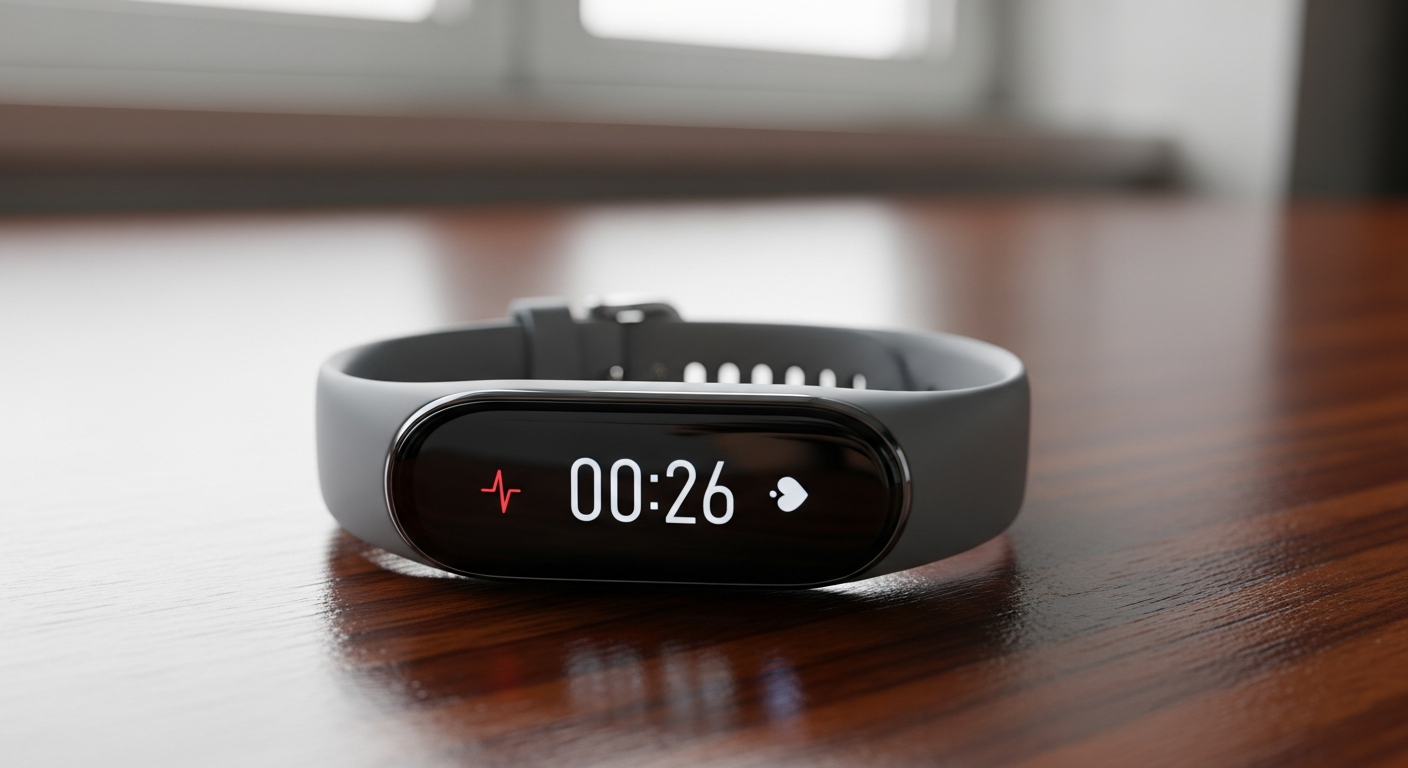
Welcome to the exciting world of fitness trackers! These handy gadgets can help you understand your body better and motivate you to move more.
This guide will answer all your basic questions so you can get started with confidence.
1. What is a fitness tracker and what does it do?
A fitness tracker is a small, wearable device, often worn on your wrist, that monitors various aspects of your physical activity and health. It acts like a mini health diary, automatically recording your steps, sleep, and sometimes even your heart rate throughout the day.
Its main job is to give you a clearer picture of your daily movement and overall well-being. By showing you how active you are, it can help you set goals and stay motivated to improve your fitness.
2. How do I choose the best fitness tracker for a beginner?
For beginners, simplicity is key. Look for trackers that are easy to use, comfortable to wear, and have a clear display. Focus on basic features like step counting, sleep tracking, and heart rate monitoring rather than advanced sports modes.
Consider your budget and how often you plan to wear it. Many affordable options offer excellent core features without overwhelming you with complexity. Read reviews from other beginners to find a user-friendly model.
3. What's the first step to setting up my new fitness tracker?
The very first step is usually to charge your new device fully. Most trackers come with a special charging cable that connects to a USB port, like on your computer or a wall adapter. While it's charging, you can download the tracker's companion app to your smartphone or tablet.
This app is essential because it's where all your data will be stored and displayed. Make sure you download the official app from your device's manufacturer.
4. How do I sync my fitness tracker with my smartphone?
After charging and downloading the app, open the app on your smartphone. It will usually guide you through the pairing process. This often involves turning on Bluetooth on your phone and selecting your tracker from a list of nearby devices.
Once paired, the tracker will automatically send its collected data to the app. You might need to open the app periodically to ensure the latest data is transferred, especially if you haven't opened it in a while.
5. What kind of data does a fitness tracker collect?
Most basic fitness trackers collect several key pieces of information. This includes your step count, distance walked, calories burned (an estimate), and sleep patterns (how long and how well you slept).
Many also track your heart rate throughout the day, giving you insights into your resting heart rate and heart rate during exercise. Some can even remind you to move if you've been sitting for too long.
6. Can I wear my fitness tracker all day and night?
Yes, most fitness trackers are designed to be worn continuously, both day and night. Wearing it constantly allows the device to collect the most accurate and complete data, especially for sleep tracking and daily activity.
Just remember to take it off for charging and occasionally clean it according to the manufacturer's instructions to keep your skin healthy and the sensor accurate.
7. Is my fitness tracker waterproof or water-resistant?
Most fitness trackers are at least water-resistant, meaning they can handle splashes, sweat, and light rain. However, "water-resistant" is not the same as "waterproof."
A truly waterproof tracker can be submerged for swimming or showering. Always check your specific model's specifications. Look for an "ATM" rating (e.g., 5 ATM for swimming) or clear instructions from the manufacturer about water exposure.
Water-Resistant
- Splashes, rain, sweat
- Hand washing
- Light exposure to water
Waterproof
- Swimming, showering
- Submersion in water
- Higher ATM rating (e.g., 5 ATM)
8. How often do I need to charge my fitness tracker?
The charging frequency varies greatly depending on the tracker model and how you use it. Simpler trackers with fewer features and no screen might last a week or even longer on a single charge. Trackers with color screens, GPS, or continuous heart rate monitoring typically need charging every few days.
Check your device's manual for its estimated battery life. It's a good habit to charge it while you're showering or sitting at your desk to keep it topped up.
9. What are some common features to look for in a basic tracker?
For a beginner, focus on core features that provide valuable insights without being overwhelming. These include step counting, distance tracking, calorie burn estimation, and automatic sleep tracking. Heart rate monitoring is also a great feature for understanding your fitness level.
Look for a clear, easy-to-read display and a comfortable band. Smartphone notifications (like calls or texts) can be a nice bonus, but aren't essential for fitness tracking itself.
10. How do I view my progress and health data?
All your collected data is primarily viewed through the tracker's companion app on your smartphone or tablet. The app typically presents your information in easy-to-understand graphs and summaries.
You can usually see daily, weekly, and monthly trends for your steps, sleep, and heart rate. The app will also allow you to set goals, track your progress toward them, and sometimes even share your achievements with friends or family.