
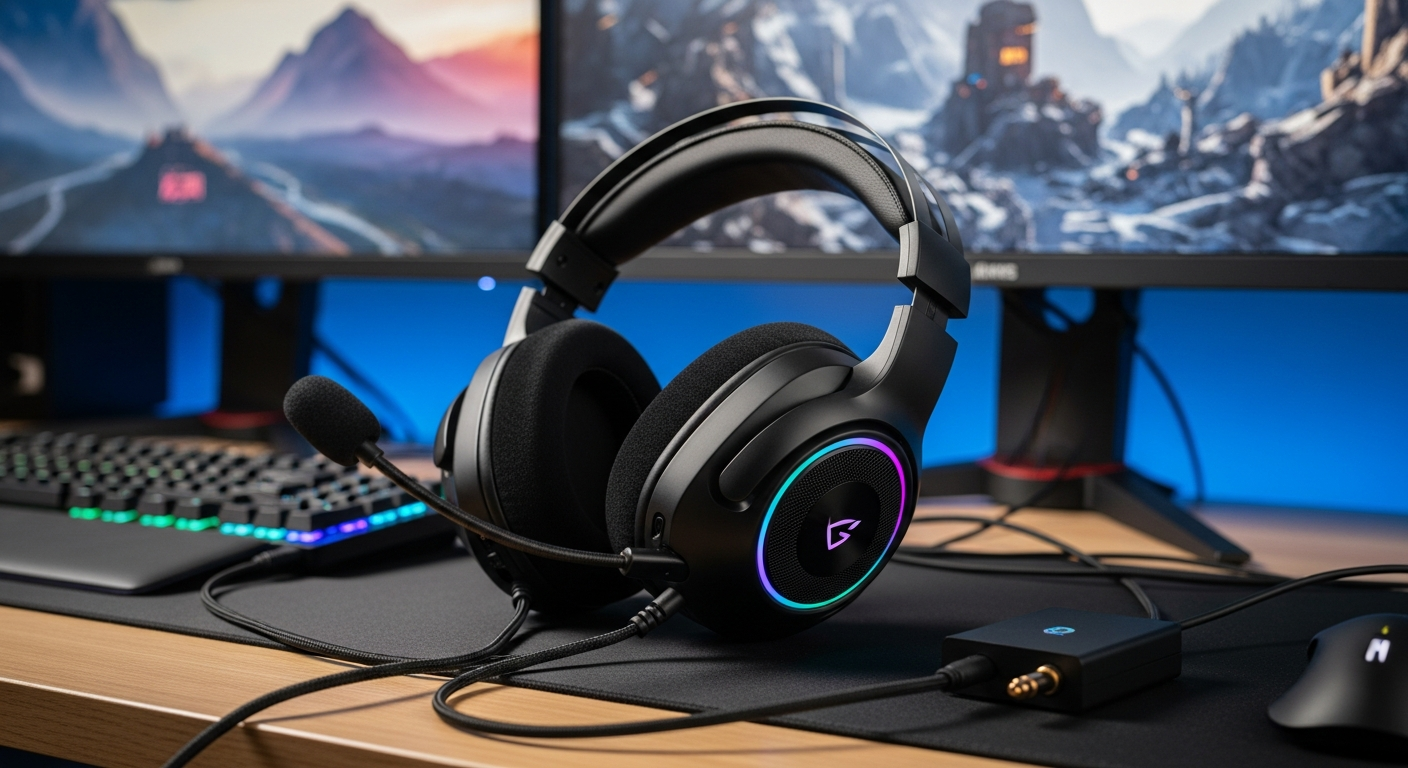
Thinking about getting a gaming headset but not sure why or how to pick one? This guide will explain everything you need to know in simple terms.
We'll cover what a gaming headset is, how it helps your gaming, and what features to look for to make the best choice for you.
1. What is a gaming headset and what does it do?
A gaming headset is like a pair of headphones specifically designed for playing video games. It combines headphones for hearing game sounds with a microphone for talking to other players. This combination helps you hear important game cues and communicate clearly with your teammates.
It lets you fully immerse yourself in the game's audio, from subtle footsteps to booming explosions, while also allowing you to strategize and chat with friends online. It's a key tool for a better gaming experience.
2. What's the difference between wired and wireless gaming headsets?
Wired headsets connect directly to your device with a cable, like a USB or audio jack. They usually offer very reliable sound with no delays and don't need batteries. They are often more affordable.
Wireless headsets connect without a cable, typically using a small USB dongle or Bluetooth. They give you freedom to move around without being tethered. However, they need to be charged and can sometimes have a tiny delay in sound, though this is rare with modern gaming-specific wireless options.
3. How do I connect a gaming headset to my console?
Connecting is usually very simple! For wired headsets, you often just plug the cable into the controller's headphone jack or a USB port on the console itself. Some older consoles might need an adapter.
For wireless headsets, you typically plug a small USB dongle (a tiny device) into your console. The headset then connects wirelessly to this dongle. Some headsets might use Bluetooth, which you pair through your console's settings menu.
Wired Headsets
- Always connected, no battery worries
- Typically more affordable
- No audio delay
- Less freedom of movement
Wireless Headsets
- Freedom to move around
- No tangled cables
- Needs charging
- Can be more expensive
4. What is a microphone on a headset used for?
The microphone on a gaming headset is essential for communication. It allows you to talk to your friends and teammates when playing online multiplayer games. You can coordinate strategies, call out enemies, or just chat and have fun together.
Beyond gaming, the microphone is also useful for voice chat apps, online meetings, or even recording your own voice. Good gaming microphones are designed to pick up your voice clearly while reducing background noise, so your teammates hear you, not your dog barking.
5. What does "surround sound" mean for gaming?
"Surround sound" in gaming headsets means the audio is designed to make you feel like sounds are coming from different directions around you, not just left and right. This helps you pinpoint where enemies are, hear footsteps approaching, or know which direction a shot came from.
It creates a more immersive and competitive experience. Instead of just hearing a general "boom," you might hear an explosion specifically to your right and slightly behind you, giving you crucial information in fast-paced games.
6. Are gaming headsets comfortable to wear for long periods?
Yes, good gaming headsets are designed with comfort in mind, especially for long gaming sessions. They often feature soft ear cushions, adjustable headbands, and lightweight designs to reduce pressure on your head and ears.
Materials like memory foam or breathable fabric are commonly used for earcups to prevent discomfort and sweating. While individual comfort can vary, investing in a quality headset usually means you can game for hours without feeling sore.
7. How much should I spend on a gaming headset?
The price of gaming headsets can vary widely, from around $30 to over $300. Budget-friendly options (under $70) offer decent sound and microphones for casual gaming. Mid-range headsets ($70-$150) provide better sound quality, comfort, and features like virtual surround sound.
High-end headsets (over $150) offer premium audio, superior comfort, advanced wireless features, and excellent build quality. Your ideal budget depends on how serious you are about gaming, how often you play, and what features are most important to you.
Choosing Your Gaming Headset Budget
8. Can I use regular headphones as a gaming headset?
You can use regular headphones for gaming to hear game audio, but they won't typically have a built-in microphone for communication. If you want to talk to teammates, you'd need a separate microphone, like a standalone desktop mic or a clip-on mic.
Also, regular headphones aren't usually optimized for gaming features like virtual surround sound or extreme comfort during long sessions. While they work for sound, a dedicated gaming headset offers a more complete and convenient experience.
9. How do I adjust the volume and mute my microphone?
Most gaming headsets have controls built right onto the earcups or along the cable. You'll usually find a volume wheel or buttons to turn the sound up or down. There's also almost always a dedicated mute button for the microphone.
Pressing the mute button instantly turns off your mic, so others can't hear you. This is super handy for quick privacy or when you need to talk to someone in your room without disturbing your teammates.
10. What are some recommended budget-friendly gaming headsets?
For gamers on a budget, several brands offer great value. Look for models like the HyperX Cloud Stinger Core, which provides good sound and a clear microphone for its price. The Corsair HS35 is another solid choice known for comfort and decent audio.
Razer's Kraken X Lite is often recommended for its lightweight design and virtual 7.1 surround sound capabilities. Always check reviews for current models, as new budget-friendly options are released regularly, offering excellent performance without breaking the bank.