
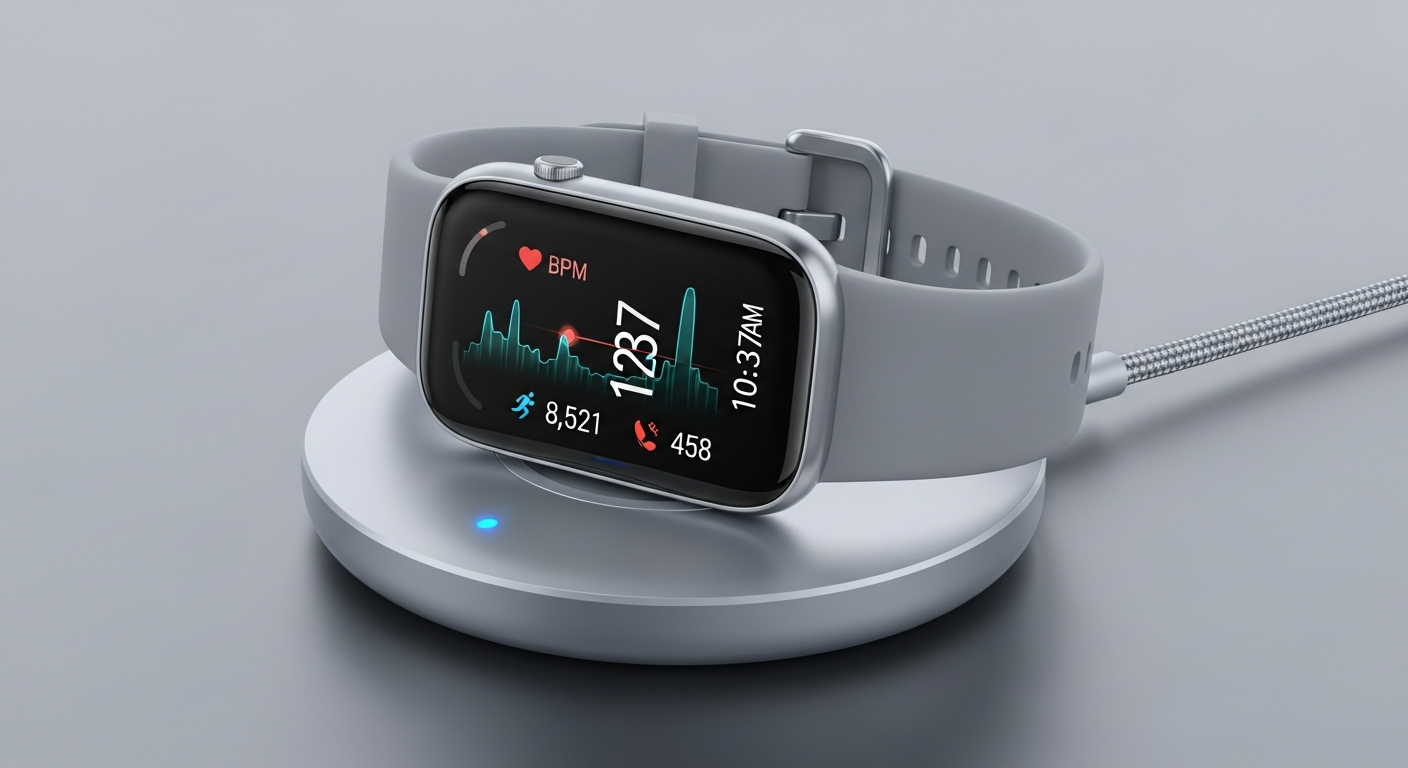
Fitness trackers are great for staying healthy, but it's natural to wonder about your personal information. This guide will help you understand and protect your fitness data, even if you're new to tech.
1. What are the privacy risks of using a fitness tracker?
Your fitness tracker collects a lot of personal details, like your heart rate, sleep patterns, and where you walk or run. If this data isn't protected, it could potentially be accessed by people you don't want, like advertisers or even hackers. This information could be used to understand your habits or even your health status.
2. How can I control who sees my fitness data?
Most fitness tracker apps have "Privacy Settings" or "Sharing Settings" you can adjust. Look for options to make your profile private, limit who can see your activities, and choose what information is shared. Always review these settings when you first set up your tracker and check them regularly.
3. Is my location data being tracked?
Yes, many fitness trackers use GPS to map your runs, walks, or bike rides. This means they know exactly where you've been. You can usually turn off location tracking in your phone's settings for the tracker app, or within the app's privacy settings, if you don't want your routes recorded.
Sharing Data Publicly
- Friends can see your progress
- Motivating competition
- Discover new routes from others
Keeping Data Private
- Only you see your stats
- Prevents unwanted tracking
- Protects sensitive health info
4. How do I make sure my account is secure?
Always use a strong, unique password for your fitness tracker account – don't reuse passwords from other sites. A strong password includes a mix of uppercase and lowercase letters, numbers, and symbols. Also, enable "two-factor authentication" if your app offers it, which adds an extra layer of security.
5. Should I share my data with third-party apps?
Be very careful about sharing your data with other apps, like diet trackers or social fitness platforms. Each app that connects to your tracker data creates another potential pathway for your information to be accessed. Only connect to apps you trust completely and understand why they need your data.
6. What kind of permissions should I grant the tracker app?
When you install a tracker app, it will ask for permissions like access to your location, photos, or contacts. Only grant permissions that are absolutely necessary for the app to function. For example, it needs location for GPS tracking, but probably not access to your photos or contacts.
7. Can my data be used by insurance companies?
Yes, in some cases, your fitness data could potentially be used by insurance companies. Some insurers offer discounts if you share your activity data, but this is always optional. Be sure to read the terms carefully before agreeing to share your data, as it could affect your premiums or coverage.
Data Deletion Process
8. How do I delete my data if I stop using a tracker?
If you stop using a tracker, it's important to delete your data. Go into the tracker app's settings, usually under "Account" or "Privacy," and look for an option to "Delete Account" or "Erase All Data." This ensures your past information isn't left floating around. Then, uninstall the app from your phone.
9. What is two-factor authentication for tracker apps?
Two-factor authentication (2FA) is an extra security step. After you enter your password, 2FA asks for a second piece of information, like a code sent to your phone or a fingerprint scan. This makes it much harder for someone to get into your account, even if they know your password.
10. Are there any privacy-focused tracker brands?
While all brands collect some data, some are more transparent or offer more control. Look for companies that clearly explain their data policies and give you easy ways to manage your privacy settings. Reading reviews and privacy policies can help you identify brands that prioritize user privacy.