
Want to shoot better videos but don't know where to start? This guide will help you understand simple tricks and tools to make your videos look much more professional, even if you're just using your phone.
1. What's the best way to hold my phone or camera for stable video?
Hold your device with both hands. Tuck your elbows close to your body to create a stable base. If possible, lean against a wall or sit down. This simple trick reduces wobbles significantly, making your video look smoother.
2. How do I get clear audio when filming?
Record in a quiet place away from wind, traffic, or loud conversations. Make sure your subject is close to the camera, as built-in microphones pick up sound best from nearby. Even moving a few steps closer can make a big difference in sound quality.
3. What is good lighting for video recording?
Natural light is often the best and easiest to use. Shoot near a window during the day, or outdoors on a cloudy day. Avoid strong direct sunlight, which can create harsh shadows. Make sure the light source is in front of your subject, not behind them, to prevent a dark silhouette.
Horizontal Video (Landscape)
- Looks best on TVs, computers, YouTube
- Wider view, captures more of the scene
- Standard for movies and professional content
Vertical Video (Portrait)
- Looks best on phones (TikTok, Instagram Stories)
- Tall view, good for single subjects
- Often used for quick, casual sharing
4. Should I shoot video horizontally or vertically?
For most videos, especially those you might watch on a TV or computer, shoot horizontally (landscape mode). This is the standard format. If you're only sharing on social media apps like TikTok or Instagram Stories, vertical (portrait mode) is often preferred, but be aware it might look odd elsewhere.
5. How do I avoid shaky footage?
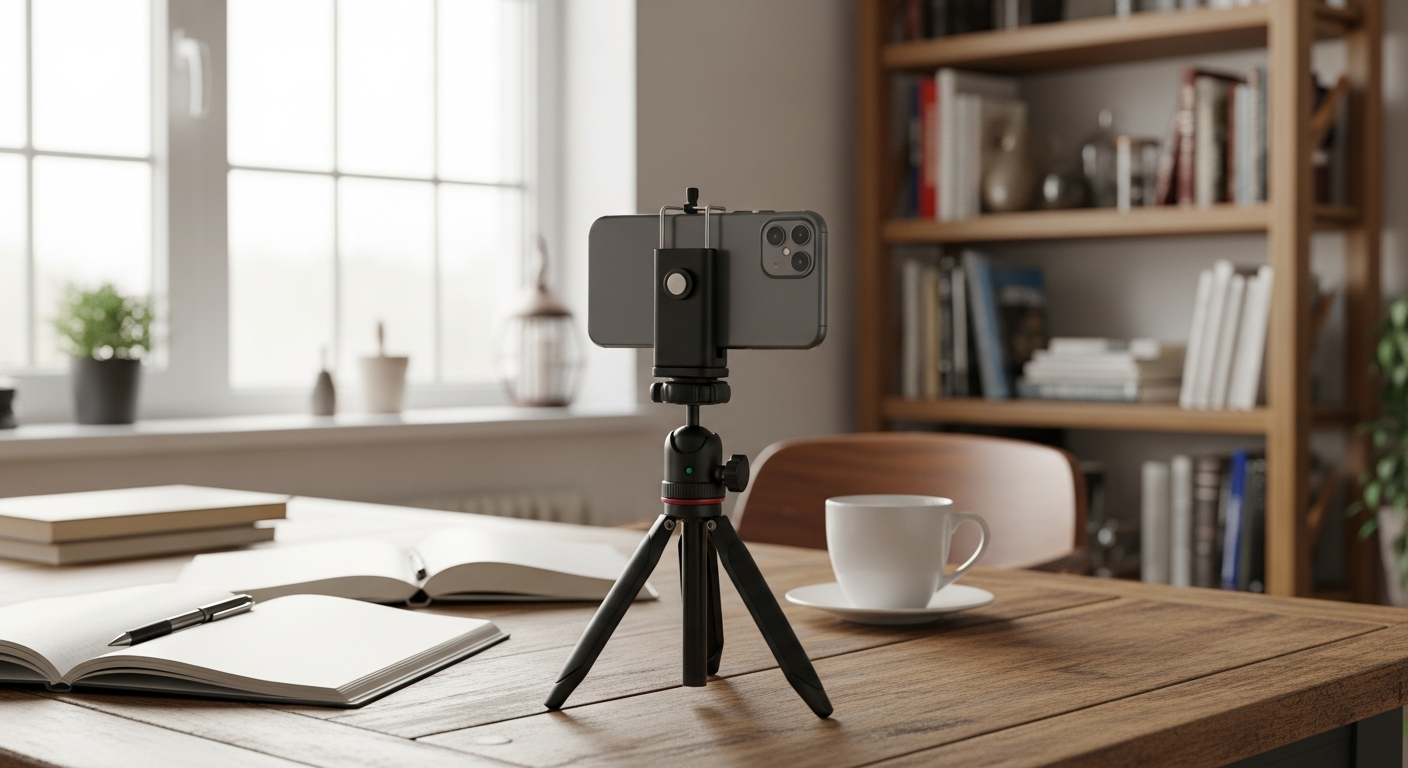
Beyond holding your camera with both hands, try to move slowly and smoothly if you need to walk while filming. Avoid sudden jerks. Many phones and cameras have built-in image stabilization, which helps reduce minor shakes. You can also use accessories like tripods or gimbals for extra stability.
6. What is the "rule of thirds" for video composition?
Imagine your screen is divided into nine equal boxes by two horizontal and two vertical lines. The "rule of thirds" suggests placing important subjects along these lines or at their intersections, rather than dead center. This creates a more interesting and balanced image.
7. How do I choose a good background for my videos?
Look for backgrounds that are clean, uncluttered, and relevant to your video's topic. Avoid distracting elements like busy patterns or bright lights that pull attention away from your subject. A slightly blurred background can also help your subject stand out.
Simple Video Workflow
8. What are basic camera movements I should know?
Two common movements are "pan" and "tilt." A pan is when you rotate your camera horizontally from a fixed spot, like scanning a landscape. A tilt is when you move your camera vertically, like looking up at a tall building. Always move slowly and smoothly to avoid jerky footage.
9. How long should my video clips be?
Short and focused clips are often best, especially for beginners. Aim for clips that are only a few seconds to about 15-20 seconds long. This makes them easier to manage and edit later. You can combine many short, good clips to tell a longer story.
10. What simple equipment can improve my video quality?
A small tripod or monopod is excellent for stability. A basic external microphone (even a wired lavalier mic that clips to clothing) can dramatically improve audio. For lighting, a simple LED light panel can help, but often natural light is enough. These are affordable upgrades that make a big difference.