
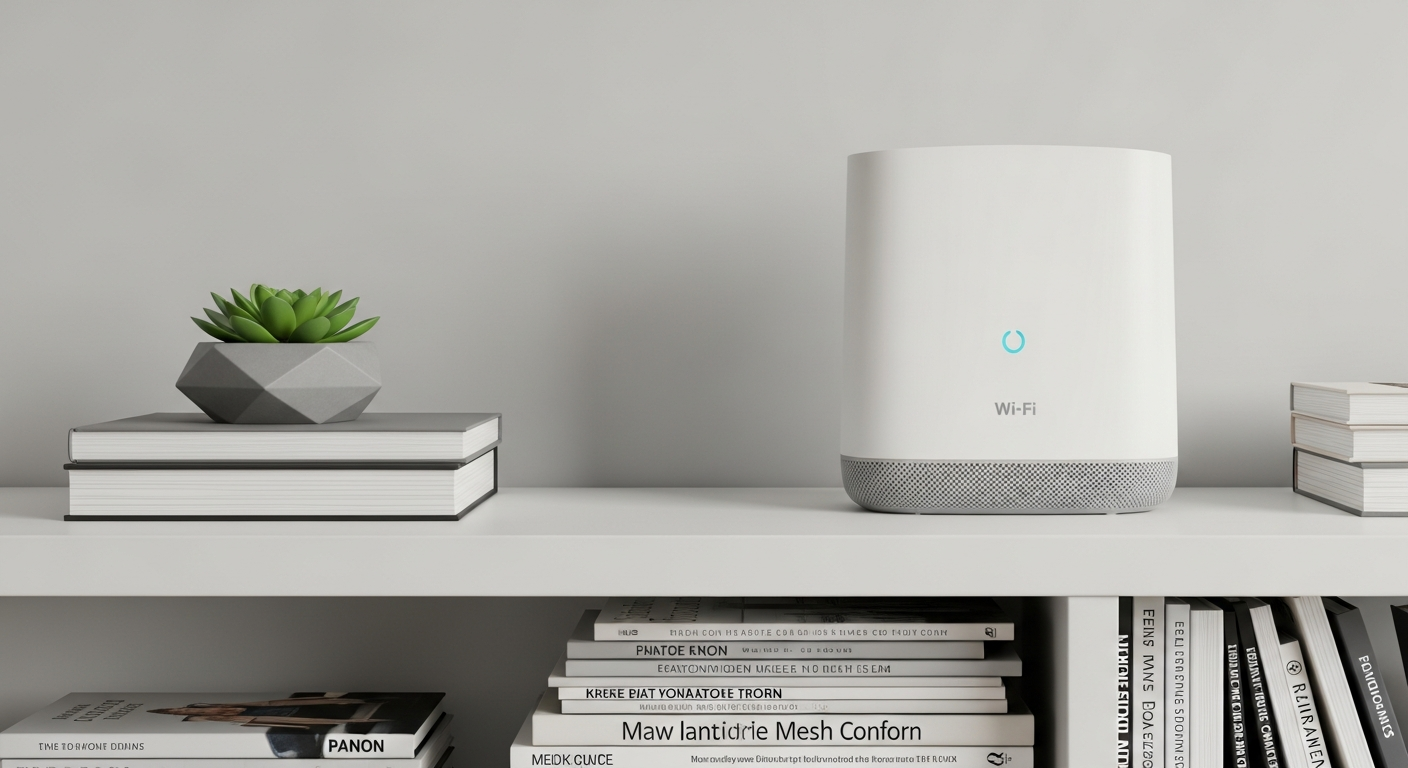
Is your Wi-Fi signal weak in certain parts of your home? You're not alone! This guide will help you understand why you have "dead zones" and how to fix them so you can enjoy strong Wi-Fi everywhere.
1. Why do I have Wi-Fi dead zones in my home?
Wi-Fi signals are like invisible radio waves, and they can be blocked or weakened by many things. Walls, especially thick ones or those with metal, can absorb the signal. Large appliances, mirrors, and even fish tanks can also interfere, creating spots where your Wi-Fi just can't reach well.
2. What are Wi-Fi extenders and how do they work?
A Wi-Fi extender, sometimes called a range extender, grabs your existing Wi-Fi signal and rebroadcasts it. Think of it as a middleman. It takes a weak signal from your main router and boosts it, sending it further into areas where your Wi-Fi was previously poor or non-existent.
3. How do Wi-Fi mesh systems provide better coverage?
Mesh Wi-Fi uses multiple devices, called "nodes," that work together to create one large, seamless Wi-Fi network. Instead of just extending a signal, they form a connected web across your home. This means your devices automatically connect to the strongest signal as you move around, providing consistent coverage.
Wi-Fi Extender
- Grabs existing signal and rebroadcasts it.
- Creates a separate network name (sometimes).
- Good for small areas with weak spots.
- Often less expensive upfront.
Mesh Wi-Fi System
- Multiple devices create one unified network.
- Seamless connection as you move around.
- Excellent for large homes or many dead zones.
- Generally provides more reliable performance.
4. What is a powerline adapter and is it right for me?
A powerline adapter uses your home's electrical wiring to send internet signals. You plug one adapter into a wall outlet near your router and connect it with an Ethernet cable. Then, you plug another adapter into an outlet in a dead zone, and it creates a wired or Wi-Fi connection there.
This is a great option if Wi-Fi signals struggle to travel through your walls, but your electrical wiring is in good condition. It's often used for devices like smart TVs or gaming consoles that benefit from a stable wired connection, or to create a new Wi-Fi hotspot where needed.
5. How do I choose the right Wi-Fi range extension solution?
Consider your home's size and the severity of dead zones. For a small apartment with one weak spot, a simple extender might be enough. For a large, multi-story home with many dead zones, a mesh system will likely offer the best experience. If you have good electrical wiring and need a stable connection far from your router, a powerline adapter could be ideal.
6. Where should I place a Wi-Fi extender for best results?
Place your Wi-Fi extender about halfway between your main router and the dead zone. It needs to receive a good, strong signal from your router to effectively rebroadcast it. If you place it too far from the router, it will just extend a weak signal, which won't help much.
7. Can I use multiple Wi-Fi extenders in my home?
While technically possible, using multiple extenders can sometimes create more problems than they solve. Each extender creates its own network, which can lead to confusion and slower speeds as your devices try to switch between them. For larger homes, a mesh Wi-Fi system is usually a much better and more reliable solution than multiple extenders.
Wi-Fi Signal Flow: Router to Device
8. What is a Wi-Fi repeater and how is it different?
The terms "Wi-Fi extender" and "Wi-Fi repeater" are often used interchangeably, and for most people, they refer to the same type of device. Both devices take an existing Wi-Fi signal and rebroadcast it to cover a larger area. There's no significant difference in how they function for the average home user.
9. How much do these Wi-Fi solutions typically cost?
Wi-Fi extenders are generally the most affordable, often ranging from $30 to $100. Powerline adapters usually fall between $50 and $150 for a pair. Mesh Wi-Fi systems are the biggest investment, with starter packs (two or three nodes) typically costing $100 to $400, depending on features and brand.
10. When should I consider buying a new, more powerful router instead?
If your current router is very old (5+ years), or if you have a very fast internet connection but still experience slow speeds even near the router, a new router might be the best first step. Newer routers offer improved technology, stronger signals, and better performance, which can sometimes eliminate minor dead zones without needing extra devices.