
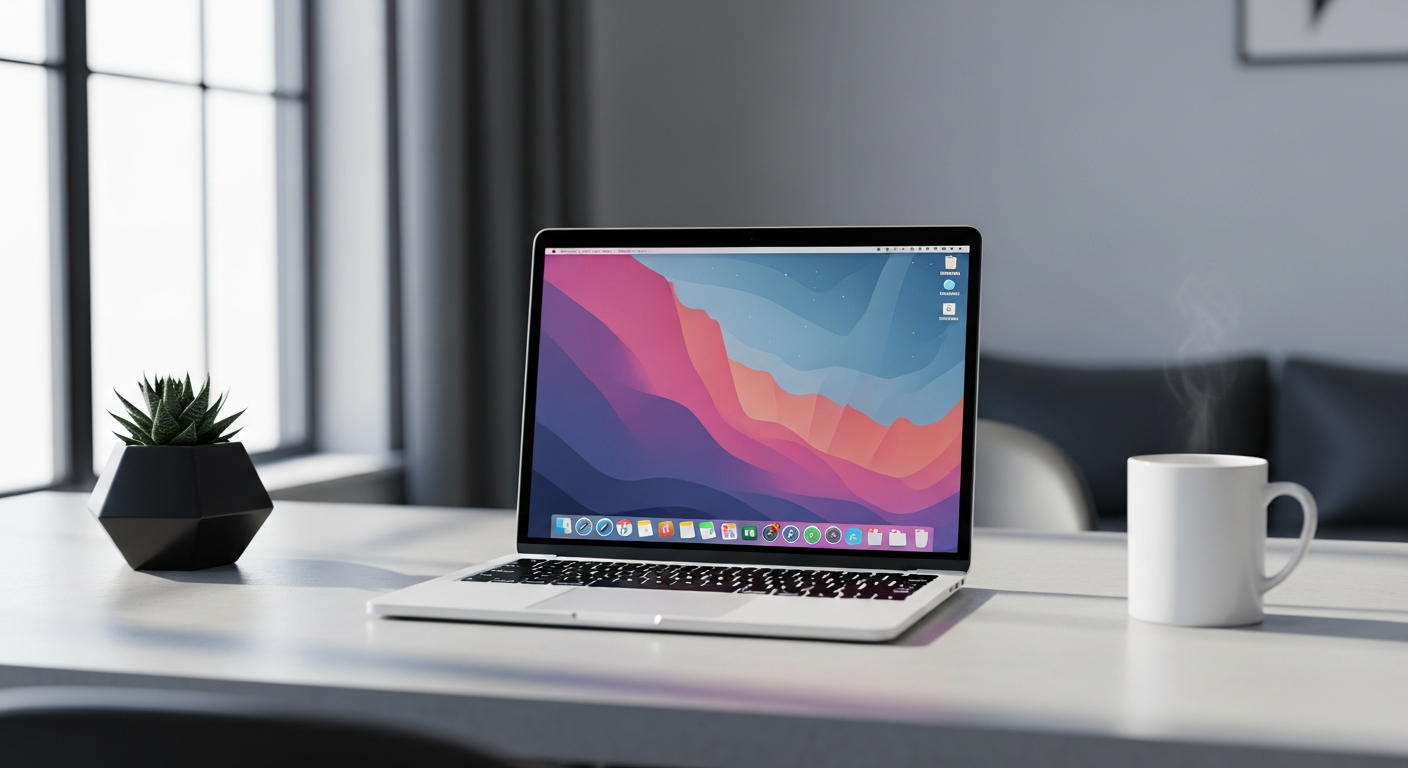
Starting remote work can feel overwhelming with all the tech talk. Don't worry, this guide breaks down the essential tools you'll need in simple terms.
1. What kind of laptop is best for remote work?
For most remote work, a reliable laptop is key. Look for one with at least 8GB of RAM (its short-term memory) and a 256GB SSD (solid-state drive, for faster storage). Brands like Dell, HP, Lenovo, and Apple offer good options. Choose a laptop that fits your budget and feels comfortable to use.
2. Do I need a dedicated webcam?
While many laptops have built-in webcams, a dedicated external webcam often provides much better video quality. This is important for professional video calls, making you look clearer and more presentable. It's a small investment that makes a big difference in your virtual presence.
3. What about a good microphone for calls?
Just like webcams, a good external microphone significantly improves your audio quality. This ensures your colleagues can hear you clearly without background noise or muffled sound. A simple USB microphone or a headset with a built-in mic works wonders for clear communication.
Laptop Webcam
- Convenient, always there
- Good for quick, casual calls
- Often lower resolution
- Can make you look grainy
Dedicated Webcam
- Higher resolution (1080p+)
- Better low-light performance
- Adjustable angles
- Professional appearance
4. What internet speed is sufficient for remote work?
A stable internet connection is crucial. For most remote work, aim for at least 25-50 Mbps (megabits per second) download speed and 5-10 Mbps upload speed. This ensures smooth video calls, quick file transfers, and reliable access to online tools. If you share your internet, consider slightly higher speeds.
5. Should I use cloud storage services?
Yes, absolutely. Cloud storage services like Google Drive, Microsoft OneDrive, or Dropbox store your files online, making them accessible from any device with an internet connection. They also provide automatic backups and make it easy to share documents with colleagues. It's a safe and convenient way to manage your work files.
6. What collaboration tools are common for remote teams?
Remote teams heavily rely on collaboration tools. You'll likely encounter platforms like Slack or Microsoft Teams for instant messaging and team communication. For video conferencing, Zoom, Google Meet, or Microsoft Teams are standard. Project management tools like Asana or Trello help track tasks and deadlines. Your company will usually tell you which ones they use.
7. Do I need a backup system for my files?
Yes, a robust backup system is non-negotiable. Beyond cloud storage for active files, consider an external hard drive for local backups of your entire computer. Alternatively, use a dedicated backup service that automatically saves your files to the cloud. Losing important work files can be disastrous, so always have a backup plan.
Simple File Backup Flow
8. What about cybersecurity software for my devices?
Cybersecurity is vital. Install reliable antivirus software on your laptop to protect against malware and viruses. Use strong, unique passwords for all your accounts, ideally with a password manager. Enable two-factor authentication (2FA) wherever possible for an extra layer of security. Your company might provide specific software or guidelines.
9. Is a second monitor worth the investment?
For many remote workers, a second monitor is a game-changer. It allows you to view multiple applications or documents side-by-side, significantly boosting productivity and reducing the need to constantly switch windows. While not strictly essential, it's a highly recommended upgrade for comfort and efficiency, especially if you deal with lots of information.
10. What accessories improve comfort and efficiency?
Beyond the tech, consider ergonomic accessories. A comfortable office chair and a proper desk setup are crucial for long hours. An external keyboard and mouse improve posture and typing comfort compared to a laptop's built-in options. Good headphones with a microphone can also help block distractions and ensure clear communication during calls.