
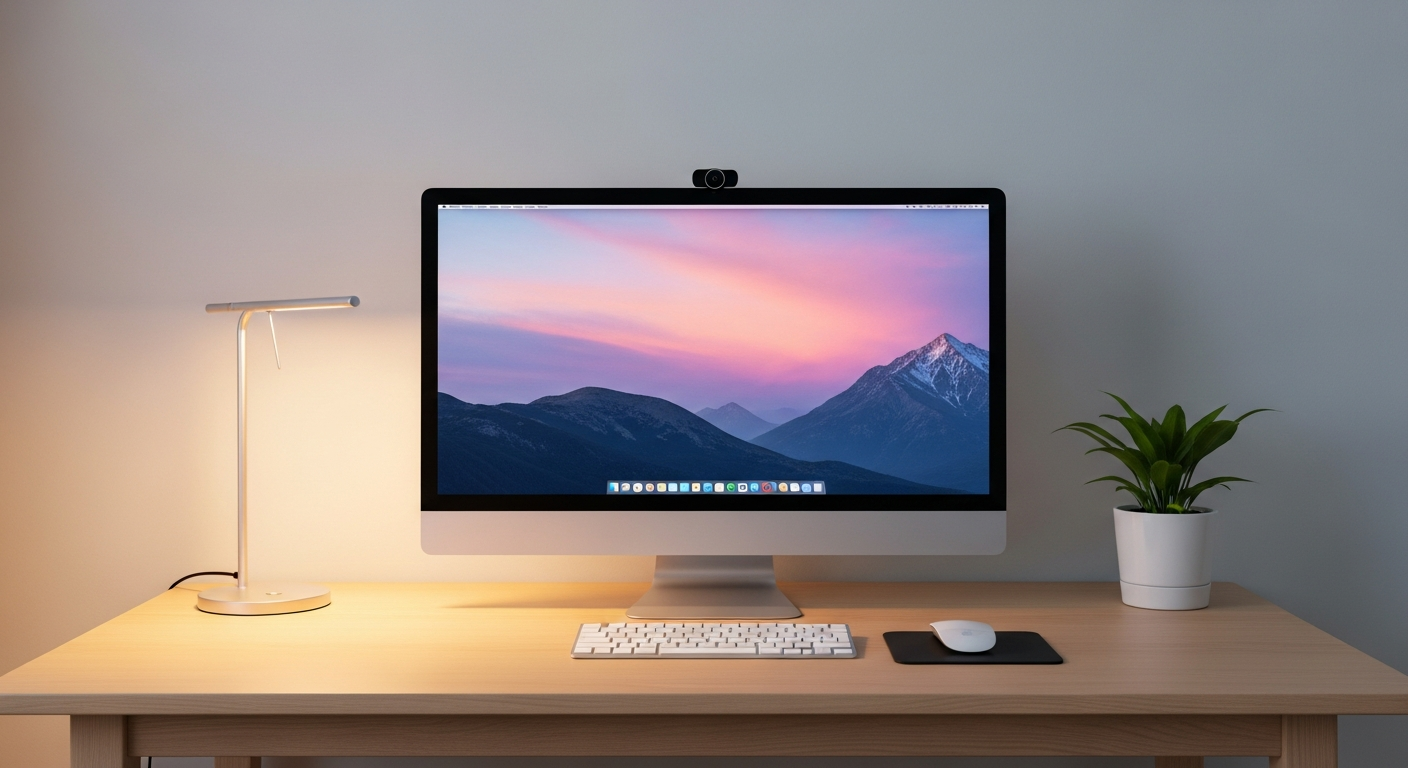
Setting up a home office can feel overwhelming, but it doesn't have to be complicated. This guide will help you understand the essential equipment you need to create a productive workspace right in your home.
1. What's the absolute minimum I need for a home office?
At its core, you need a reliable computer, a comfortable place to sit and work, and a stable internet connection. Everything else, like fancy monitors or printers, can be added later as your needs grow. Focus on these three basics first to get started.
2. Do I need a dedicated desk or can I use my kitchen table?
While a dedicated desk is ideal for long-term comfort and focus, using your kitchen table or another existing surface is perfectly fine to start. The key is to have a consistent spot where you can set up your computer and work without constant distractions or needing to pack up your things daily.
3. What kind of computer is best for remote work?
For most remote work, a modern laptop or desktop computer from the last few years will be sufficient. Look for one with at least 8GB of memory (RAM) and a solid-state drive (SSD) for speed. Laptops offer portability, while desktops often provide more power and easier upgrades.
Laptop
- Portable: Work from anywhere
- All-in-one: Screen, keyboard, trackpad
- Good for travel or small spaces
Desktop
- Powerful: Better performance
- Customizable: Easy to upgrade parts
- Ergonomic: Separate screen, keyboard, mouse
4. Is a second monitor really necessary?
A second monitor isn't strictly necessary, but it can significantly boost your productivity. It allows you to view multiple documents or applications side-by-side, reducing the need to constantly switch windows. Many people find it makes their work much easier and faster.
5. What's a good budget-friendly webcam?
Most modern laptops have built-in webcams that are perfectly adequate for video calls. If you need an external one, look for brands like Logitech or Anker. Many models offer good 1080p (high-definition) quality for under $50, which is great for clear video meetings.
6. Should I invest in a good microphone?
While your computer's built-in microphone works, a dedicated microphone can make a big difference in how clear you sound to others. If you frequently attend video calls or record your voice, a simple USB microphone improves audio quality, making you sound more professional.
7. What about a comfortable chair?
A comfortable and ergonomic chair is one of the most important investments for a home office, especially if you sit for long hours. It helps prevent back pain and improves your posture over time. Even a basic office chair is better than a dining chair for daily use.
Chair Comfort Flow
8. How do I organize my cables?
Cable clutter can be frustrating. Use simple solutions like zip ties, Velcro straps, or cable sleeves to bundle wires together. Stick-on cable clips can help route cables neatly along the edge of your desk. This makes your workspace look tidier and prevents tangled messes.
9. Do I need a printer?
In 2026, most work is digital, so a printer isn't essential for many home offices. Before buying one, consider how often you truly need to print documents. If it's only occasionally, a local print shop or library might be a more cost-effective solution than owning a printer.
10. What software is essential for beginners?
For most remote work, you'll need a web browser (like Chrome or Edge), an office suite (like Microsoft 365 or Google Workspace for documents and spreadsheets), and communication tools (like Zoom or Microsoft Teams). These cover the basics for creating, sharing, and collaborating on tasks.