
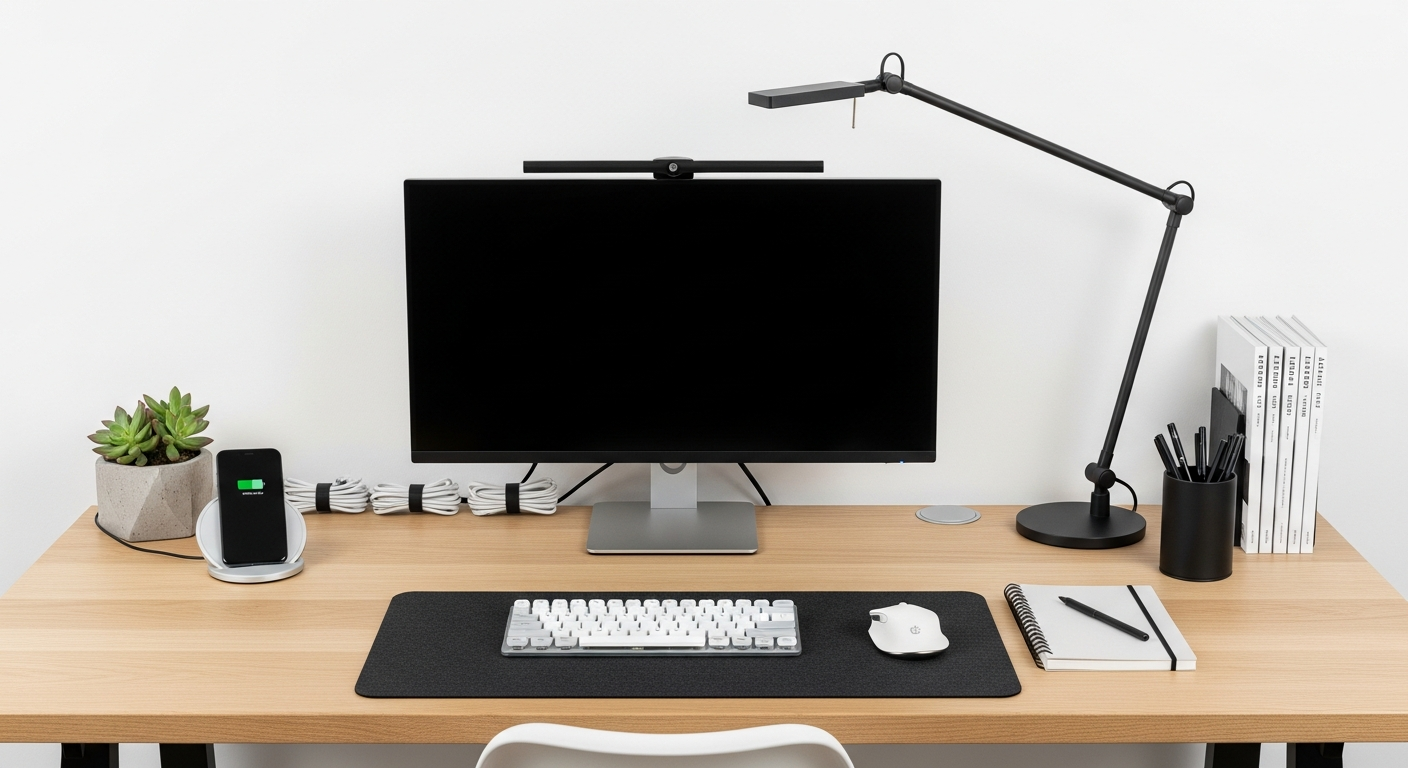
Setting up a comfortable home office is key to staying healthy and productive. This guide will help you understand how to make your workspace work for you.
1. What does 'ergonomic' mean for a home office?
'Ergonomic' simply means designing your workspace to fit your body naturally and comfortably. It's about making your desk, chair, and computer setup reduce strain and prevent injuries, helping you feel better even after long hours.
2. How do I choose a good ergonomic chair?
Look for a chair with adjustable features: seat height, backrest tilt, and armrests. Good lumbar support (for your lower back) is crucial. Your feet should be flat on the floor, and your arms should rest comfortably at desk height.
3. What is the correct way to sit at my desk?
Sit with your back against the chair, feet flat on the floor or a footrest. Your knees should be at about a 90-degree angle, slightly higher than your hips. Keep your shoulders relaxed, and your elbows close to your body, forming an L-shape.
Your Ergonomic Sitting Flow
4. Where should my computer monitor be placed?
Position your monitor directly in front of you, about an arm's length away. The top of the screen should be at or slightly below eye level. This prevents you from craning your neck up or down, reducing strain.
5. Are ergonomic keyboards and mice worth it?
Yes, for many people, they are. Ergonomic keyboards often have a split design or wrist rest to keep your wrists in a more natural position. Ergonomic mice can reduce strain on your hand and wrist by fitting your grip better. They can prevent discomfort over time.
6. How can I reduce eye strain from screens?
Follow the 20-20-20 rule: every 20 minutes, look at something 20 feet away for at least 20 seconds. Ensure your screen brightness matches your room's lighting. Consider anti-glare filters or glasses to further protect your eyes.
7. What exercises can I do to prevent discomfort?
Take short breaks every hour to stretch. Gently roll your shoulders, do neck tilts, and stretch your wrists and fingers. Stand up and walk around for a few minutes. These small movements improve blood flow and relieve muscle tension.
Sitting vs. Standing Desk
Sitting Desk
- Traditional and familiar
- Often more affordable
- Requires good ergonomic chair
- Risk of prolonged sitting issues
Standing Desk
- Encourages movement
- Can reduce back pain
- Often more expensive
- Requires comfortable mat and good shoes
8. Is a standing desk a good idea for beginners?
A standing desk can be great, but start slowly. Don't stand all day right away. Begin by standing for 15-30 minutes every hour or two, gradually increasing. Listen to your body and alternate between sitting and standing to find what works best for you.
9. How can I improve the lighting in my workspace?
Aim for soft, even lighting that avoids glare on your screen. Natural light is best, so position your desk near a window if possible, but avoid direct sunlight on your monitor. Use a desk lamp to illuminate your documents without creating screen glare.
10. What are signs of poor ergonomics I should look for?
Common signs include neck pain, shoulder stiffness, lower back discomfort, wrist pain (like tingling or numbness), and persistent headaches. If you experience these regularly after working, it's a strong indicator that your setup needs adjustment.