
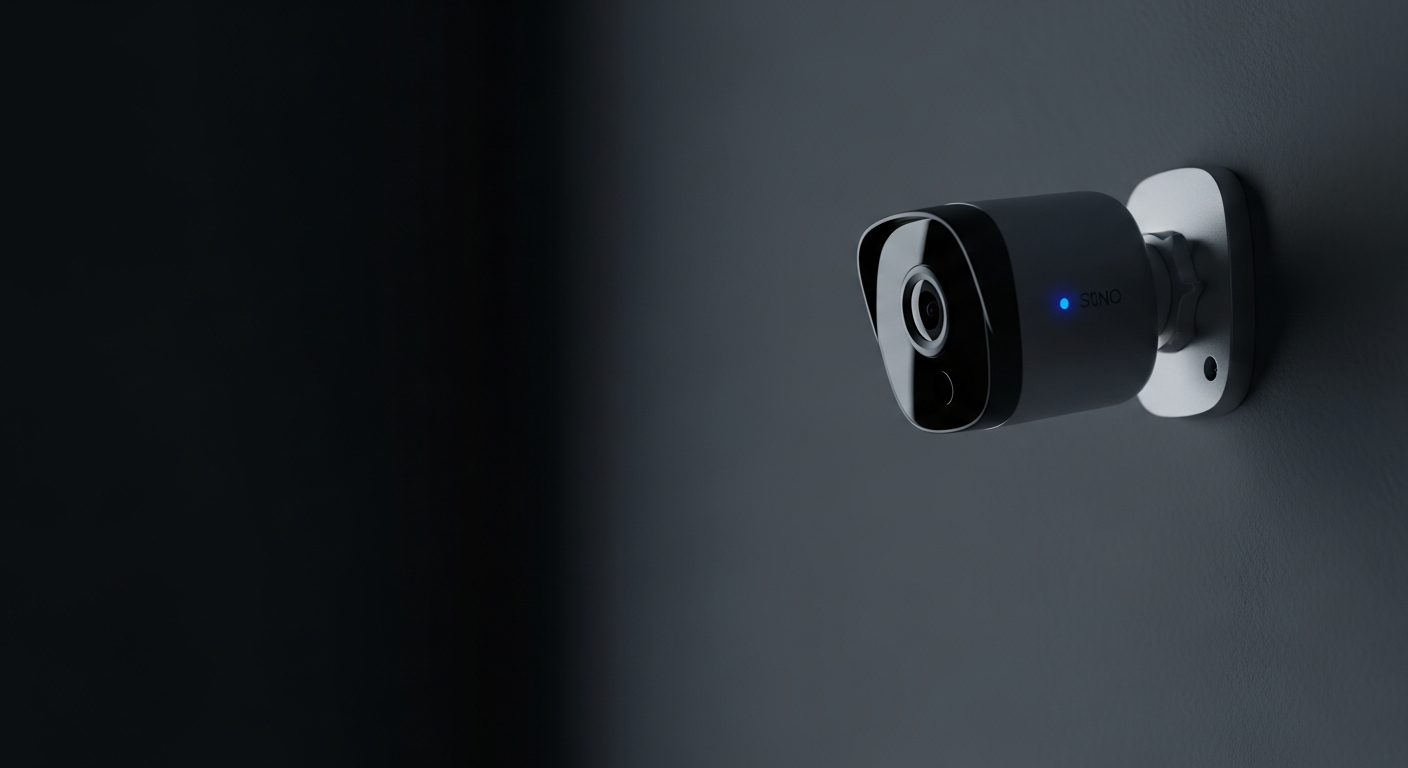
Welcome to your simple guide on smart security cameras! These clever devices can make your home safer and give you peace of mind, even if you're new to technology.
Let's explore how smart cameras work and answer your most common questions in plain language.
1. What are smart security cameras and how do they work?
Smart security cameras are digital eyes for your home that connect to your Wi-Fi. They capture video and audio, then send it to your phone or a storage spot. When they detect something unusual, like movement, they can alert you instantly.
Think of them as a watchful friend that never sleeps, always ready to let you know what's happening at home, whether you're there or away.
2. What's the difference between indoor and outdoor smart cameras?
Indoor cameras are designed for inside your home. They're often smaller, less noticeable, and don't need to withstand weather. Outdoor cameras are built tough; they are waterproof, dustproof, and can handle extreme temperatures. They also often have stronger night vision and wider viewing angles to cover larger areas.
3. Do smart cameras record all the time?
Most smart cameras don't record constantly. Instead, they usually record when they detect motion or sound. This saves storage space and battery life. You can often customize settings to record only during certain hours or when specific types of activity are detected.
Indoor Cameras
- Smaller, discreet
- No weatherproofing needed
- Often plug-in power
- Good for pets, kids, general home monitoring
Outdoor Cameras
- Weatherproof (rain, sun, cold)
- Stronger night vision
- Wider viewing angles
- Good for doors, yards, driveways
4. How do smart cameras detect motion?
Smart cameras use different technologies to spot movement. Some use simple pixel changes in the video feed, while others have special sensors that detect heat, like a person or animal. More advanced cameras can even tell the difference between a person, a car, or a pet, reducing false alarms.
5. Is cloud storage necessary for smart camera footage?
Cloud storage isn't always necessary, but it's very convenient. It means your video recordings are saved securely online, so you can access them from anywhere. Some cameras offer local storage, like an SD card, but if the camera is stolen, your footage might be lost.
6. Are smart cameras easy to set up for a beginner?
Yes, most modern smart cameras are designed for easy setup. You typically just plug them in, download an app on your phone, and follow simple instructions to connect them to your home Wi-Fi. No complex wiring or technical skills are usually needed.
7. Do smart cameras need to be plugged in or are they wireless?
It depends on the model. Many indoor cameras plug into a wall outlet for continuous power. Outdoor cameras often come with rechargeable batteries for true wireless placement, or they can be wired for constant power. Both types connect wirelessly to your home Wi-Fi for data transfer.
Smart Camera Setup Flow
Charge/Plug In Camera
Ensure camera has power.
Download App
Install the camera's app on your smartphone.
Connect to Wi-Fi
Follow app instructions to link camera to your home network.
Mount & Monitor
Place camera in desired spot and start viewing!
8. Can I view live footage from my smart camera on my phone?
Absolutely! This is one of the best features. With the camera's app on your smartphone, you can open it anytime, anywhere, and see exactly what your camera sees in real-time. It's like having a window into your home, right in your pocket.
9. What are common features of smart security cameras?
Beyond basic recording, common features include night vision, two-way audio (so you can talk through the camera), motion alerts, and customizable activity zones. Many also offer smart home integration, letting them work with other devices like smart lights or door locks.
10. How secure are smart security cameras from hacking?
Reputable brands build cameras with strong encryption and security measures to protect your privacy. To keep your camera secure, always use strong, unique passwords, enable two-factor authentication if available, and keep your camera's software updated. Avoid sharing access with untrusted individuals.