
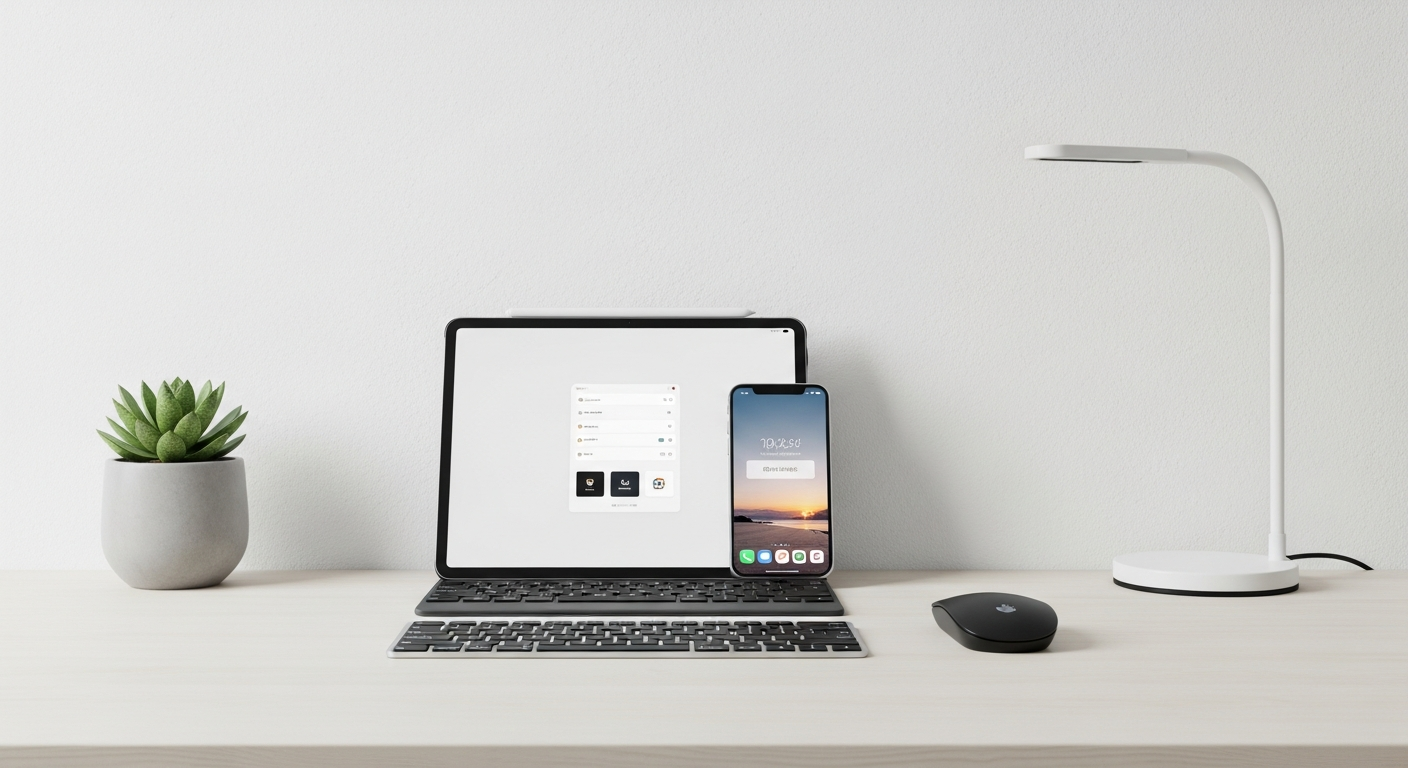
Ready to ditch paper and pens? Digital note-taking is simply using your computer, phone, or tablet to write down information instead of traditional notebooks.
It's a modern way to keep track of ideas, tasks, and important details, making your life much easier and more organized.
1. What is digital note-taking?
Digital note-taking means using an electronic device like a computer, phone, or tablet to create and store your notes. Instead of ink on paper, your notes are made of digital "ink" or typed words that live inside your device.
It's like having an endless notebook that never runs out of pages and is always with you.
2. Why should I take notes digitally?
Digital notes offer many benefits. They are easy to search, so you can quickly find old information. You can also organize them with folders or tags, share them with others, and they don't take up physical space.
Plus, you can access them from almost anywhere, as long as you have your device.
3. What basic tools do I need to start?
To begin, you primarily need two things: a device and a note-taking app. Your device can be a computer (desktop or laptop), a smartphone, or a tablet. The note-taking app is the software program where you'll actually create your notes.
Many devices come with simple note apps already installed, making it easy to start right away.
Digital Notes
- Easy to search for words
- Can be accessed anywhere
- Never runs out of space
- Shareable with others
- No physical clutter
Paper Notes
- Physical feel of writing
- No battery needed
- No tech skills required
- Easy to doodle freely
- Private, not on cloud
4. Is it free to take digital notes?
Yes, absolutely! Many excellent note-taking apps are completely free to use. Most computers and smartphones come with basic note apps built-in, like Apple Notes, Google Keep, or Microsoft OneNote (which has a free version).
You can start taking digital notes today without spending any money.
5. How do I type notes on my computer?
It's very straightforward. Open a note-taking app or a simple word processor like Notepad (Windows) or TextEdit (Mac). Then, just use your keyboard to type your notes as you normally would.
You can also copy and paste text from websites or other documents directly into your notes.
6. Can I take notes on my phone or tablet?
Yes, phones and tablets are fantastic for digital note-taking. You can type notes using the on-screen keyboard, or if your device supports it, you can use a special pen (called a stylus) to handwrite notes directly on the screen.
Many apps are designed specifically for touchscreens, making it very intuitive.
7. What's the simplest note app for beginners?
For beginners, Google Keep is a great choice. It's free, easy to use, and works on almost any device (phones, tablets, computers). It uses simple "sticky notes" for your ideas, and you can easily add checklists, photos, or even voice notes.
Apple Notes (for Apple users) and Microsoft OneNote (free version) are also very user-friendly.
How Digital Note-Taking Works
8. How do I save my digital notes?
Most modern note-taking apps save your notes automatically as you type, so you rarely need to click a "Save" button. Many also use "cloud storage," which means your notes are saved on the internet, not just on your device.
This lets you access them from any of your devices, as long as you're logged in.
9. Can I easily find my notes later?
Yes, this is one of the biggest advantages of digital notes! Almost all note apps have a powerful search bar. You can type in a keyword or phrase, and the app will instantly show you all notes containing that text.
You can also organize notes into folders or add "tags" (like labels) to make finding them even easier.
10. What's one quick tip to get started today?
Don't overthink it! Just pick one simple, free app that's already on your device (like Apple Notes or Google Keep) and start by jotting down your grocery list, a to-do list, or a few ideas for a project.
The best way to learn is by doing, and you'll quickly discover what works best for you.