
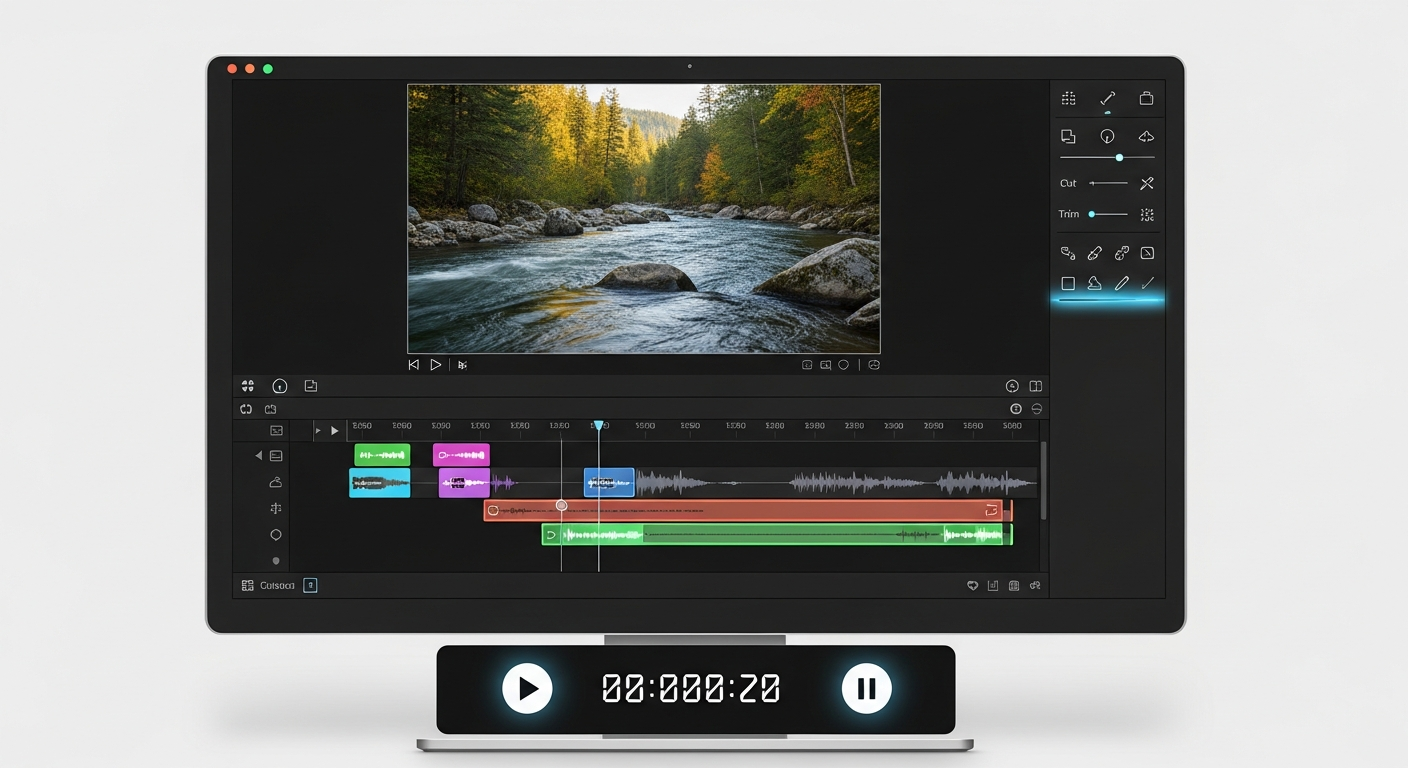
What Are the Easiest Video Editing Programs for Beginners?
Starting video editing can seem tricky, but it doesn't have to be! This guide will help you find the simplest tools to begin creating your own videos, even if you have no tech experience.
1. What makes a video editor beginner-friendly?
A beginner-friendly video editor is easy to understand and use. It has a clear layout, simple controls, and doesn't overwhelm you with too many complicated options. Think of it like a basic paint program versus a professional design suite.
These programs often use "drag-and-drop" features, meaning you can just click and move your video clips and photos into place. They also have automatic tools to help improve your video's look and sound without much effort.
2. What free video editing software is good for beginners?
Many great free options exist to get you started. Programs like DaVinci Resolve (the free version), CapCut, and Shotcut offer powerful features without a price tag. They are excellent for learning the basics of cutting, adding music, and applying simple effects.
These free tools often provide enough functionality for social media videos, family projects, and even some small creative works. They are a perfect way to experiment before committing to paid software.
3. Is iMovie a good option for Mac users?
Absolutely! iMovie comes free with every Mac and is specifically designed for Apple users. Its interface is very intuitive, making it incredibly easy to learn how to trim clips, add titles, music, and simple effects.
iMovie also integrates well with other Apple devices, so you can start editing on your iPhone and finish on your Mac. It's a fantastic starting point for anyone in the Apple ecosystem.
Beginner-Friendly Editor
- Simple, clear layout
- Drag-and-drop actions
- Fewer complex options
- Guided templates
- Automatic enhancements
Professional Editor
- Complex, customizable layout
- Advanced keyframe controls
- Many specialized tools
- Manual adjustments
- Detailed color grading
4. What about Windows Video Editor or Clipchamp?
For Windows users, Clipchamp is now the built-in video editor, replacing the older Windows Video Editor. Clipchamp is web-based and very user-friendly, offering templates and easy drag-and-drop editing. It's great for quick edits and social media content.
While the free version has some limitations, it's an excellent way for Windows users to start without downloading extra software. It provides all the basic tools needed for simple video creation.
5. Are there good smartphone apps for video editing?
Yes, many excellent smartphone apps make editing on the go simple. CapCut, InShot, and KineMaster are very popular choices. They allow you to trim, add music, text, and effects directly from your phone or tablet.
These apps are perfect for creating short videos for social media platforms like TikTok, Instagram, or YouTube Shorts. They are designed with touchscreens in mind, making them very intuitive for beginners.
6. What's a good step-up from free software?
Once you're comfortable with free tools, you might consider a paid program like Adobe Premiere Elements or Corel VideoStudio. These offer more features, better performance, and often more advanced effects and templates than free options, but still keep things relatively simple for beginners.
They provide a good balance between ease of use and expanded creative control, allowing you to grow your skills without jumping into overly complex professional software.
7. What features are essential for a beginner editor?
For beginners, essential features include basic trimming and cutting tools to shorten clips, the ability to add music and sound effects, and simple text overlays for titles. You'll also want options for basic transitions between clips and perhaps some simple color correction to make your video look better.
Easy export options are also key, so you can quickly save your finished video in a format that works for sharing online or with friends and family.
Beginner Video Editing Workflow
Import Media
Bring in your videos, photos, and music.
Arrange Clips
Drag and drop clips into your desired order.
Trim & Cut
Shorten or remove unwanted parts of clips.
Add Music & Text
Enhance with background music, titles, or captions.
Export Video
Save your finished video in a shareable format.
8. How much do beginner video editors cost?
Many excellent beginner editors are completely free, like iMovie, Clipchamp (basic version), CapCut, DaVinci Resolve (free version), and Shotcut. Paid options like Adobe Premiere Elements or Corel VideoStudio typically range from $70 to $100 for a one-time purchase.
Some apps, like KineMaster, offer free versions with watermarks or limited features, with a subscription to unlock everything. Start with free and only pay if you need more advanced tools.
9. Where can I find tutorials for these programs?
The best place to find tutorials is YouTube! Most beginner-friendly programs have countless free video guides created by users and the software companies themselves. Simply search for "[Program Name] beginner tutorial" or "[Program Name] how to edit."
Many software websites also offer their own learning resources and guides. You can also find online courses on platforms like Skillshare or Udemy if you prefer a more structured learning path.
10. What's the best way to choose my first video editor?
Start with what you already have! If you have a Mac, try iMovie. If you have Windows, try Clipchamp. If you have a smartphone, download CapCut or InShot. These are free and readily available, making them perfect for your first steps.
Experiment with a few free options to see which interface feels most comfortable to you. The "best" editor is the one you enjoy using and that helps you create the videos you want.