
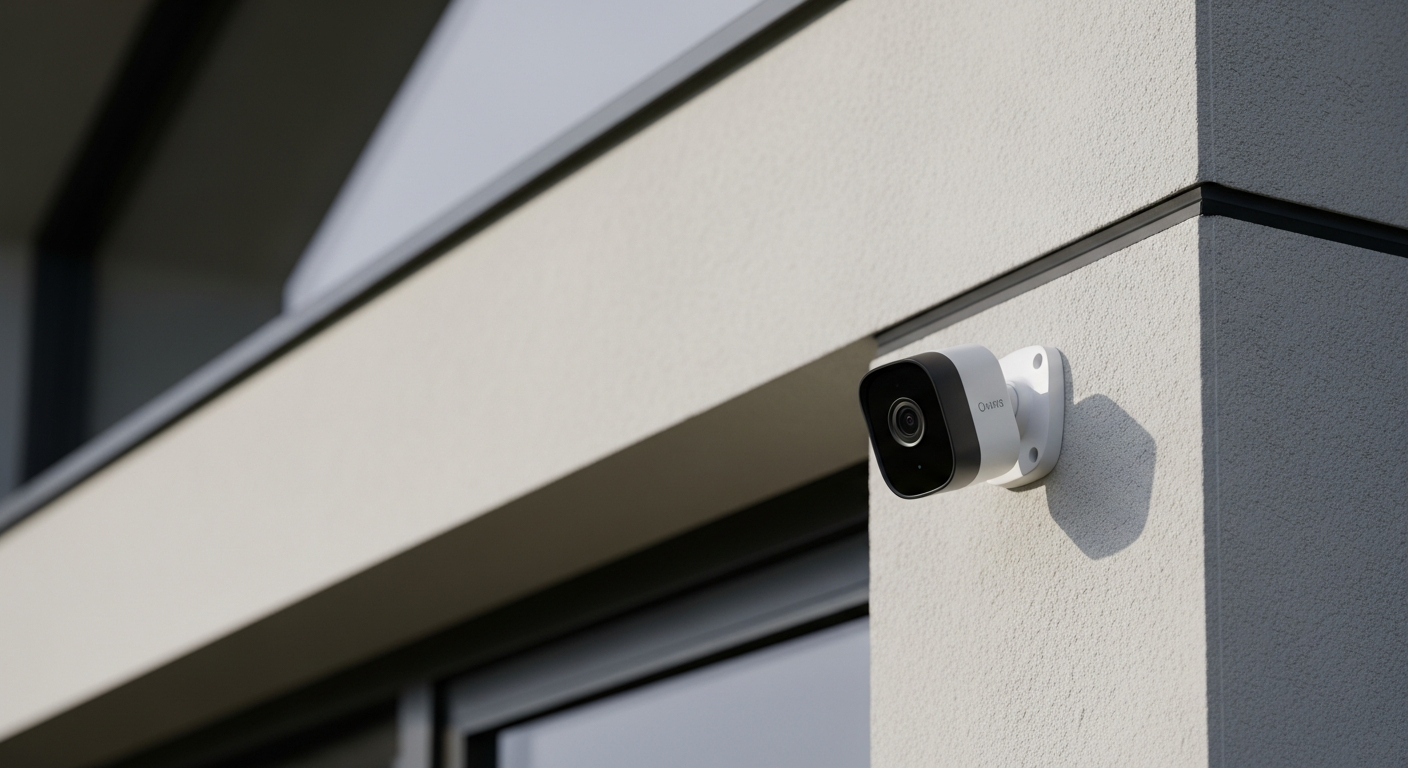
Thinking about adding a smart security camera to your home? You're in the right place! This guide will answer your biggest questions in simple terms, helping you decide if a smart camera is right for you.
1. What is a smart security camera?
A smart security camera is like a regular camera but with a brain. It connects to your home's internet (Wi-Fi) and can do clever things like send alerts to your phone, record video, and sometimes even talk to other smart devices in your home. It's designed to help you keep an eye on things, even when you're not there.
2. How do smart security cameras enhance home safety?
These cameras boost safety by providing real-time awareness. If there's movement or a sound, they can instantly alert you. This means you can see what's happening, whether it's a package delivery, a pet misbehaving, or something more serious, allowing you to react quickly.
3. Can I view camera footage from my phone?
Yes, absolutely! This is one of the main benefits. Smart cameras come with a special app for your smartphone or tablet. Through this app, you can watch live video from your camera, review recorded clips, and even change settings from anywhere with an internet connection.
Smart Camera Footage Flow
4. Do smart cameras record continuously or only when motion is detected?
Most smart cameras offer both options. Continuous recording captures everything, but it uses a lot of storage. Many users prefer motion detection recording, where the camera only records when it senses movement or hears a sound, saving storage space and making it easier to find important clips.
5. What's the difference between indoor and outdoor cameras?
Indoor cameras are designed for inside your home and usually aren't built to withstand weather. Outdoor cameras are tougher; they're waterproof, dustproof, and can handle extreme temperatures. They often have stronger night vision and wider viewing angles to cover larger areas outside.
6. Do smart cameras require a subscription service?
Many smart cameras offer optional subscription plans. These plans often provide extra features like extended video storage in the cloud, advanced motion detection (like distinguishing people from pets), and professional monitoring. Basic features, like live viewing and short clip storage, are often free.
7. How do I install a smart security camera?
Installation is usually quite simple for most home users. Many cameras are plug-and-play: you plug them into power, download the app, and follow the on-screen instructions to connect them to your Wi-Fi. Outdoor cameras might require drilling a few screws, but clear guides are usually provided.
Indoor vs. Outdoor Cameras
Indoor Camera
- Compact size
- Simple setup
- No weatherproofing
- Basic night vision
- Often cheaper
Outdoor Camera
- Weather-resistant (IP-rated)
- More robust mounting
- Advanced night vision
- Wider field of view
- Durable construction
8. Can smart cameras deter intruders?
Yes, they can! Visible security cameras often make intruders think twice. Many cameras also have built-in sirens or two-way talk features, allowing you to scare off potential threats or speak to visitors. The presence of a camera alone can be a powerful deterrent.
9. What are some privacy concerns with smart cameras?
Privacy is a valid concern. Ensure your camera's Wi-Fi connection is secure with a strong password. Be mindful of where you point outdoor cameras to avoid recording neighbors' private property. Always choose reputable brands that prioritize data encryption and offer clear privacy policies to protect your footage from unauthorized access.
10. What features are essential for a beginner's security camera?
For beginners, look for easy setup, reliable motion detection with alerts, clear night vision, and two-way audio (so you can speak and listen). Cloud storage options (even basic free ones) are also helpful. These features provide a great balance of security and ease of use without being overwhelming.