
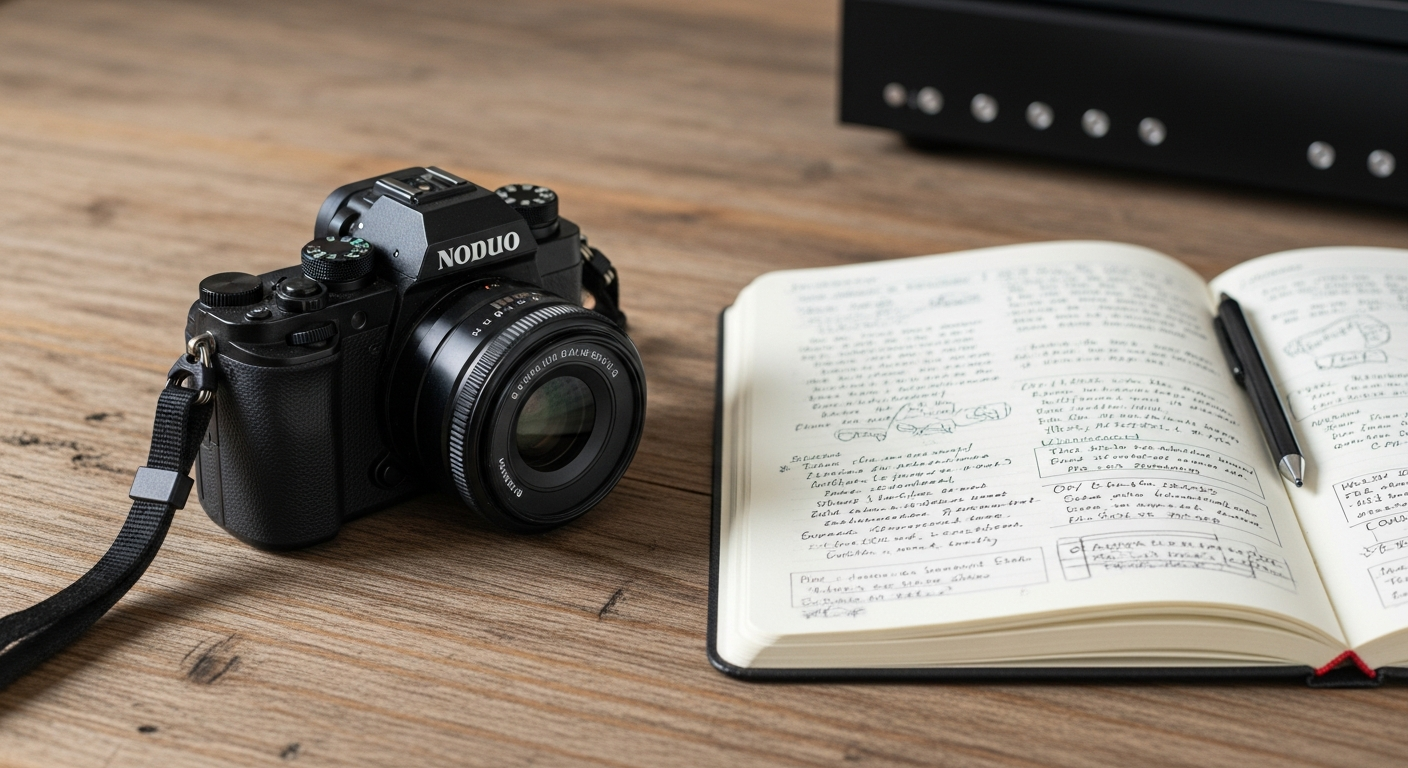
Welcome to the exciting world of digital photography! This guide will help you understand the absolute basics so you can start taking great pictures right away, even if you've never touched a camera before.
1. What kind of camera should a beginner buy?
For beginners, a modern smartphone is an excellent starting point because it's always with you and easy to use. If you want to step up, a mirrorless camera or a DSLR (Digital Single-Lens Reflex) offers more control and better image quality. Look for an entry-level model from a reputable brand like Canon, Nikon, or Sony, often sold with a basic "kit lens."
2. What is aperture and why is it important?
Aperture is like the pupil of your eye – it's an opening inside your camera lens that controls how much light reaches the sensor. A wider aperture (smaller f-number, like f/1.8) lets in more light and creates a blurry background (called "bokeh"), which is great for portraits. A narrower aperture (larger f-number, like f/16) lets in less light and keeps more of the scene in sharp focus, ideal for landscapes.
3. What is shutter speed and how does it affect photos?
Shutter speed is how long your camera's shutter stays open to let light hit the sensor. A fast shutter speed (like 1/1000th of a second) freezes motion, perfect for sports or fast-moving subjects. A slow shutter speed (like 1/30th of a second or longer) can blur motion, creating artistic effects like silky water in a waterfall, but it also makes camera shake more noticeable.
Fast Shutter Speed
- Time: Very short (e.g., 1/1000s)
- Light: Less light enters
- Motion: Freezes action
- Use: Sports, kids, wildlife
Slow Shutter Speed
- Time: Longer (e.g., 1/30s, 1s)
- Light: More light enters
- Motion: Blurs action, shows movement
- Use: Waterfalls, light trails, low light
4. What is ISO and when should I change it?
ISO measures your camera sensor's sensitivity to light. A low ISO (like 100 or 200) produces the cleanest images with the least "noise" (graininess) and is best for bright conditions. A high ISO (like 1600 or 3200) makes the sensor more sensitive, allowing you to shoot in dim light without a flash, but it adds more noise to your photos. Increase ISO only when necessary to get a bright enough picture.
5. How do I take a well-exposed photo?
A well-exposed photo is neither too dark (underexposed) nor too bright (overexposed). It has good detail in both the brightest and darkest parts. You achieve this by balancing aperture, shutter speed, and ISO. These three settings form the "exposure triangle." Adjusting one often requires adjusting another to maintain proper brightness. Your camera's light meter helps guide you.
6. What is the "rule of thirds" in photography?
The rule of thirds is a simple composition guideline. Imagine dividing your photo into nine equal sections with two horizontal and two vertical lines, like a tic-tac-toe board. Instead of placing your subject dead center, try positioning it along these lines or at their intersections. This often creates a more balanced, interesting, and dynamic photo than simply centering everything.
7. How can I avoid blurry photos?
Blurry photos are usually caused by camera shake or subject motion. To avoid them, use a faster shutter speed, especially when shooting moving subjects or in dim light. Hold your camera steady, perhaps bracing your elbows against your body. For very slow shutter speeds, use a tripod. Ensure your camera's autofocus is set correctly and has locked onto your subject before you press the shutter button.
Tips for Sharp Photos
Use Faster Shutter Speed
Freeze motion, especially for moving subjects or in low light.
Hold Camera Steady
Brace yourself, use two hands, or lean against something stable.
Use a Tripod
Essential for very slow shutter speeds or maximum sharpness.
Check Focus
Ensure your camera's autofocus is locked onto your subject.
8. What's the difference between JPEG and RAW?
JPEG is a compressed image format, meaning your camera processes and saves the photo, discarding some data to make the file smaller. It's ready to share immediately. RAW files are like digital negatives; they contain all the unprocessed data from your camera's sensor. They are much larger but offer far more flexibility for editing things like exposure and color without losing quality. Most beginners start with JPEG.
9. Should I use my camera's automatic mode?
Absolutely! Automatic mode (often labeled "Auto" or a green camera icon) is perfect for beginners. It lets the camera make all the decisions about aperture, shutter speed, and ISO, so you can focus on composition and capturing the moment. As you become more comfortable, you can explore semi-automatic modes (like Aperture Priority or Shutter Priority) to gain more creative control.
10. How do I clean my camera lens safely?
Always start by using a blower brush to gently puff away any loose dust or debris. Never wipe a dry lens! If smudges remain, use a specialized lens cleaning solution and a clean microfiber lens cloth. Apply a small amount of solution to the cloth (not directly to the lens) and gently wipe in a circular motion from the center outwards. Avoid touching the lens glass with your fingers.