
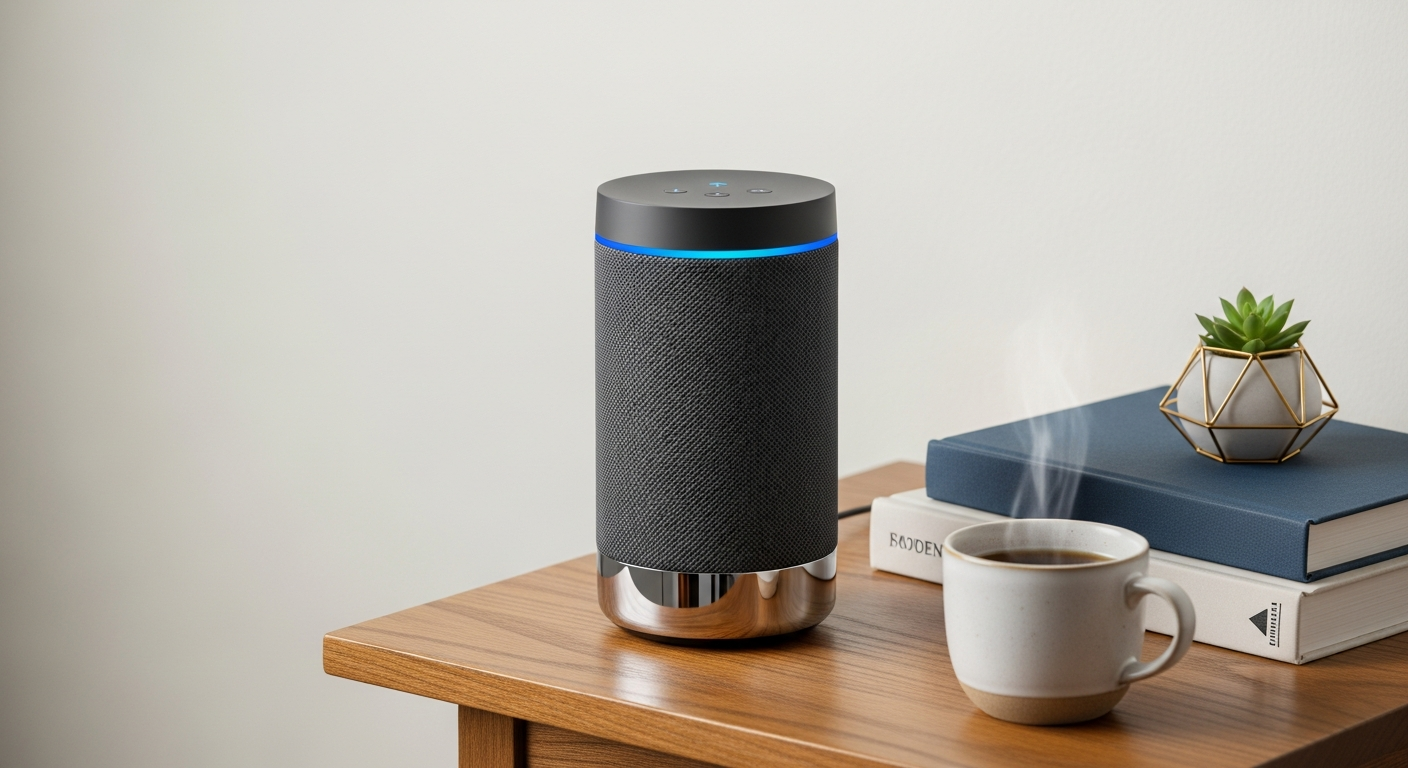
Digital assistants are becoming a helpful tool for many, and seniors are no exception. This guide will answer common questions about how these voice-controlled devices can simplify daily life.
1. What exactly is a digital assistant like Alexa or Google Assistant?
A digital assistant is a smart speaker or screen that listens to your voice commands. Think of it like a helpful friend living inside a device, ready to answer questions, play music, or help with tasks just by you speaking to it. Popular examples include Amazon Alexa and Google Assistant.
2. How can a digital assistant make daily life easier for seniors?
These devices can simplify many daily routines. They can set alarms, give weather updates, tell you the news, or even help you make calls without needing to dial. For seniors, this means more independence and less hassle with everyday tasks, all controlled by your voice.
3. Is it difficult to set up a digital assistant device?
Setting up a digital assistant is usually straightforward. You plug it in, download a simple app on a smartphone or tablet, and follow a few steps to connect it to your home Wi-Fi. Many family members or tech support services can easily assist with this initial setup.
Setting Up Your Digital Assistant
4. Can it remind me of appointments, medications, or important events?
Absolutely! Digital assistants are excellent for setting reminders. You can simply say, "Hey Google, remind me to take my medication at 8 AM," or "Alexa, remind me about Dr. Smith's appointment tomorrow at 2 PM." The device will then speak the reminder aloud at the scheduled time.
5. How do I make phone calls using a digital assistant?
Making calls is easy and hands-free. You can link your phone contacts to the assistant through its app. Then, just say something like, "Alexa, call John Smith" or "Hey Google, call Grandma." It will dial the number and you can speak through the device's speaker and microphone.
6. Can it play music, audiobooks, or news for me?
Yes, it's a great entertainment hub. You can ask it to play your favorite music genre, a specific song, or a radio station. It can also read audiobooks if you have a subscription, or give you the latest news headlines from sources you choose. Just ask, "Alexa, play classical music" or "Hey Google, what's the news?"
7. What about controlling other smart home devices with my voice?
Many digital assistants can connect to and control other smart devices in your home, like smart light bulbs, thermostats, or even smart plugs for appliances. You can say, "Alexa, turn on the living room lights" or "Hey Google, set the thermostat to 72 degrees." This offers great convenience and accessibility.
Smart Home Control: Voice vs. Manual
Voice Control
- "Alexa, turn on the lights."
- "Hey Google, set thermostat to 70."
- "Siri, lock the front door."
Manual Control
- Walk to light switch.
- Adjust thermostat physically.
- Use key or turn knob.
8. Are there privacy concerns when using digital assistants?
It's natural to have privacy concerns. Digital assistants are always listening for their "wake word" (like "Alexa" or "Hey Google"), but they only record and send audio to the cloud after hearing it. You can review and delete your voice recordings through the app, and also mute the microphone on the device itself for extra privacy.
9. What are the best digital assistant options for seniors?
The most popular options are Amazon Echo devices (with Alexa) and Google Nest devices (with Google Assistant). Both are very user-friendly. Some seniors prefer devices with screens, like the Echo Show or Nest Hub, as they can display information, photos, or even video calls, making them even more versatile.
10. Where can I get help learning to use my digital assistant?
Many resources are available! The device's manufacturer website has guides and FAQs. Your local library or senior center might offer workshops. Family members or friends who are tech-savvy are often happy to help. Online tutorials on platforms like YouTube can also provide step-by-step visual instructions.