
Traveling is exciting, but managing your phone's battery and data can be tricky. This guide will help you keep your phone powered and connected without breaking the bank.
1. Why does my phone battery drain faster when traveling?
Your phone works harder when you travel. It constantly searches for new cell towers and Wi-Fi signals, especially in unfamiliar areas or if you're moving between countries. Using GPS for navigation, taking lots of photos, and streaming content also use a lot of power.
2. How can I extend my phone's battery life?
To save power, turn on "Low Power Mode" or "Battery Saver." Reduce screen brightness and close apps you're not using. Consider turning off Wi-Fi and Bluetooth when not needed, and download maps or entertainment beforehand to use offline.
3. What is data roaming and how does it work?
Data roaming is when your phone uses a mobile network outside of your home country. Your home provider has agreements with foreign networks, allowing your phone to connect. This convenience often comes with extra costs, as you're using another company's network.
Data Roaming
- Uses your home provider's plan abroad.
- Convenient, no need to swap SIMs.
- Can be very expensive per MB.
- Coverage depends on agreements.
Local SIM Card
- Buy a new SIM in the country you visit.
- New local phone number.
- Often cheaper data rates.
- Requires an unlocked phone.
4. How can I reduce data usage abroad?
The best way is to use Wi-Fi whenever possible. Turn off "mobile data" for apps that aren't essential. Disable automatic app updates and background app refresh. Download maps, music, and videos before you leave or when on Wi-Fi to use offline.
5. Should I buy a local SIM card?
For longer trips or if you plan to use a lot of data, a local SIM card is often cheaper than roaming. You'll get a local phone number and local rates. Make sure your phone is "unlocked" by your home provider before you travel, so it can accept other SIMs.
6. What is Wi-Fi calling?
Wi-Fi calling lets you make and receive calls and texts over a Wi-Fi network instead of your mobile network. This is great for saving roaming costs or in areas with poor cell service but good Wi-Fi. Check if your phone and provider support it before you travel.
7. How do I find free Wi-Fi safely?
Look for Wi-Fi in reputable places like hotels, cafes, and airports. Be cautious with public, unsecured Wi-Fi networks, as they can be less safe. Avoid doing sensitive tasks like online banking on public Wi-Fi. A Virtual Private Network (VPN) can add security.
Steps to Secure Public Wi-Fi
Connect to Trusted Networks
Use Wi-Fi from known businesses (hotels, cafes) with clear names.
Look for HTTPS
Ensure websites you visit start with "https://" for secure connections.
Use a VPN
A Virtual Private Network encrypts your internet traffic, adding security.
Avoid Sensitive Tasks
Don't do online banking or shopping on public, unsecured Wi-Fi.
8. What are portable power banks?
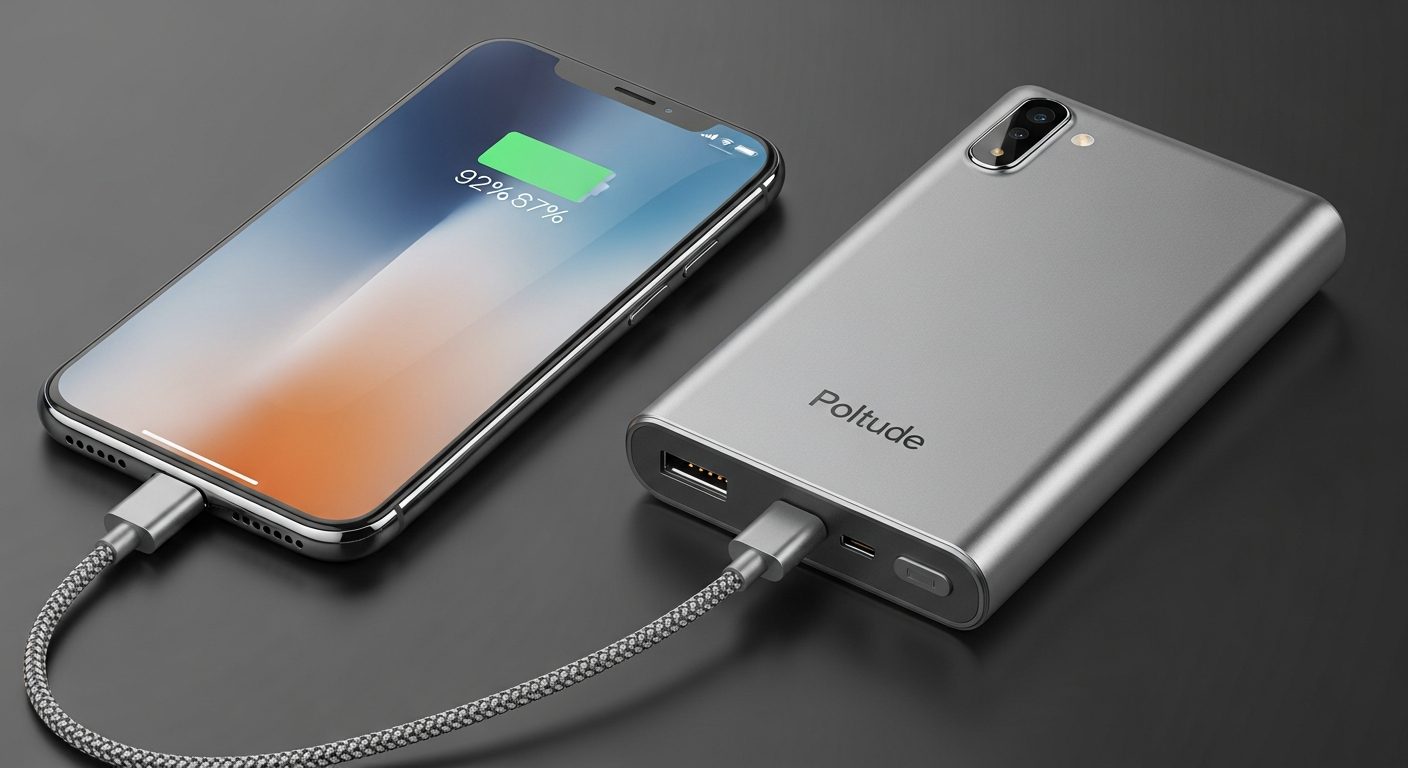
A portable power bank is a small, rechargeable battery that you can carry with you to charge your phone or other devices. They come in various sizes, offering multiple charges. It's an essential item for travelers to ensure your phone never runs out of power.
9. Should I turn off location services?
Turning off location services for apps you don't need helps save battery. However, you might want it on for navigation or finding nearby attractions. You can manage which apps use your location in your phone's settings, choosing to allow it only "while using the app."
10. How can I monitor my data usage?
Both iPhones and Android phones have built-in tools to track your data usage. Go to your phone's settings, usually under "Mobile Data" or "Network & Internet." You can see which apps use the most data and set warnings or limits to avoid unexpected charges.