
How to Cut the Cable Cord: Stream Everything for Less
In 2026, more people than ever are ditching traditional cable TV in favor of streaming services. It's a fantastic way to save money, get more control over what you watch, and discover a world of entertainment tailored just for you. If you're tired of high bills and channels you never watch, this guide is for you! We'll explain everything you need to know in simple terms, so you can confidently make the switch.
1. What does cutting the cord mean?
Cutting the cord simply means saying goodbye to your traditional cable TV provider. Instead of getting your TV channels through a cable box and a monthly subscription, you get all your entertainment through the internet. This includes movies, TV shows, live sports, and even local news, all delivered through various apps and services on your existing devices like a smart TV, phone, or tablet. It’s about choosing exactly what you want to watch, when you want to watch it, without the big cable bill.
2. How much can I save?
The savings can be significant! Many households find they save hundreds of dollars a year, sometimes even over $1,000. The average cable bill can easily top $100-$150 per month, especially with extra fees and premium channels. By contrast, you might pay for just a few streaming services that cost $10-$20 each, plus your internet bill. Since you only pay for the services you actually use, you avoid paying for hundreds of channels you never watch, leading to substantial savings over time.
3. What do I need to get started?
Getting started with cord-cutting is easier than you might think! First, you absolutely need a reliable internet connection at home – this is your new lifeline for entertainment. Second, you'll need a device to watch on, like a Smart TV, a streaming stick (like a Roku or Fire TV Stick), a computer, or even your tablet or smartphone. Finally, you'll choose which streaming services you want to subscribe to, like Netflix, Hulu, or a live TV service. That's it – good internet, a viewing device, and your chosen apps!
Your Cord-Cutting Checklist
Get ready to stream with these essentials.
Reliable Internet
This is your foundation! Ensure you have a good, fast connection.
Streaming Device
A Smart TV, streaming stick, or box connects you to apps.
Choose Services
Pick the streaming apps that have the shows and movies you love.
Start Watching!
Plug in, sign up, and enjoy your new world of entertainment.
4. Which streaming services replace cable?
There are two main types of streaming services that can replace cable. First, you have "on-demand" services like Netflix, Disney+, Max, Hulu (with its basic plan), and Amazon Prime Video. These offer huge libraries of movies and TV shows you can watch anytime. Second, for those who want live channels, there are "live TV streaming services" like YouTube TV, Hulu + Live TV, Sling TV, and FuboTV. These services mimic a traditional cable package, offering dozens of live channels, including major networks, news, and sports, all delivered over the internet.
5. What about live TV and sports?
Don't worry, live TV and sports are absolutely available without cable! For live channels, including major networks like ABC, CBS, FOX, and NBC, plus popular cable channels like ESPN, CNN, and HGTV, you can subscribe to a live TV streaming service. Services like YouTube TV, Hulu + Live TV, and Sling TV offer packages with many of the same channels you'd get with cable. For sports fans, these services often include popular sports channels, and there are also dedicated sports streaming apps like ESPN+ for even more coverage.
6. Do I still need internet?
Yes, absolutely! Internet is the backbone of cutting the cord. Since all streaming services deliver their content over the internet, a reliable and reasonably fast internet connection is essential. Think of it as your new cable line. For smooth streaming in high definition (HD), you'll want at least 25-50 Mbps (megabits per second) download speed. If multiple people in your home will be streaming in 4K or using many devices at once, aim for 100 Mbps or higher for the best experience.
7. What is a streaming stick or box?
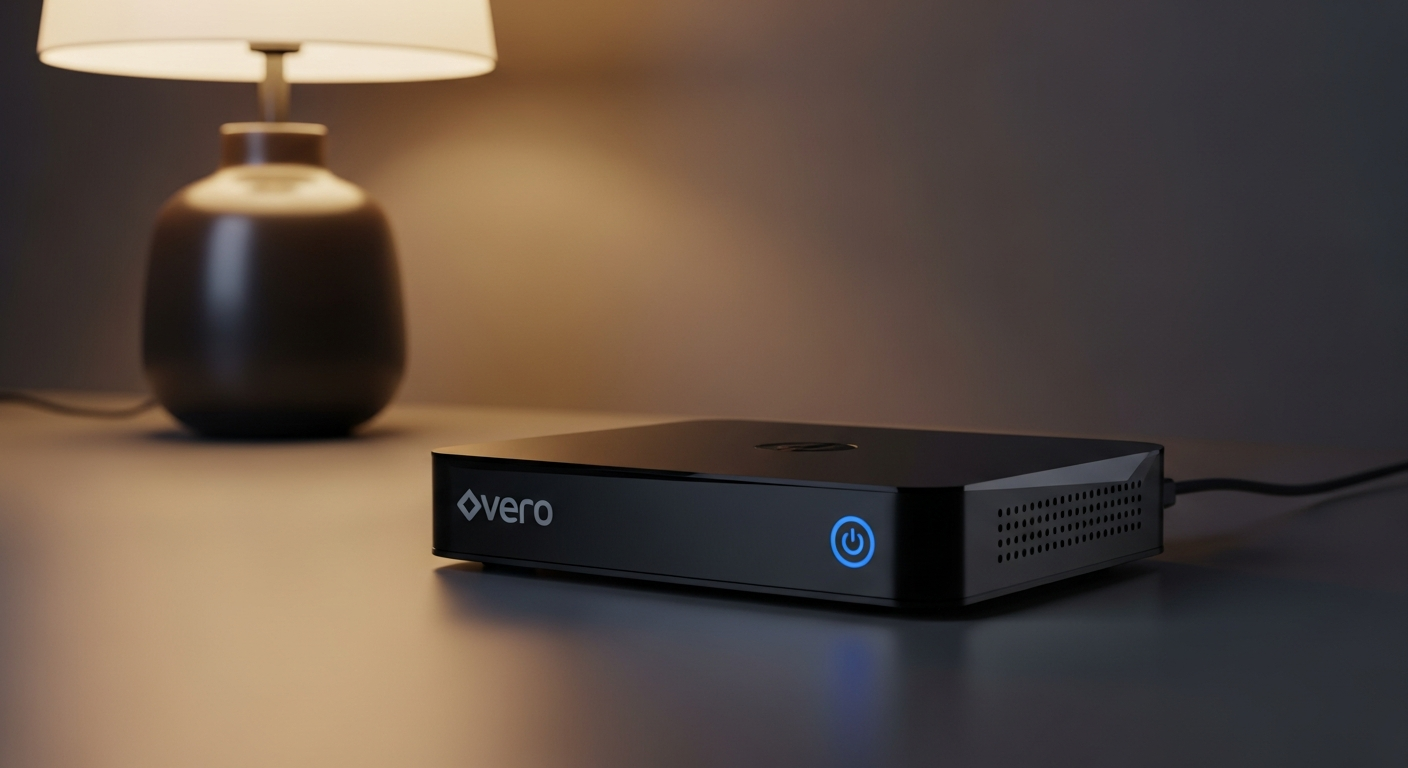
A streaming stick or box is a small, easy-to-use device that plugs into your TV, usually into an HDMI port. Its job is to make your TV "smart" by connecting it to the internet and giving you access to all your favorite streaming apps. Popular examples include Roku devices, Amazon Fire TV Sticks, Apple TV, and Google Chromecast. Even if you have an older TV, these devices can instantly upgrade it, allowing you to browse and watch content from Netflix, Hulu, YouTube, and countless other services with a simple remote control.
Cable TV vs. Streaming: A Quick Look
See how traditional cable stacks up against modern streaming.
Traditional Cable TV
- High Monthly Bills
- Long Contracts
- Limited Choice (Bundles)
- Equipment Rental Fees
- All-in-one Package
Streaming Services
- Lower Monthly Costs
- No Contracts (Cancel Anytime)
- Pick & Choose What You Want
- Use Your Own Devices
- Multiple Apps to Manage
8. Can I still watch local news?
Absolutely! You have several great options for watching local news without cable. The simplest and often cheapest way is to use a digital antenna (sometimes called an "HD antenna"). These antennas are inexpensive, easy to set up, and can pick up free over-the-air broadcasts from your local ABC, CBS, FOX, NBC, and PBS affiliates in crystal-clear HD. Many live TV streaming services also include your local channels in their packages. Additionally, many local news stations have their own free apps or websites where you can stream their newscasts live or on-demand.
9. Is it really worth switching?
For most people, yes, it's absolutely worth switching! The biggest benefit is the significant financial savings each month. Beyond that, you gain incredible flexibility and choice. You're no longer tied to rigid schedules or paying for hundreds of channels you don't watch. You can subscribe to services for a month, cancel, and then subscribe to a different one, tailoring your entertainment to your current interests. While there's a small learning curve and you might manage a few more apps, the freedom and savings make it a highly rewarding change for millions of households.
10. What is the cheapest way to set it up?
To set up cord-cutting on a budget, start with your internet. You'll need a good plan, but avoid unnecessary upgrades. For devices, if you have a Smart TV, you're already set! Otherwise, an entry-level streaming stick (like a basic Roku Express or Amazon Fire TV Stick Lite) is very affordable, often under $30. For content, combine free streaming services like Pluto TV, Tubi, and Freevee (which offer thousands of movies and shows with ads) with a digital antenna for free local channels. Then, pick just one or two paid streaming services you really want, and consider rotating them month-to-month to keep costs low.