
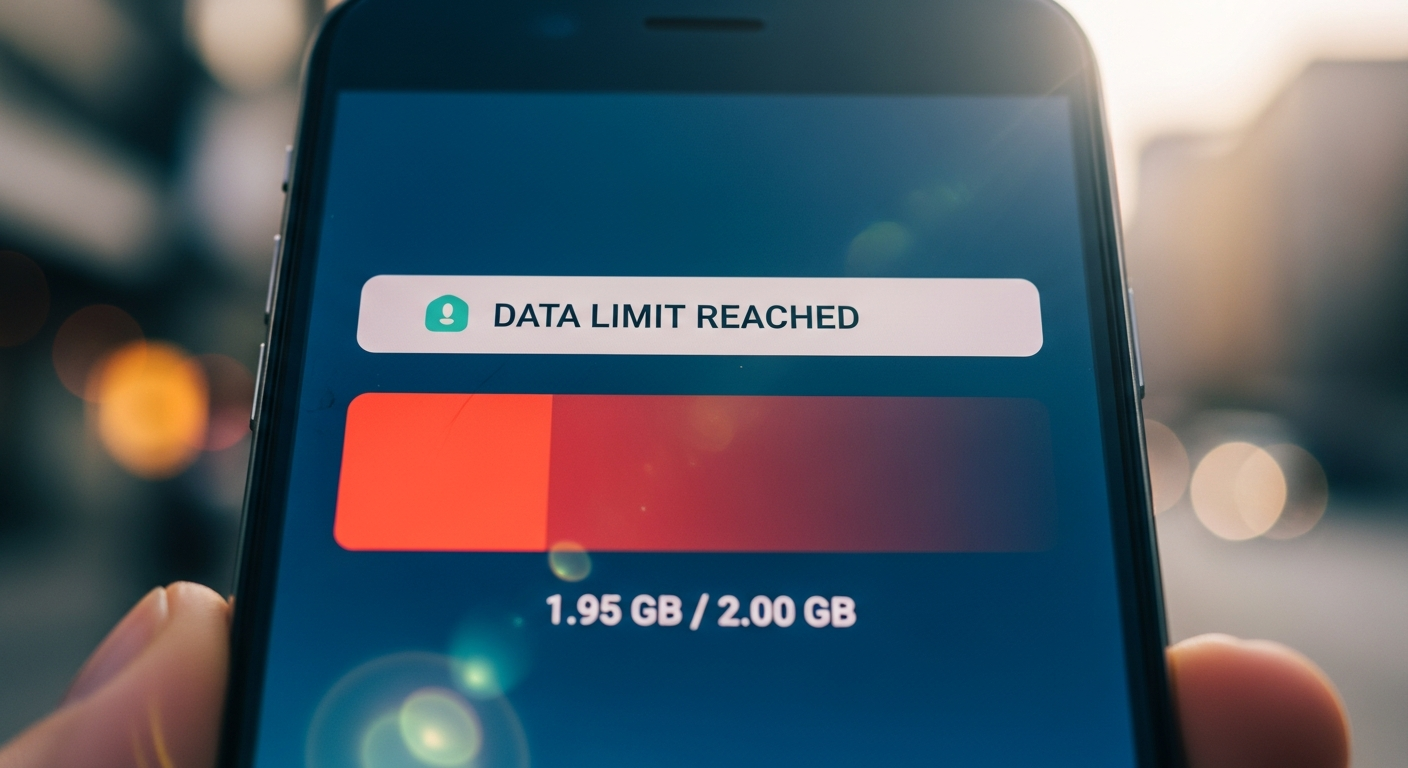
Are you constantly running out of mobile data before your billing cycle ends? It's a common problem, but understanding what uses your data and how to control it can save you money and frustration.
1. What uses the most mobile data on my phone?
The biggest data hogs are usually activities that involve lots of pictures, videos, or live content. This includes streaming videos (like YouTube or Netflix), social media apps with auto-playing videos (Facebook, Instagram, TikTok), and video calls (FaceTime, Zoom). Large app updates or game downloads also consume a lot of data.
2. How do I check my mobile data usage?
You can easily check your data usage in your phone's settings. For Android, go to Settings > Network & internet > Mobile network > App data usage. For iPhone, go to Settings > Mobile Data. This will show you which apps are using the most data and help you pinpoint the culprits.
3. What is Wi-Fi Assist or Smart Network Switch?
These features automatically switch your phone from a weak Wi-Fi signal to your mobile data without you noticing. While they aim to keep you connected, they can unexpectedly use your data. You can usually find and disable them in your phone's Wi-Fi settings or mobile data settings to prevent this.
Wi-Fi Assist (iPhone)
- Automatically uses mobile data when Wi-Fi is poor.
- Ensures a smoother online experience.
- Can lead to unexpected data usage.
- Usually on by default.
Smart Network Switch (Android)
- Switches between Wi-Fi and mobile data for best connection.
- Prioritizes speed and reliability.
- May consume data without user awareness.
- Can be found in Wi-Fi or Mobile Network settings.
4. Can I set a data limit on my phone?
Yes, most smartphones allow you to set a data limit. On Android, go to Settings > Network & internet > Mobile network > Data warning & limit. On iPhone, you can't set a hard limit, but you can monitor usage and get warnings from your carrier. Setting a limit helps you avoid exceeding your plan.
5. Does streaming videos use a lot of data?
Absolutely, streaming videos is one of the biggest data consumers. A standard definition video can use around 0.7 GB per hour, while high definition (HD) can use 3 GB per hour or more. Always try to stream videos over Wi-Fi whenever possible, or download them beforehand to watch offline.
6. How can I stop apps from using data in the background?
Many apps continue to use data even when you're not actively using them, for things like refreshing content or sending notifications. You can restrict this in your phone's settings. For Android, go to Settings > Apps & notifications > [App Name] > Mobile data & Wi-Fi > Background data. For iPhone, go to Settings > General > Background App Refresh and turn it off for specific apps or entirely.
7. What is the difference between Wi-Fi and mobile data?
Wi-Fi connects your phone to the internet using a local wireless network, like the one at your home or a coffee shop. Mobile data connects your phone to the internet using your cellular provider's network, similar to how your phone makes calls. Wi-Fi is usually free and unlimited, while mobile data is part of your monthly plan and has limits.
Internet Connection Flow
8. Should I turn off mobile data when I'm not using it?
Turning off mobile data when you don't need it is a great way to save data and battery life. You can easily toggle it off from your phone's quick settings (swipe down from the top of the screen) or in the main settings. Just remember to turn it back on when you need to access the internet away from Wi-Fi.
9. How do I avoid unexpected data charges when traveling?
When traveling internationally, data roaming charges can be very expensive. Before you travel, check with your mobile carrier about international plans or consider buying a local SIM card. You should also turn off data roaming in your phone's settings (Settings > Mobile Data Options on iPhone; Settings > Network & internet > Mobile network > Roaming on Android) to prevent accidental usage.
10. What are data saver modes and how do they work?
Data saver modes help reduce your data usage by limiting background data, compressing images, and preventing certain apps from using data until you open them. On Android, it's called Data Saver (Settings > Network & internet > Data Saver). On iPhone, Low Data Mode (Settings > Mobile Data > Mobile Data Options) achieves similar results by pausing automatic updates and background tasks.