
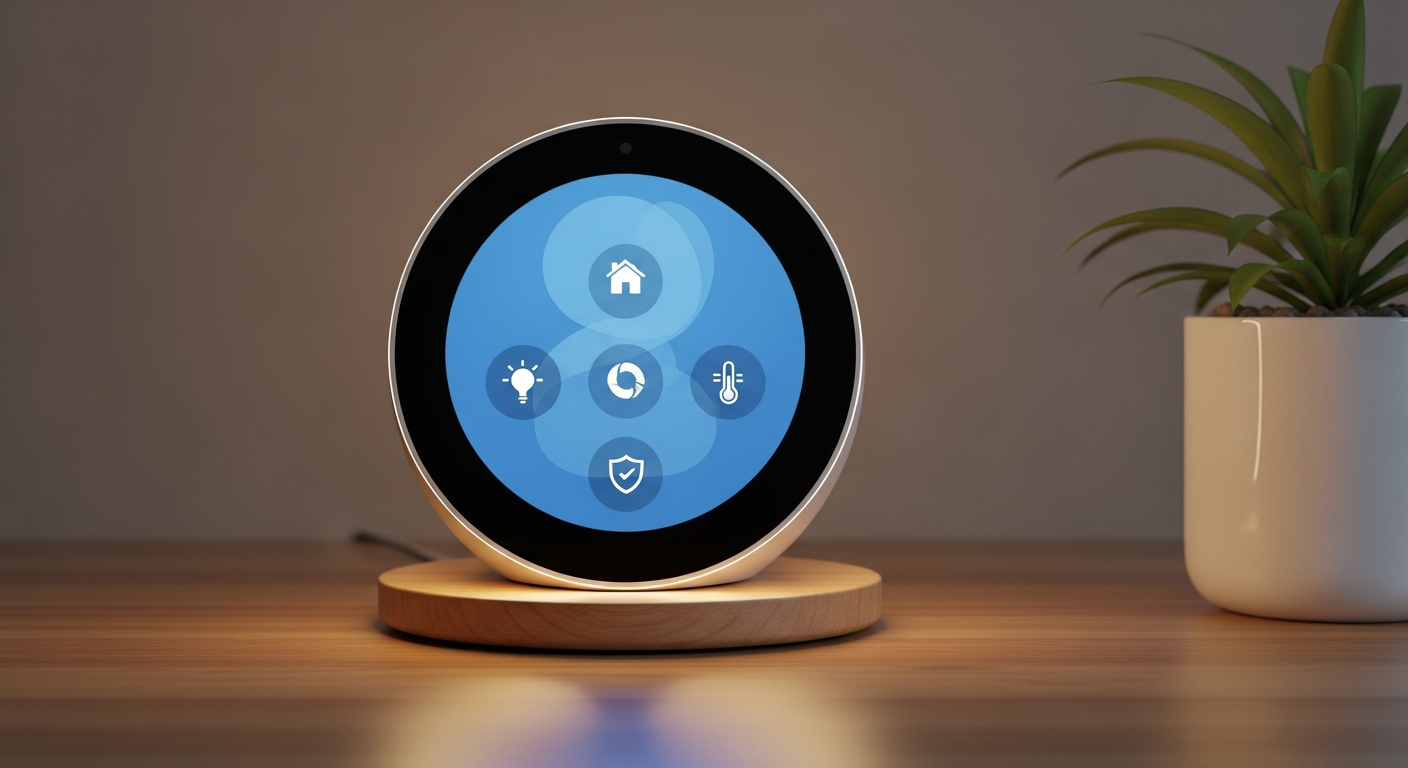
Welcome to the world of smart homes! Getting your smart devices to work together might seem tricky, but it's all about making your home life easier and more automated. Let's break down how to connect everything and make your smart home truly intelligent.
1. What does "connecting" smart devices mean?
Connecting smart devices means getting them to communicate and work with each other, rather than operating alone. Think of it like a team where each player knows what the others are doing. For example, your smart light might turn on automatically when your smart door sensor detects you've opened the door.
2. What is a smart home ecosystem?
A smart home ecosystem is a collection of devices that are designed to work together, often under a single brand or platform. It's like a family of gadgets that speak the same language. Popular ecosystems include Apple HomeKit, Google Home, and Amazon Alexa, which allow devices from various brands to interact smoothly.
3. How do I link devices from different brands?
Linking devices from different brands can be done in a few ways. Many devices are compatible with major voice assistants like Google Assistant or Amazon Alexa, which act as central controllers. You can also use a smart home hub or services like IFTTT (If This, Then That) to create connections between different brands.
Method A: Central Controller (Hub/Assistant)
- Acts as a universal translator for many devices.
- Connects devices from various brands directly.
- Good for managing complex routines and multiple actions.
Method B: IFTTT
- Uses "If This, Then That" recipes for simple links.
- Connects devices indirectly based on triggers.
- Great for specific, cross-brand actions like "If my smart light turns on, then post to Twitter."
4. What is IFTTT?
IFTTT stands for "If This, Then That." It's a free web service that creates simple connections between different apps, services, and smart devices. You set up "applets" (or recipes) where one event (the "This") triggers an action (the "That"). For example, "If the weather forecast says it will rain tomorrow, then send me a notification."
5. How do voice assistants help connect devices?
Voice assistants like Amazon Alexa, Google Assistant, and Apple Siri act as central command centers for your smart home. They can "talk" to many different smart devices, even from various brands. You simply tell your assistant what you want to happen, and it sends the command to the correct device, making control easy and hands-free.
6. What is a smart home hub and do I need one?
A smart home hub is a central device that connects and controls many different smart gadgets, often using various communication standards like Zigbee or Z-Wave. You might need one if you have many devices from different brands, want more complex automations, or need local control without relying heavily on the internet.
7. How do I create routines or automations?
Routines (also called automations) are sequences of actions your smart devices perform automatically based on a trigger. You create them in your smart home app (like Google Home, Alexa, or your hub's app). You choose a trigger (e.g., "at sunset"), then select the actions (e.g., "turn on living room lights," "lock the front door").
How a Smart Home Routine Works
- Trigger: Something happens to start the routine (e.g., "You arrive home," "It's 6 PM," "Motion detected").
- Condition (Optional): Check if something else is true before acting (e.g., "Only if it's dark," "Only if no one is home").
- Action: Your smart devices do something (e.g., "Lights turn on," "Thermostat adjusts," "Music starts playing").
8. What are common connection standards (Zigbee, Z-Wave)?
Connection standards are the "languages" smart devices use to communicate. Wi-Fi and Bluetooth are common, but Zigbee and Z-Wave are specifically designed for smart home devices. They use less power and create a "mesh network," meaning devices can relay signals to each other, extending the range and reliability of your smart home system.
9. What if a device won't connect?
If a device won't connect, first check its power and ensure your Wi-Fi is working. Make sure the device is within range of your Wi-Fi router or hub. Try restarting the device, your router, and the app you're using. Sometimes, simply resetting the device to factory settings and trying again can resolve the issue.
10. Can I control everything from one app?
Ideally, yes! Major voice assistant apps (like Google Home or Amazon Alexa) and smart home hub apps aim to be your single control point for most devices. While you might occasionally need a device's specific brand app for advanced settings or firmware updates, the goal is to manage daily controls and routines from one central app.