
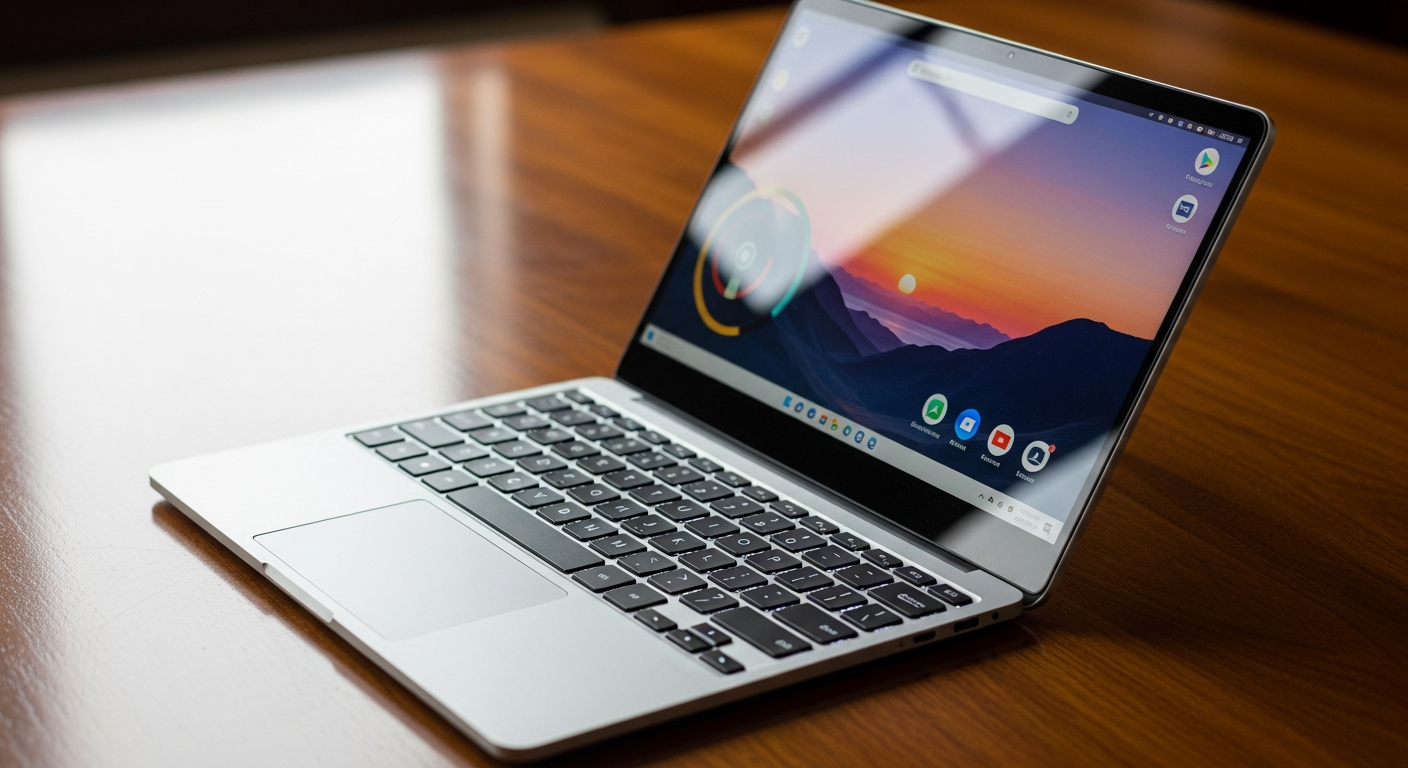
Deciding between a Chromebook and a traditional laptop can be tricky, especially with so many options available. This guide will help you understand the differences in simple terms, so you can choose the best device for your needs.
1. What is a Chromebook?
A Chromebook is a type of laptop that runs on Google's Chrome OS operating system. Instead of traditional software, it primarily uses web-based applications, often called "web apps," and stores most of your files online in the cloud.
Think of it as a computer built around the Google Chrome web browser. It's designed to be fast, secure, and easy to use, especially if you spend a lot of time online or use Google services like Gmail and Google Docs.
2. What can a Chromebook NOT do?
Chromebooks are not designed for heavy-duty tasks like professional video editing, advanced graphic design, or playing the latest high-end video games. They cannot run traditional Windows or macOS software directly.
Also, if you need a lot of local storage for huge files or prefer to work completely offline for extended periods, a Chromebook might feel limiting. They shine brightest when connected to the internet.
3. Is a Chromebook good for school?
Yes, Chromebooks are often an excellent choice for students from elementary school to college. They are typically affordable, lightweight, and have long battery lives, making them easy to carry around campus.
They integrate seamlessly with Google Workspace (Docs, Sheets, Slides), which many schools use. Their simplicity and strong security features also make them easy for students and school IT departments to manage.
Chromebook vs. Laptop for School
4. Can I use Microsoft Office on a Chromebook?
Yes, you can use Microsoft Office on a Chromebook, but not the full desktop versions you might be used to on Windows or Mac. You can access Office apps through their web versions (like Office.com) or by installing the Android versions of Word, Excel, and PowerPoint from the Google Play Store.
These versions offer most common features suitable for everyday tasks. For advanced features, a traditional laptop running Windows or macOS is still necessary.
5. Do Chromebooks get viruses?
Chromebooks are known for their strong security features and are much less prone to traditional viruses than Windows PCs. They have multiple layers of protection built-in, like automatic updates, "sandboxing" (which isolates web pages and apps), and verified boot.
While no system is 100% immune to all threats, Chromebooks are generally considered very secure for everyday use. Always be careful about what you click or download, just like on any computer.
6. How much does a Chromebook cost?
Chromebooks are typically more affordable than traditional laptops. You can find basic models starting around $200-$300, with mid-range options often in the $400-$600 range. More premium Chromebooks with better screens and features can go up to $800 or more.
This lower price point makes them an attractive option for students, families, or anyone needing a secondary computer for light tasks.
7. Can I install regular programs?
No, you cannot install "regular" programs designed for Windows or macOS directly onto a Chromebook. Chromebooks run Chrome OS, which uses different types of software.
Instead, you use web applications through the Chrome browser, Android apps from the Google Play Store, and on some models, Linux applications for more advanced tasks. These cover most common needs, but specific desktop software is not compatible.
Software: Chromebook vs. Laptop
8. Do Chromebooks work offline?
Yes, Chromebooks can work offline for many tasks, but they are designed to be best used with an internet connection. Many Google apps like Docs, Sheets, and Gmail have offline modes that let you create, edit, and read files without Wi-Fi.
Some Android apps also work offline. However, for full functionality, accessing new web content, or syncing your work, you'll need to connect to the internet.
9. How long does a Chromebook last?
The physical lifespan of a Chromebook is similar to a traditional laptop, typically 3-5 years or more, depending on how well you care for it. However, Google provides automatic software updates for a specific period, usually around 8 years from the device's release date.
After this "end of life" date, your Chromebook will still work, but it won't receive new security or feature updates, which can eventually make it less secure or compatible with newer web technologies.
10. Chromebook or laptop — which should I buy?
Choose a Chromebook if you primarily use your computer for browsing the internet, email, streaming videos, social media, and working with cloud-based documents (like Google Docs). They are perfect for students, casual users, or as a secondary device.
Opt for a traditional laptop if you need to run specific desktop programs (like Photoshop, advanced video editors, or specialized gaming software), require a lot of local storage, or prefer to work offline frequently. Laptops offer more power and versatility for demanding tasks.