
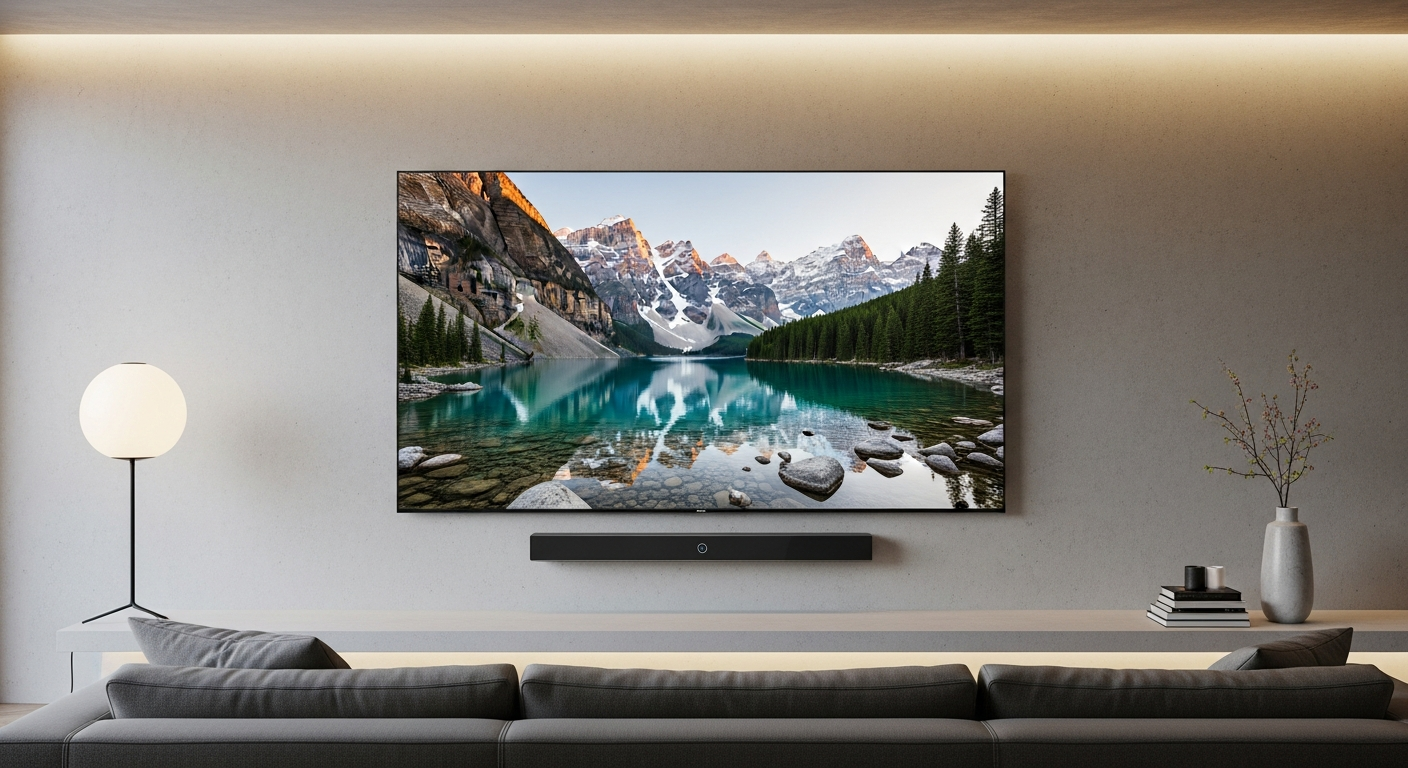
Buying a new TV can feel overwhelming with all the tech talk and different models. Don't worry, we'll break down everything you need to know in simple terms so you can pick the perfect TV for your home.
Big Picture
Your TV Buying Journey
graph TD
A["Set Budget 💰"] --> B["Choose Size 📏"]
B --> C{"Screen Type? (OLED/QLED/LED)"}
C --> D["Check Features (4K, HDR, HDMI) ✅"]
D --> E["Read Reviews ⭐"]
E --> F["Buy TV 🎉"]
1. What TV size should I buy for my room?
The best TV size depends on how far away you sit from the screen. Sitting too close to a very large TV can make the picture look pixelated or strain your eyes. A good rule of thumb is about 1.5 to 2 times the screen size in distance. For example, if you sit about 6-8 feet away, a 55-inch TV is a great choice. If you're 8-10 feet away, consider a 65-inch or even 75-inch TV. Don't be afraid to go a bit bigger than you think; people rarely regret buying a TV that's "too big."2. What is the difference between OLED, QLED, and LED?
These are different ways the TV creates its picture. LED TVs use a backlight behind the screen, like a big flashlight, to illuminate the pixels. QLED (Quantum Dot LED) TVs are similar but add tiny "quantum dots" to the LED backlight, making colors brighter and more vibrant. OLED (Organic Light Emitting Diode) is different. Each tiny pixel on an OLED TV lights itself up individually. This means when a pixel needs to be black, it simply turns off, creating perfect, true black colors and amazing contrast. OLED generally offers the best picture quality, especially in darker rooms, while QLED excels in very bright rooms. LED is the most budget-friendly option.3. Do I need a smart TV?
Almost every new TV sold in 2026 is a smart TV. This means it has built-in apps like Netflix, YouTube, and Disney+ that connect directly to your home internet. Think of it like a smartphone for your living room, letting you stream content without needing extra devices. If you already have a streaming stick like a Roku or Apple TV, you might not use the TV's built-in smart features as much. However, it's convenient to have them ready to go, and many people find the TV's own apps perfectly fine. Compare
TV Screen Technology Overview
graph TD
subgraph "OLED (Best Picture 🖼️)"
OLED_PQ["Perfect Blacks ⚫"]
OLED_BR["Good Brightness ✨"]
OLED_PR["Higher Price 💸"]
style OLED_PQ fill:#d4edda,stroke:#28a745,stroke-width:2px
style OLED_BR fill:#d4edda,stroke:#28a745,stroke-width:2px
style OLED_PR fill:#f8d7da,stroke:#dc3545,stroke-width:2px
end
subgraph "QLED (Bright & Colorful 🌈)"
QLED_PQ["Excellent Colors 🎨"]
QLED_BR["Very Bright ☀️"]
QLED_PR["Mid-Range Price 💰"]
style QLED_PQ fill:#d4edda,stroke:#28a745,stroke-width:2px
style QLED_BR fill:#d4edda,stroke:#28a745,stroke-width:2px
style QLED_PR fill:#fff3cd,stroke:#ffc107,stroke-width:2px
end
subgraph "LED (Budget-Friendly 👍)"
LED_PQ["Good Picture ✅"]
LED_BR["Standard Brightness 🌟"]
LED_PR["Lower Price 💲"]
style LED_PQ fill:#fff3cd,stroke:#ffc107,stroke-width:2px
style LED_BR fill:#fff3cd,stroke:#ffc107,stroke-width:2px
style LED_PR fill:#d4edda,stroke:#28a745,stroke-width:2px
end
4. How much should I spend on a TV?
TV prices vary widely based on size and features. For a decent 55-inch 4K smart TV, you can expect to spend anywhere from $400 to $800. Moving up to a 65-inch with better picture quality (like QLED) might cost $800 to $1500. Premium OLED TVs, especially in larger sizes, can start at $1500 and go much higher. Decide on your budget first, then look for the best TV within that price range. Don't feel pressured to buy the most expensive model if you won't use all its advanced features.5. Is 4K worth it or should I wait for 8K?
Yes, 4K (also called Ultra HD) is absolutely worth it and is the standard for new TVs in 2026. It offers four times the detail of older Full HD TVs, making pictures much sharper and clearer. Most streaming services, Blu-ray movies, and game consoles now offer 4K content. 8K TVs have even more pixels, but there's very little 8K content available right now. For most people, the difference between 4K and 8K is hard to see unless you have a huge TV and sit very close. 4K offers the best value and content availability today.6. What is HDR and does it matter?
HDR stands for High Dynamic Range. It's a technology that makes the bright parts of the picture much brighter and the dark parts much darker, showing more detail in both areas. Think of it like seeing a photo with richer colors and more depth, closer to how your eyes see the real world. Yes, HDR matters a lot! It can make a bigger visual difference than just having more pixels (like 4K vs. 8K). Look for TVs that support HDR10+ or Dolby Vision for the best experience, especially if you watch a lot of movies or play video games.7. How many HDMI ports do I need?
HDMI ports are where you plug in all your external devices, like a cable box, streaming stick (Roku, Fire TV), game console (PlayStation, Xbox), or a soundbar. It's like the USB port for your TV. Most people find 3 to 4 HDMI ports to be enough. Count how many devices you plan to connect. It's always better to have one extra port than not enough. If you run out, you'll need to buy an HDMI switch, which can be a bit clunky. Decide
How Many HDMI Ports?
graph TD
A{"Do you have many devices to connect? 🤔"} -->|Yes| B["Count your devices:"]
A -->|No| C["2-3 HDMI Ports should be fine 👍"]
B --> D["Game Console 🎮"]
B --> E["Streaming Stick 🎬"]
B --> F["Soundbar 🔊"]
B --> G["Cable Box/Receiver 📺"]
D & E & F & G --> H["Aim for 4+ HDMI Ports ✅"]