
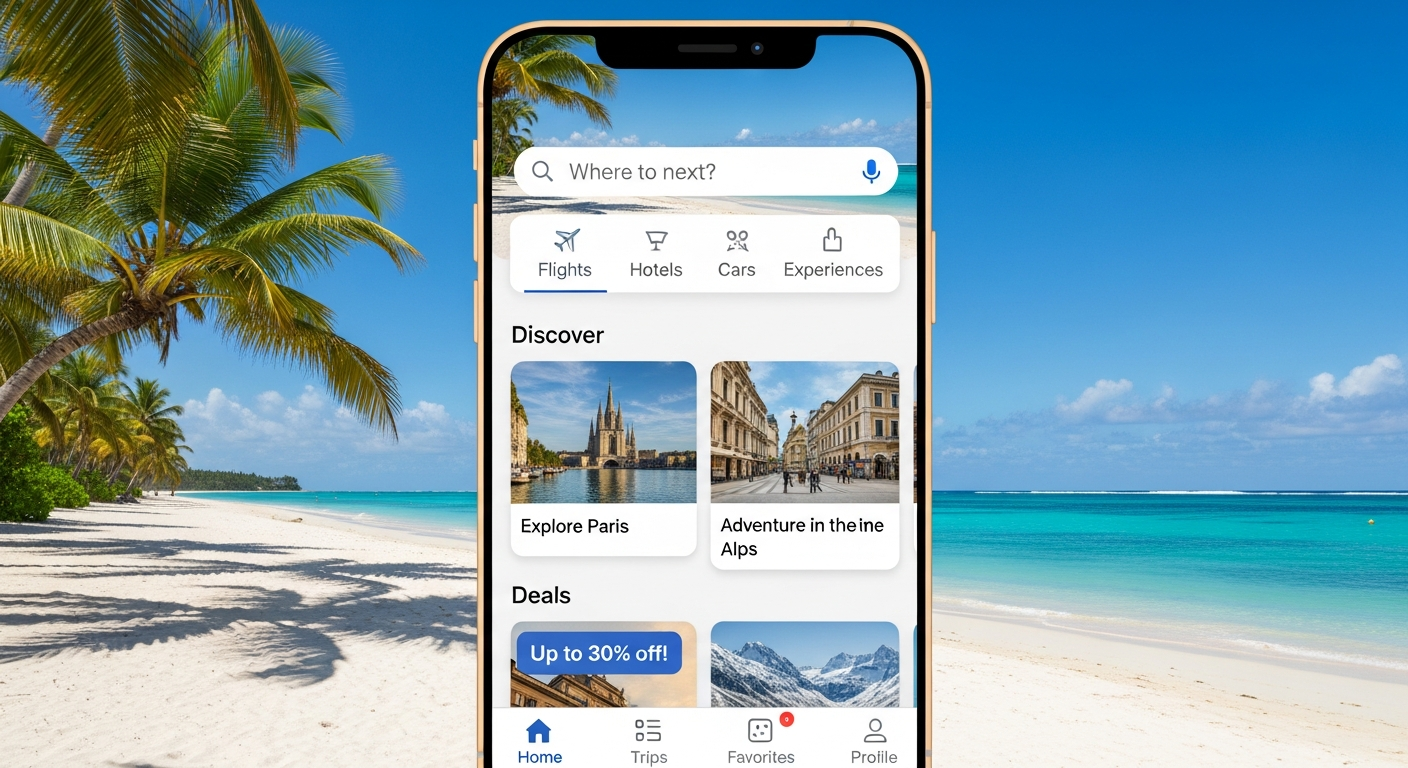
Planning a trip can feel overwhelming, especially if you're new to it. Travel apps are like having a personal assistant in your pocket, making your adventures smoother and more fun.
1. What are travel apps?
Travel apps are special programs you install on your smartphone or tablet. They help you with different parts of your trip, like finding flights, booking hotels, navigating new places, or even translating languages. Think of them as digital tools designed to make travel easier.
2. Why should I use travel apps?
Travel apps save you time and stress. They can help you find better deals, keep all your bookings organized in one place, and guide you through unfamiliar cities. Instead of carrying maps or guidebooks, everything you need is right on your phone.
3. How do I download a travel app?
You download apps from your phone's app store. If you have an iPhone, it's the "App Store"; for Android phones, it's the "Google Play Store." Just open the store, search for the app you want, and tap "Install" or "Get."
Downloading an App: Simple Steps
Open App Store / Google Play
Search for the App
Tap 'Install' or 'Get'
App Appears on Your Phone
4. Are travel apps free?
Many popular travel apps are free to download and use for basic features. Some might offer "premium" features or an ad-free experience if you pay a small fee. Always check the app description to see if there are any costs involved before downloading.
5. Do travel apps use a lot of data?
It depends on the app and how you use it. Apps that constantly update maps, search for deals, or stream content can use more data. To save data, use Wi-Fi whenever possible, and look for apps that allow you to download information for offline use.
6. Can I use travel apps offline?
Yes, many travel apps offer offline features, which is great for saving data or when you don't have internet access. For example, some map apps let you download entire city maps beforehand. Always check an app's settings or description for offline capabilities.
7. How do I find the best travel app for my trip?
Think about what you need most: flights, hotels, navigation, or language help? Read reviews in the app store and ask friends for recommendations. Start with well-known apps that cover the basics, like Google Maps for directions or Expedia for bookings.
Online vs. Offline Apps
Online Apps
- Real-time updates
- Live traffic/transit info
- Broader search results
- Requires internet connection
Offline Apps
- No data usage
- Works without Wi-Fi/cellular
- Pre-downloaded content
- Content might not be latest
8. What kind of information do travel apps provide?
Travel apps offer a wide range of info. You can find flight times, hotel addresses, restaurant reviews, public transport routes, local attractions, and even currency exchange rates. Some apps also provide safety tips, local customs, and emergency contact numbers.
9. Are travel apps safe to use?
Most reputable travel apps are safe. Always download from official app stores to avoid fake versions. Be cautious about sharing too much personal information. Read the app's privacy policy, and only grant permissions (like location access) that make sense for the app's function.
10. How do I update a travel app?
Updates usually happen through your phone's app store. Open the App Store or Google Play Store, go to your "Updates" or "My Apps" section, and tap "Update" next to the app. Keeping apps updated ensures you have the latest features and security improvements.