
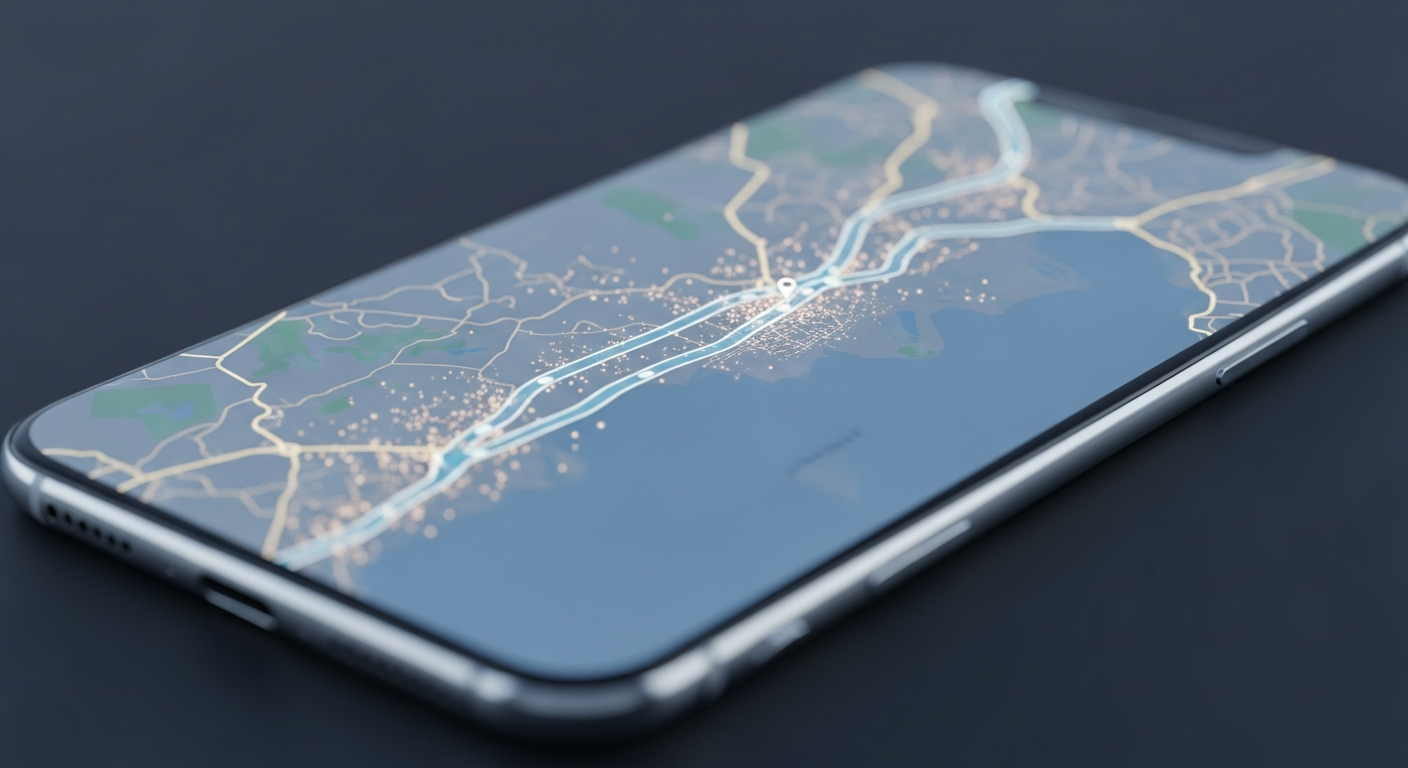
Planning a trip can feel overwhelming, especially if you're new to using technology for travel. Travel apps are like digital helpers that make your journeys smoother and more enjoyable.
1. What is a travel app?
A travel app is a special program you install on your smartphone or tablet. It helps you with different parts of your trip, like finding flights, booking hotels, navigating new places, or discovering restaurants. Think of it as having a travel agent, map, and guide all in one device.
2. How do I download my first travel app?
To download an app, you'll use your phone's "app store." For iPhones, it's the Apple App Store; for Android phones, it's the Google Play Store. Open the store, search for the app you want (e.g., "Google Maps"), and then tap the "Install" or "Get" button. Make sure you're connected to Wi-Fi to save mobile data.
3. Which travel apps are essential for a beginner?
For beginners, focus on apps for navigation, communication, and basic bookings. Google Maps is crucial for directions. WhatsApp or a similar messaging app helps you stay in touch. For bookings, try a popular app like Booking.com or Airbnb for accommodations, or a major airline's app for flights.
Google Maps
- Directions (walking, driving, public transport)
- Find nearby restaurants, shops, attractions
- Offline maps available
- Real-time traffic updates
Booking.com / Airbnb
- Find and book hotels, apartments, hostels
- Read reviews from other travelers
- Compare prices easily
- Manage reservations in one place
4. Are travel apps free to use?
Many essential travel apps are free to download and use for their basic features. For example, Google Maps is completely free. Some apps might offer "premium" features or remove ads if you pay a small fee, but these are usually optional. Always check the app's description for any costs before downloading.
5. How do I create an account in a travel app?
When you open an app that requires an account, it will usually prompt you to "Sign Up" or "Create Account." You'll typically need to provide an email address and create a password. Some apps let you sign up quickly using your Google or Apple account, which can be very convenient and saves you from remembering another password.
6. What kind of information do travel apps ask for?
Basic apps might only need your email. Booking apps will ask for your name, contact details, and payment information (like a credit card) when you make a reservation. Some apps might ask for your location to give you relevant nearby suggestions. Always check an app's privacy policy if you're concerned about your data.
7. Can travel apps help me plan my trip?
Absolutely! Many apps are designed specifically for trip planning. They can help you organize your itinerary, store flight and hotel details, suggest activities, and even track your expenses. Apps like TripIt or Google Travel can consolidate all your bookings and plans into one easy-to-read schedule.
Simple Trip Planning Flow
8. How do I use a travel app to book something?
Once you've found what you want to book (like a hotel room or flight), the app will have a "Book Now" or "Reserve" button. You'll then enter your personal details, review the booking summary, and provide payment information. Always double-check dates, times, and prices before confirming your purchase.
9. What are common features in travel apps?
Common features include search filters to narrow down options, user reviews and ratings, photo galleries, interactive maps, and secure payment processing. Many apps also offer push notifications for flight updates or booking reminders. Some even have offline access for maps or itineraries, which is great when you don't have internet.
10. How do I update a travel app?
Apps are updated regularly to fix problems, add new features, or improve security. To update, go back to your phone's app store (Apple App Store or Google Play Store). Look for an "Updates" section or search for the specific app. If an update is available, you'll see an "Update" button. It's a good idea to update apps regularly, especially before a trip.