
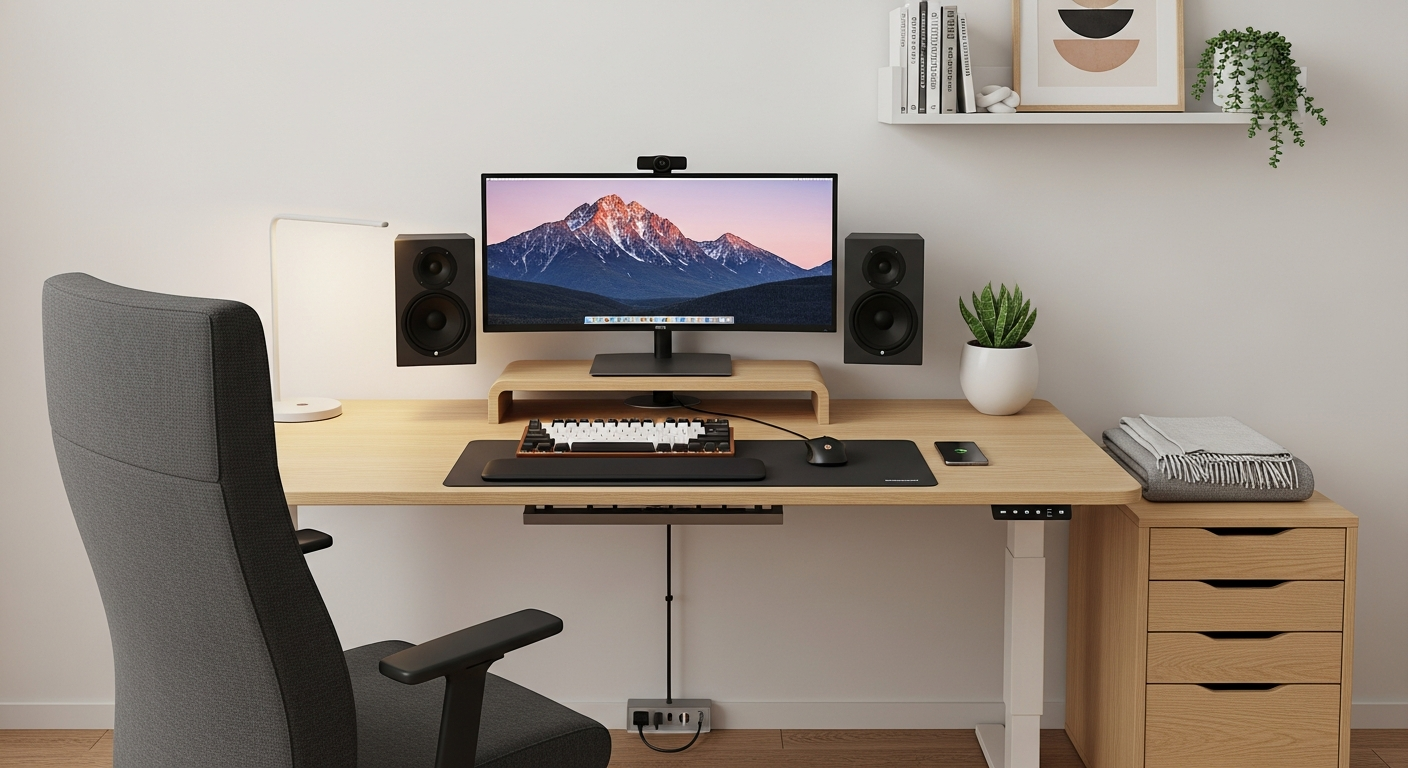
Starting your remote work journey means setting up a reliable home office. Don't worry if tech feels overwhelming; this guide will walk you through the essential gear you need to succeed.
1. Which type of laptop is best for remote work?
For remote work, a laptop with at least 8GB of RAM (memory) and a 256GB SSD (solid-state drive) is ideal. RAM helps your computer run multiple programs smoothly, while an SSD makes your laptop start up and load files much faster than older hard drives. Look for something reliable and portable enough if you ever need to work from a different location.
2. Do I really need an external monitor?
While not strictly essential, an external monitor significantly boosts productivity. It gives you much more screen space to work with, allowing you to view multiple documents or applications side-by-side without constantly switching tabs. This also encourages better posture, as you can position a larger screen at eye level.
3. What kind of headphones are good for online meetings?
Good headphones with a clear microphone are crucial for online meetings. They ensure you can hear others clearly and, more importantly, that others can hear you without background noise. Look for options with noise-cancelling features if you work in a busy environment, or simply a comfortable pair with an integrated mic for clear communication.
Noise-Cancelling Over-Ear Headphones
- Blocks out distractions effectively.
- Superior sound quality for calls and music.
- Comfortable for long periods.
Earbuds with Integrated Mic
- Highly portable and discreet.
- Often more affordable.
- Good for quick calls or travel.
4. Is a webcam necessary if my laptop has one built-in?
While your laptop has a built-in webcam, an external one often offers much better video quality, especially in low light. A dedicated webcam can improve your professional appearance in video calls, making you look clearer and more presentable. It also allows for better camera angles, as you can position it independently of your laptop screen.
5. How important is a good keyboard and mouse?
A comfortable keyboard and mouse are very important for long-term remote work. Using your laptop's built-in keyboard and trackpad for hours can lead to wrist strain and discomfort. An external keyboard and mouse improve ergonomics, helping you maintain a natural posture and preventing repetitive strain injuries. Wireless options also help keep your workspace tidy.
6. What's a reliable printer for a home office?
For most remote workers, a basic all-in-one inkjet printer is sufficient. These printers can print, scan, and copy, handling occasional documents and forms. If you print a lot of black-and-white documents, a laser printer might be more cost-effective in the long run. Look for one with Wi-Fi connectivity for easy setup and use.
7. How can I improve my Wi-Fi signal at home?
A strong Wi-Fi signal is critical for remote work. First, place your router in a central, open location. If your home is large or has thick walls, consider a Wi-Fi extender or a mesh Wi-Fi system. An extender boosts your existing signal, while a mesh system creates a network of multiple access points for seamless coverage throughout your home.
Boost Your Home Wi-Fi Signal
1. Optimal Router Placement
Place your Wi-Fi router in a central, open area, away from obstructions and other electronics.
2. Use Wi-Fi Extenders or Mesh Systems
For larger homes, an extender boosts signal, or a mesh system provides seamless coverage across multiple devices.
3. Update Router Firmware
Regularly update your router's software (firmware) for better performance and security.
4. Consider Ethernet for Key Devices
Connect your work laptop directly to the router with an Ethernet cable for the most stable and fastest connection.
8. Are power strips with surge protection important?
Yes, power strips with surge protection are very important. They protect your valuable electronics, like your laptop and monitor, from sudden spikes in electrical power. These surges can be caused by lightning strikes or issues with your home's electrical grid, potentially damaging or destroying your devices. Always choose a surge protector, not just a basic power strip.
9. What software tools are essential for remote work?
Essential software includes communication tools like Zoom or Microsoft Teams for video calls and chat. Productivity suites such as Microsoft 365 or Google Workspace offer word processing, spreadsheets, and presentation tools. For project management, simple tools like Trello or Asana can help you organize tasks and collaborate with your team effectively.
10. How do I back up my work remotely?
Regularly backing up your work is crucial. The easiest way for remote work is using cloud storage services like Google Drive, Dropbox, or Microsoft OneDrive. These services automatically sync your files online, so they're safe even if your computer breaks. For an extra layer of security, you can also use an external hard drive to keep a local copy of your most important files.